AI Clip Design Templates: The Ultimate Buyer’s Guide for 2024
Discover AI clip design templates and revolutionize your video editing in 2024 with these pre-built, intelligent solutions saving time and boosting ROI.

Estimated reading time: 8 minutes
Key Takeaways
- Automation: AI templates cut production time from weeks to hours by generating short clips automatically.
- Dynamic vs. Static: Machine-learning–driven designs adapt tone, theme, and branding on the fly.
- Core Features: Scene detection, viral scoring, and dynamic placeholders power personalized short-form content.
- Cost & Scale: Subscription models enable 95% cost reduction and multi-platform repurposing at scale.
- Selection Tips: Evaluate volume needs, integration, output quality, and budget before purchase.
Table of Contents
- Introduction
- Understanding AI Clip Design Templates
- Benefits & Features of AI Clip Design Templates
- Overarching Advantages
- How to Choose the Right AI Clip Design Templates
- Where to Buy AI Clip Design Templates
- Conclusion
- FAQ
Introduction
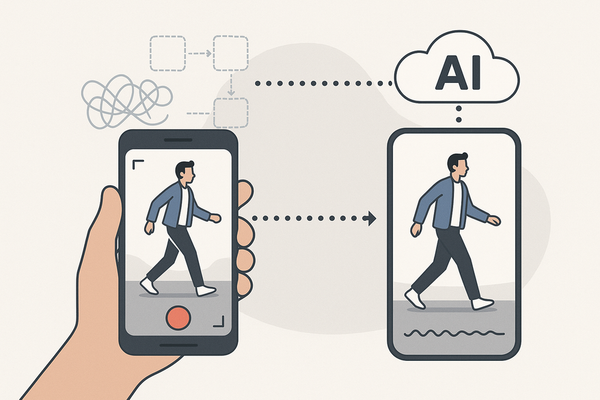
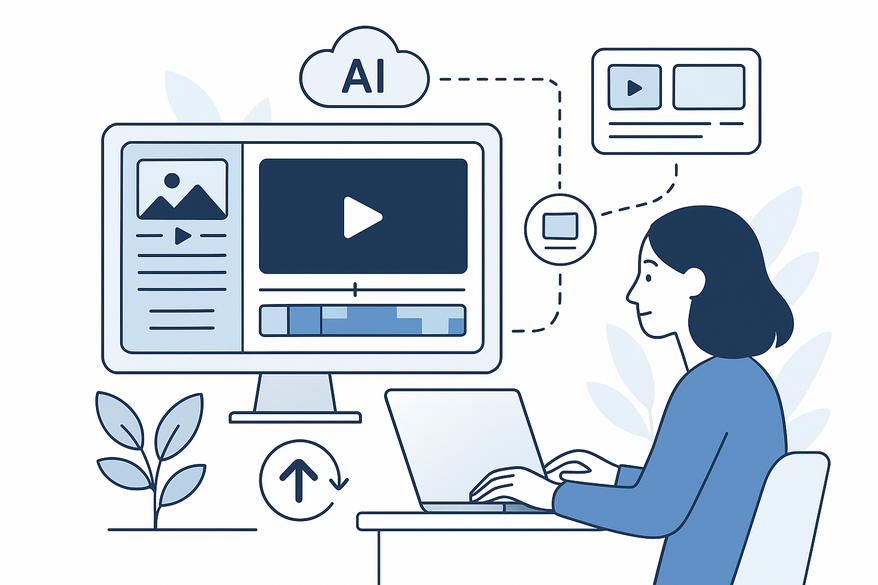
AI clip design templates are pre-built, AI-powered frameworks that automate short-clip creation from longer footage, slashing production time from weeks to hours. These game-changer tools leverage machine learning for automatic clip generation, scene detection, and platform-specific styling—fueling a video editing revolution.

Many creators turn to Vidulk - AI Video Clipping App for on-the-go AI-powered clip generation, cutting down editing time with intuitive templates and batch processing.
Understanding AI Clip Design Templates
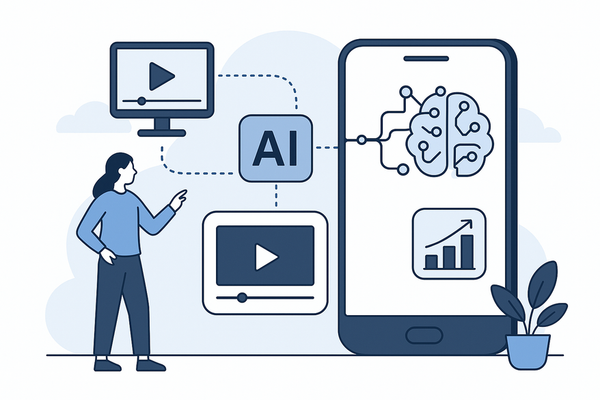
These technical solutions use machine-learning models to analyze long-form videos, identify key moments (dialogue peaks, high-action sequences), and generate multiple short clips with audio sync, noise reduction, and consistent styling—enabling marketing teams to produce TikTok, Reels, and Shorts in minutes.
- Automatic clip generation: AI scans footage, tags highlights, and outputs 10+ ready clips. (Source)
- 50+ ready templates: Prebuilt designs handle intros, outros, and transitions. (Source)
Dynamic adaptation vs. static templates
- Static: Fixed layouts require manual edits for each video.
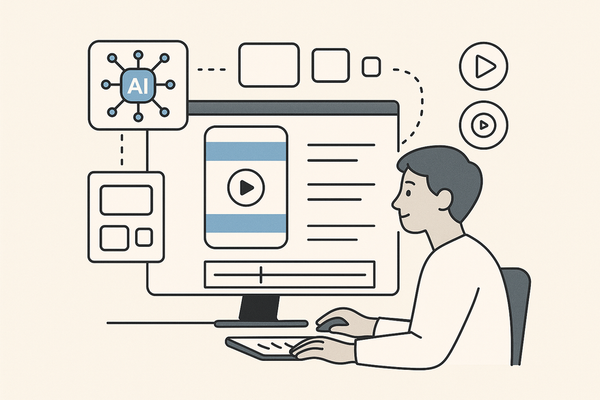
- Dynamic: Engines adapt tone, theme, and script inputs to generate personalized visuals and voiceovers on the fly.
Core AI capabilities
- Scene detection – Auto-tagging of action or talking-head segments
- Viral scoring – Predicts social performance based on past data
- Dynamic placeholders – Auto-insert brand names, CTAs, and user data for personalization
These features reduce manual work, letting creators focus on strategy instead of frame-by-frame edits.
Benefits & Features of AI Clip Design Templates
Evaluate these key feature categories before purchasing:
1. Automatic Clip Generation
Description: AI scans full videos to extract 10+ engaging clips instantly.
Benefit: Cuts manual editing by up to 75%.
Sources:
2. Intelligent Recognition & Viral Scoring
Description: Scene detection with audio sync and performance prediction.
Benefit: Engagement 200–300% higher than generic clips.
Sources:
3. Customization & Personalization
Description: Dynamic placeholders adapt to company names, pain points, and audience data.
Benefit: Scale 10–20× variants at 95% lower cost ($100–1K vs. $10K–50K).
Sources:
4. Branding & Quality Tools
Description: Auto-subtitles, video stabilization, graphic overlays, and consistent branding.
Benefit: Professional consistency without advanced editing skills.
Sources:
Overarching Advantages
- Ease of use: Intuitive UIs and one-click exports democratize video editing.
- Cost-effectiveness: Subscription pricing beats hiring full-time editors or agencies.
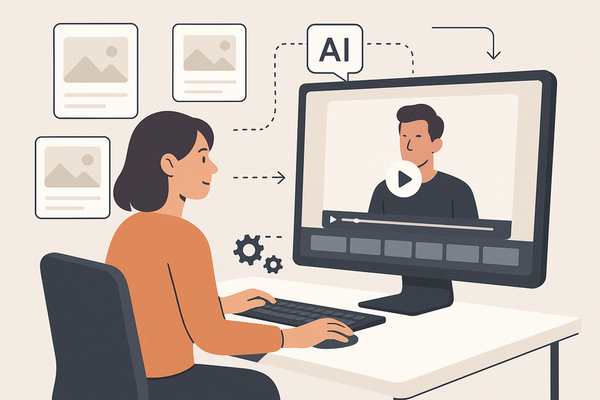
- Multi-platform repurposing: Create TikTok, Instagram Reels, YouTube Shorts variants from a single source. For a deep dive on AI video repurposing strategies.
Statistic: AI templates increase marketing ROI by 82%. (Source)
How to Choose the Right AI Clip Design Templates
Assess your project needs before selecting any AI clip design templates:
- Volume of clips required per week or month
- Target platforms (Instagram Reels, TikTok, YouTube Shorts)
- Desired level of customization and dynamic personalization
- Budget range (subscription vs. one-time purchase)
See our guide on AI clip editors for workflow integration.
Evaluation Criteria
- AI Adaptability – Dynamic vs. static templates. Ask: “Does it adapt tone and script in real time?”
- Integration – Compatibility with editing suites (e.g., Runway ML video expand modes).
- Output Quality – Check resolution options, watermark removal, and branding controls.
- Scalability – Ability to personalize hundreds of clips at once.
Where to Buy AI Clip Design Templates
- CapCut AI Video Maker
Model: 50+ dynamic templates for social clips
Pricing: Free tier; Pro subscriptions start at $9.99/month
Source - OpusClip / Opus.pro
Model: Intelligent clip extraction with viral scoring
Pricing: Marketing plans from $29/month; enterprise available
Source - MindStudio
Model: Marketing-focused AI templates with personalization
Pricing: Free trial; output tiers $100–1K
Source - Simplified, AICut.pro, D-ID
Model: Affordable generators with prebuilt templates
Pricing: $10–50/month or $20–100 one-time fees - Runway ML
Model: Advanced video generation and enhancement tools
Pricing: Subscription plans for professionals
Source
Conclusion
AI clip design templates deliver transformative speed, cost savings, and scalable personalization—95% cost reduction, 75% time savings, and an 82% ROI boost. They democratize video editing by automating clip creation, scene detection, and branding, freeing teams to focus on strategy and creativity.
Invest in AI clip design templates now to accelerate productivity and maximize ROI.
FAQ
- What are AI clip design templates?
Pre-built, AI-powered frameworks that automatically generate short video clips from longer footage. - How much time can I save?
Tools can cut editing time by up to 75%, turning weeks of work into hours. - Can I customize the output?
Yes, dynamic placeholders and branding tools allow deep personalization at scale. - Which platforms are supported?
Most solutions generate content optimized for TikTok, Instagram Reels, YouTube Shorts, and more.