How to Use Fake Chat Videos for Ecommerce to Boost Engagement
Learn how fake chat videos for ecommerce can boost engagement, enhance storytelling, and build brand credibility through familiar chat interfaces.

Estimated reading time: 8 minutes
Key Takeaways
- Simulated interactions in chat-style videos boost engagement and storytelling.
- UI familiarity with apps like WhatsApp and iMessage increases viewer comfort.
- Step-by-step process: scriptwriting, interface selection, customization, alignment.
- Transparency & ethics are essential for brand credibility.
- Tools exist to streamline creation, from AI templates to mobile apps.
Table of Contents
- What Are Fake Chat Videos?
- The Role of Fake Chat Videos in Ecommerce
- How to Create Effective Fake Chat Videos for Ecommerce
- Best Practices and Ethical Considerations
- Case Studies / Examples
- Tools and Resources
- Conclusion
- FAQ
What Are Fake Chat Videos?
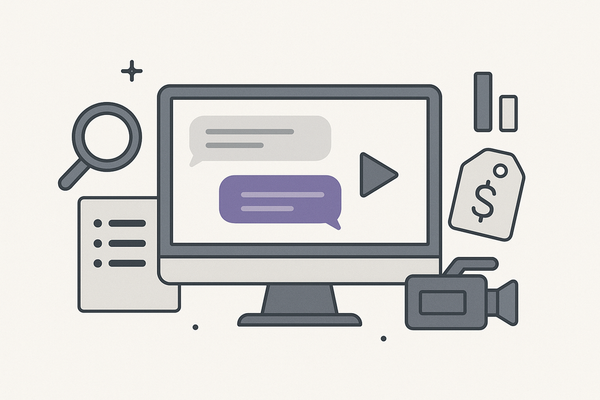
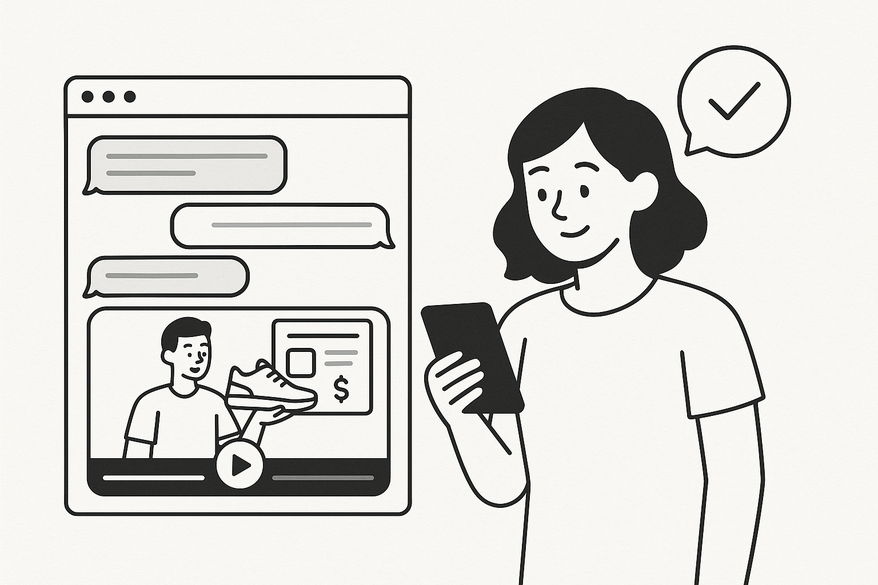
Fake chat videos are digital simulations of messaging conversations styled after popular apps. They blend familiar UI elements—avatars, chat bubbles, typing indicators—to craft engaging narratives that highlight product features, answer FAQs, or showcase testimonials.
- Styled like WhatsApp, iMessage, or Messenger
- Scripted dialogue with realistic timestamps
- Avatars and typing indicators for immersion
- Short, snackable format (15–60 seconds)
The Role of Fake Chat Videos in Ecommerce
By simulating real customer-brand chats, these videos feel conversational and interactive. You can...
- Launch products: proactively address FAQs (launch guide).
- Run promotions: create urgency through chat dialogues.
- Visualize support: demonstrate helpful responses to reduce buyer hesitation.
- Recover carts: simulate follow-up messages to remind shoppers.
- Upsell: recommend complementary items via chat.
Data-backed benefits: Familiar chat-format ads can increase click-through rates by up to 60% (fake chat video common issues), while scripted social proof builds trust.
How to Create Effective Fake Chat Videos for Ecommerce
- Scriptwriting
- Identify pain points and craft concise messages.
- Add real-world details and subtle typos for authenticity.
- Interface Selection
- Choose templates mimicking top messaging apps.
- Match fonts, colors, and bubble styles.
- Visual Customization
- Use branded avatars and color palettes.
- Add context backgrounds sparingly.
- Brand Messaging
- Weave in product benefits and clear CTAs.
- Marketing Alignment
- Align length and tone with campaign goals.
- Sequence videos as a funnel: teaser, tutorial, testimonial.
Tips: Maintain an authentic tone, realistic timing (1–2s delays), and mobile-first design. Always include a “Simulated conversation” notice to ensure transparency.
Best Practices and Ethical Considerations
Balancing creativity with ethics preserves trust:
- Use professional, high-quality templates.
- Disclose staged content via watermark or on-screen note.
- Avoid impersonating real customers without consent.
- Respect privacy laws (GDPR, CCPA) when using any user data.
Case Studies / Examples
Cosmetics Brand Backlash
Context: A brand launched a “real” chat without disclaimers. Viewers felt deceived.
- 45% initial CTR boost but social media backlash.
- Trust declined; growth stalled for two months.
- Top takeaway: always label as simulated.
Flash Sale FOMO (Hypothetical)
Context: An electronics retailer simulates shopper chat during a 24-hour sale.
- 30% lift in conversions vs. banners.
- Immediate action driven by FOMO language.
- Balance hype with transparent intent.
Tools and Resources
- Crayo AI: AI-driven chat simulation with custom avatars.
- Vidulk: Drag-and-drop templates (fake chat video common issues).
- CapCut Texting Video Maker: Mobile app for quick edits.
- prank.sh: Mock chats for rapid prototyping.
- Kapwing: Web-based editor with community templates.
For a full comparison of tools, see the best fake chat video maker guide.
Conclusion
Fake chat videos harness familiar UI patterns and scripted narratives to boost engagement, showcase products, and reduce support friction. By following clear creation steps—scriptwriting, interface selection, and ethical disclosure—you can craft mobile-first simulations that resonate with audiences and drive conversions.
FAQ
- Are fake chat videos ethical? They are when you disclose simulated content and avoid misrepresentation.
- How long should these videos be? Aim for 15–60 seconds to maintain viewer attention on mobile.
- Which tool is best? Choose based on your workflow—AI templates (Crayo AI), drag-and-drop (Vidulk), or mobile-first (CapCut).