AI Video Analytics for Clips: Unlocking Automatic Insights and Performance Tracking
Discover how AI video analytics for clips transforms workflows with automatic insights, performance tracking, and engagement metrics, enhancing video strategies.

Estimated reading time: 8 minutes
Key Takeaways
- Automatic clip analytics transforms raw video footage into searchable metadata without manual intervention.
- Core AI processes include speech-to-text, object recognition, and sentiment analysis.
- Real-time insights and performance tracking boost engagement and content strategy optimization.
- Implementation requires cloud provisioning, API integration, and workflow automation.
- Future trends point to multimodal models, low-latency summarization, and scalable multi-stream analysis.
Table of Contents
- Section 1: What Is AI Video Analytics for Clips?
- Section 2: How AI Automates Video Content Analysis
- Section 3: Benefits and Features of AI Video Analytics
- Section 4: In-Depth Clip Performance Tracking AI
- Section 5: Understanding AI Engagement Metrics for Video Clips
- Section 6: Implementation and Practical Considerations
- Section 7: Future Trends in AI Video Analytics
- Conclusion
Section 1: What Is AI Video Analytics for Clips?
AI video analytics for clips refers to software that parses short video segments to extract:
- Timestamps of key events
- Highlight reels or thumbnails
- Speech transcripts with speaker labels
- Engagement data such as view counts and drop-off points
Instead of manual tagging, machine vision and natural language processing handle transcription, object recognition, and emotional scoring. Examples of automatic clip analytics tools include:
- Azure AI Video Indexer: Indexes videos for topics, faces, and sentiment via REST APIs.
- NVIDIA Video Search & Summarization (VSS) Blueprint: Uses GPU-accelerated vision and NLP agents.
Section 2: How AI Automates Video Content Analysis
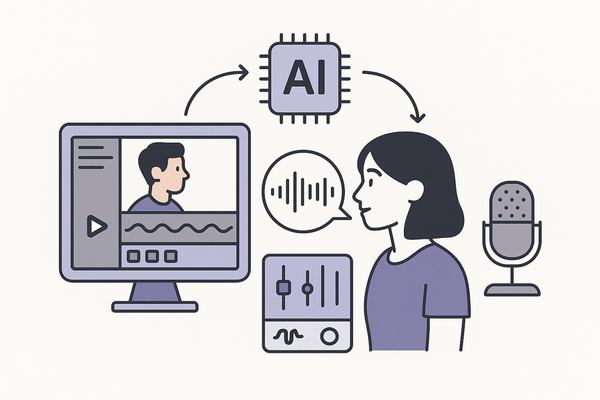
Automatic clip analytics tools rely on three core AI processes:
- Speech-to-text and speaker identification
- Converts dialogue into time-coded transcripts.
- Distinguishes multiple speakers for interviews and meetings.
- Object and scene recognition
- Detects objects (cars, products) and scenes (outdoors, offices).
- Tags clips with searchable labels.
- Sentiment and emotion detection
- Scores speech tone and facial expressions.
- Flags emotional peaks for marketing highlights or compliance reviews.
For more on clip detection techniques.
Section 3: Benefits and Features of AI Video Analytics
- Efficiency
- Real-time processing of multiple streams eliminates manual review bottlenecks.
- GPU acceleration and cloud autoscaling handle peak workloads.
- Real-time insights
- Instant metadata extraction (people, objects, sentiment) for rapid decisions.
- Live dashboards that update as new clips arrive.
- Improved content strategies
- High-engagement segments guide future editing and ad placement.
- Data-driven editing boosts watch time and click-through rates.
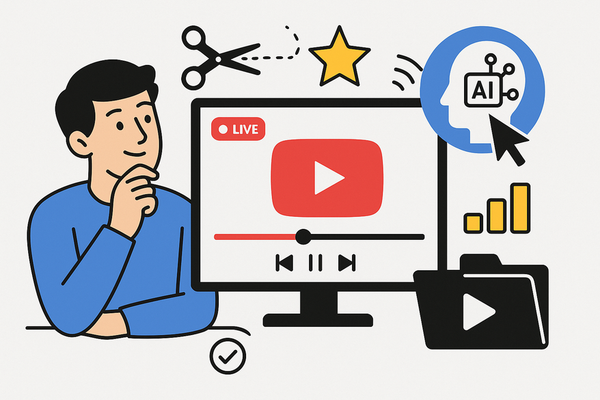
Key feature: auto-generates video summaries based on top topics and speakers, emotional highlights, and Q&A snippets via natural-language queries. See the underlying mechanics.
Section 4: In-Depth Clip Performance Tracking AI
Clip performance tracking AI measures success through quantitative metrics:
- View completion rates: Percentage of viewers who watch clips to the end.
- Highlight detection: Auto-clips the most-watched segments for sharing or ads.
- Anomaly detection: Flags unusual viewer behavior and triggers alerts.
Section 5: Understanding AI Engagement Metrics for Video Clips
- Viewership counts: Uses object and people detection to measure audience presence.
- Watch time: Aggregated via timestamps and auto-summaries.
- Sentiment analysis: Emotion scoring from speech tone and facial expressions.
- Topic relevance: Tracks which topics hold attention and repeat viewings.
Marketers auto-create high-retention segments, trim low-engagement openings, and personalize feeds based on emotional peaks.
Section 6: Implementation and Practical Considerations
To deploy an automatic clip analytics tool, follow these steps:
- Provision a cloud service account
- Choose Azure AI Video Indexer or Google Cloud Video Intelligence.
- Upload clips and configure API calls
- Support batch or streaming mode.
- Set up transcription, object indexing, and RAG queries.
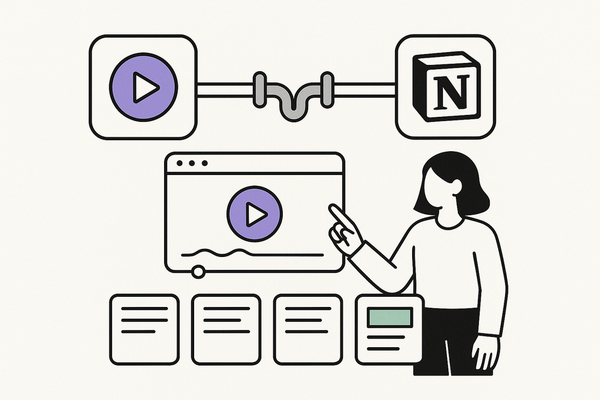
- Integrate with workflows
- Connect outputs to chatbots, SharePoint, or custom dashboards.
For light-touch analytics and automatic highlight clipping, Vidulk - AI Video Clipping App offers an intuitive on-device solution.
Technical requirements: Cloud credentials, minimal ML expertise, and queuing for high volumes.
Common challenges and mitigation:
- Data bias: Mitigation: use multimodal models combining NLP and computer vision. Source: XenonStack AI-powered video analytics
- High throughput: Mitigation: implement queuing and autoscaling pipelines.
Section 7: Future Trends in AI Video Analytics
- Multi-stream scaling: Simultaneous analysis of dozens of camera feeds.
- Customizable pipelines: Plug-and-play modules for face recognition or object tracking.
- Low-latency RAG summarization: Instant Q&A and summaries for live events.
Emerging multimodal models—CLIP and graph neural networks—enable deeper behavioral insights. By 2026, expect zero-shot event detection and dynamic graph analytics for personalized recommendations.
Conclusion
AI video analytics for clips transforms how organizations extract value from video content. By leveraging tools such as Azure AI Video Indexer or NVIDIA’s VSS blueprint, you can:
- Boost efficiency with real-time processing
- Gain deeper insights via automated transcripts, highlights, and sentiment scores
- Optimize content strategies through performance tracking and engagement metrics
Ready to unlock automatic insights? Trial Azure AI Video Indexer or explore NVIDIA’s Video Search & Summarization blueprint today. Contact our team for demos and integration support.
FAQ
- What is an automatic clip analytics tool?
A software solution that uses AI to parse video segments, extracting transcripts, timestamps, and engagement metrics without manual review. - How accurate is AI video analytics?
Accuracy varies by model and quality of footage, but advanced services achieve over 90% transcription and object detection accuracy. - Which platforms support these tools?
Leading platforms include Azure AI Video Indexer, Google Cloud Video Intelligence, and NVIDIA VSS Blueprint. - How do I integrate analytics into my workflow?
Provision a cloud account, configure API calls, and connect outputs to dashboards or content management systems.