AI Hashtag Suggestions for Video Clips: Unlock Engagement & Reach
Discover how AI hashtag suggestions for video clips, auto-generate captions, and best hashtags for reels AI boost discoverability and engagement.

Estimated reading time: 8 minutes
Key Takeaways
- Data-driven tagging: AI reveals the most impactful hashtags to boost reach.
- Caption automation: Auto-generated captions improve accessibility and engagement.
- Tiered strategy: Balance broad, mid-tier, and niche tags for maximum exposure.
- Workflow efficiency: Save hours of manual research with AI-powered tools.
- All-in-one apps: Platforms like Vidulk unify clipping, tagging, and captioning seamlessly.
Table of Contents
- Introduction
- Understanding AI Hashtag Suggestions
- In-Depth Look at AI Hashtag Suggestions
- Auto Generate Captions
- Best Hashtags for Reels AI
- Social Media Clip Caption AI
- Practical Tips and Case Studies
- Vidulk in Context
- Conclusion
- Additional Resources
Introduction
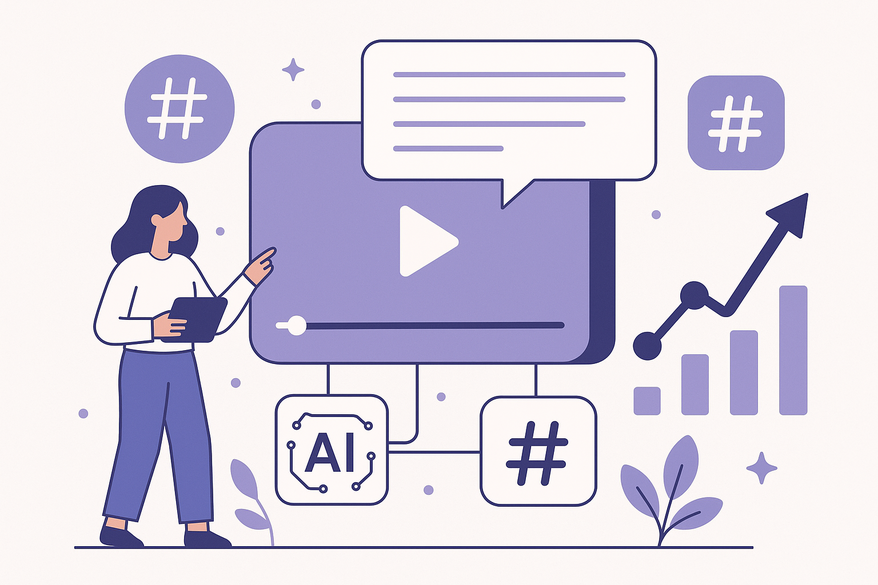
AI hashtag suggestions for video clips leverage artificial intelligence to analyze your content—whether it’s a TikTok, Instagram Reel, or YouTube Short—and recommend contextually relevant hashtags and captions. This approach saves hours of manual research, aligns your clips to trending topics, and amplifies engagement across platforms.

Understanding AI Hashtag Suggestions for Video Clips
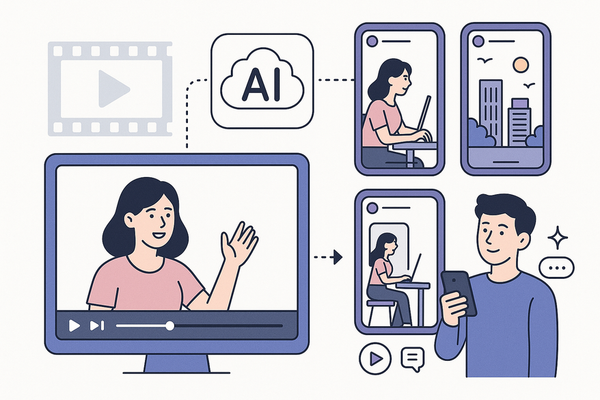
AI-driven generators ingest inputs like video files, transcripts, scripts, or thumbnails and output optimized hashtags and captions. Here’s how:
- Natural Language Processing (NLP) and computer vision analyze audio, text, and visuals.
- The AI extracts themes, keywords, and visual cues.
- It matches these elements to algorithm-friendly tags and captions.
- You receive a tailored set of hashtags and caption text ready for posting.
Benefits: Eliminate guesswork, gain discoverability insights, and reclaim valuable time.
In-Depth Look at AI Hashtag Suggestions for Video Clips
An effective tagging strategy balances three tiers:
- Broad tags: High-volume, high-competition (e.g., #ViralVideos, #AI).
- Mid-tier tags: Moderate volume, targeted audiences (e.g., #ShortFormTips).
- Niche tags: Specific communities, low volume (e.g., #AIContentTools).
AI Workflow:
- Upload a clip or paste its URL.
- AI processes transcript and visuals for key topics.
- Trending topics are ranked by search volume.
- Balanced hashtag sets across all tiers are delivered.
This multi-tier approach ensures SEO-optimized tags, trend alignment, and significant time savings.
Auto Generate Captions for Clips with AI
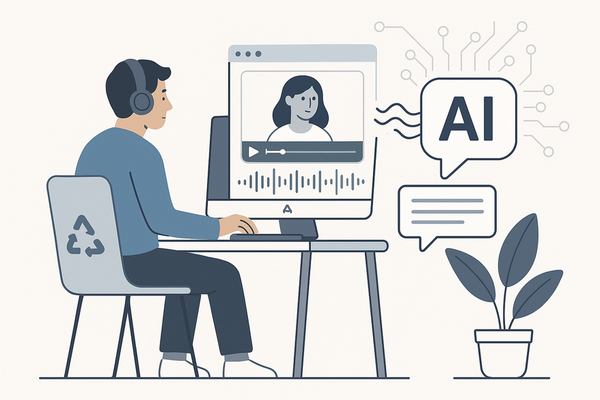
Tools like Descript and Zubtitle use Automatic Speech Recognition (ASR) and context analysis to produce accurate captions in seconds.
- Upload your video or paste a URL.
- AI transcribes the audio and timestamps each line.
- Customize style and format before export.
Why it matters: Clear captions boost engagement, improve accessibility, and provide stronger signals for recommendation algorithms. Learn more in our guide to adding captions to video clips.
Best Hashtags for Reels AI: Optimizing Video Content
AI-powered solutions recommend a balanced hashtag set for Instagram Reels:
- 2–3 high-volume tags (e.g., #ViralVideos).
- 3–5 mid-tier tags (e.g., #ShortFormTips).
- 3–5 niche tags (e.g., #AIContentTools).
Popular tools include KeywordTool.io, ClipGPT, and VidIQ. Pro tip: test 8–15 total tags and track engagement spikes with niche tags like #FutureOfWork.
Social Media Clip Caption AI: Enhancing Readability and Engagement
Caption AI crafts concise, keyword-rich text that drives viewer action. The system:
- Identifies call-to-action opportunities (e.g., “Comment your favorite tip!”).
- Injects trending keywords to boost algorithmic performance.
- Ensures captions meet platform character limits and style guidelines.
Integrations such as Hootsuite and Descript streamline scheduling and editing, delivering stronger signals to recommendation engines.
Practical Tips and Case Studies for AI Hashtag Suggestions for Video Clips
Quick-start checklist:
- Paste your clip URL into ClipGPT or Zubtitle for instant hashtags and captions.
- Use 3–5 tags on YouTube and up to 15 on Instagram.
- Leverage Descript for TikTok/Reels and VidIQ for YouTube SEO.
Case Study A: StreamLadder’s Twitch Integration auto-tags live clips, resulting in a 30% spike in views and follower reach.
Case Study B: Using #AIAugust-style tags, an AI channel’s “Top 5” series went viral after RiteTag visual analysis.
Vidulk in Context
For an all-in-one approach—from clip extraction to final tags and captions—consider Vidulk - AI Video Clipping App. This lightweight, on-device solution unifies every step in one seamless workflow.
Conclusion
Combining AI hashtag suggestions for video clips, auto-generated captions, best hashtags for reels AI, and social media clip caption AI creates a cohesive, data-driven strategy. This synergy amplifies discoverability, engagement, and accessibility across all major platforms.
Call to Action: Experiment with the tools above, track your performance metrics, and refine your tagging and captioning strategy regularly.
Additional Resources
- ClipGPT (StreamLadder)
- Descript AI Hashtag Generator
- KeywordTool.io & VEED
- Zubtitle AI Hashtag Generator
- VidIQ Video Tags Generator
FAQ
- How do AI hashtag suggestions work? AI analyzes your video’s audio, text, and visuals to extract themes and recommend relevant tags and captions.
- Can I edit auto-generated captions? Yes, most platforms allow you to tweak style, format, and timing before export.
- How many hashtags should I use? Aim for 3–5 on YouTube and 8–15 on Instagram Reels for optimal impact.
- Are these tools accessible? Absolutely—tools like Vidulk, Descript, and Hootsuite offer free trials and scalable plans.
- Do hashtags really boost engagement? When chosen strategically across tiered categories, they significantly increase discoverability and viewer interaction.