Bulk Clip Maker AI: Automate High-Volume Video Production and Save Time
Discover how Bulk Clip Maker AI tools automate video clip creation, reducing editing time and boosting efficiency for businesses and creators.

Estimated reading time: 8 minutes
Key Takeaways
- AI-driven batch processing transforms hours of manual editing into minutes.
- Template-based generation and dynamic fields enable personalized videos at scale.
- Automated highlight detection and captions ensure consistent quality.
- Ideal for social media marketing, advertising campaigns, and large-scale content creation.
- Evaluate tools based on volume capacity, customization, integrations, and cost.
Table of Contents
- What Is Bulk Clip Maker AI?
- Manual vs AI Editing
- Key Features and Benefits
- How the Technology Works
- Use Cases and Applications
- How to Choose the Right Tool
- Try or Buy Today
- Conclusion
What Is Bulk Clip Maker AI?
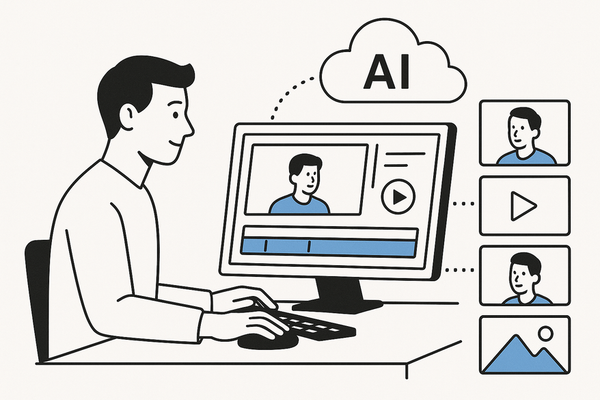
Bulk Clip Maker AI refers to AI-powered tools that automate the generation of multiple video clips from raw footage, scripts, or data inputs. These clip-makers enable high-volume production without manual editing, delivering consistent, branded outputs in minutes.
How it works:
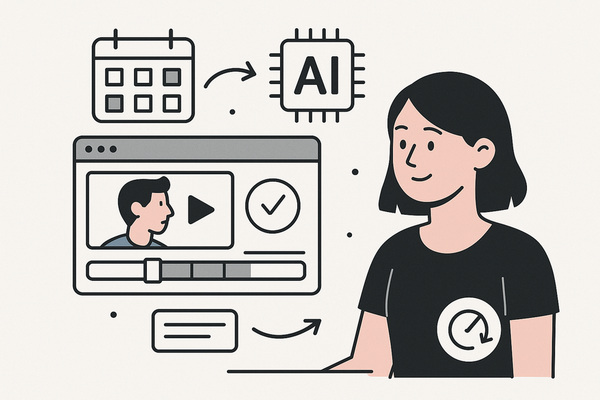
- Machine learning algorithms detect engaging segments by analyzing audio cues, scene changes, and expressions.
- Speaker tracking isolates who is talking when, ensuring each clip features the right person.
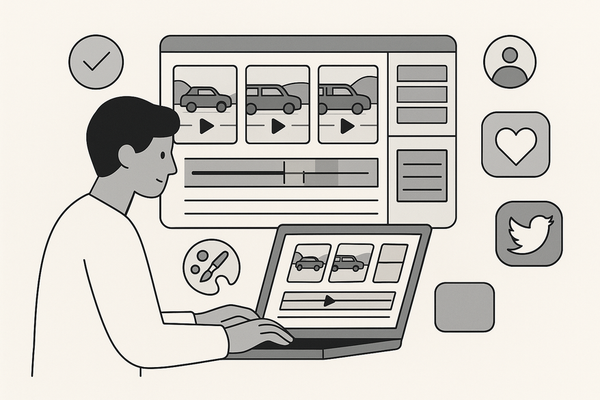
- Templating engines apply prebuilt styles, fonts, and transitions to every clip.
Discover our guide on automating video editing workflows for an in-depth walkthrough.
Vidulk - AI Video Clipping App uses on-device AI to detect and extract highlights from long interviews or podcasts in seconds.

Manual vs AI Editing
- Manual editing: 45–60 minutes per clip, including review, cuts, and style adjustments.
- AI-driven batch processing: Processes 50 videos in the time it takes to edit one manually.
With bulk clip maker AI, you focus on strategy instead of timelines.
Key Features and Benefits
Features
- Batch uploads & automated clip detection
- Upload long-form videos in a single batch.
- Speaker detection highlights when each person speaks.
- Export to MP4, MOV, GIF, and social formats automatically.
- Template-based generation
- Use spreadsheet or API data to personalize text overlays.
- Supports dynamic fields like names, logos, and calls to action.
- Available in 175+ languages for global campaigns.
- AI analysis for highlights, transitions, captions
- Auto-detects key moments like applause or scene shifts.
- Inserts smooth transitions and lower-thirds labels.
- Adds captions with speaker names and timestamps.
Benefits
- Up to 58% reduction in production costs and time per clip.
- Scalable personalization for parallel A/B tests in marketing.
- Consistent publishing across platforms, boosting ROI with faster time-to-market.
For a comparison of similar AI clip tools, see our detailed analysis.
How the Technology Works
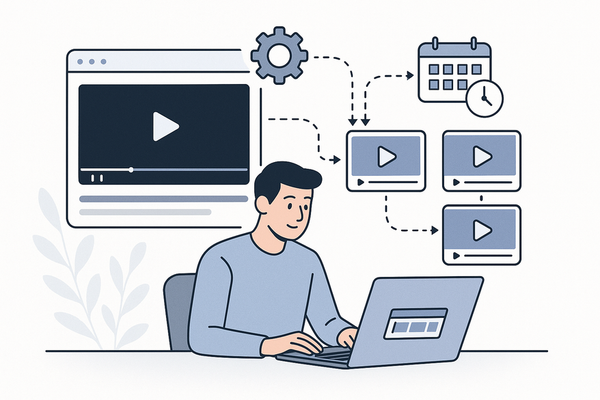
- Input Raw Materials:
- Upload videos, photos, voice recordings, scripts, or CRM/spreadsheet data.
- AI Analysis & Selection:
- Algorithms scan footage to find highlights like key insights or reactions.
- Automated Assembly:
- Populates templates with selected clips, text overlays, voiceovers, and branding.
- Export & Optimization:
- Generates multi-format clips for YouTube, TikTok, LinkedIn, and more.
Use Cases and Applications
- Social Media Marketing: Repurpose webinars into daily TikTok or Instagram Reels.
- Advertising Campaigns: Generate dozens of personalized ads from one video shoot.
- Content Creation: Scale YouTube Shorts using text prompts or slide decks.
How to Choose the Right Bulk Clip Maker AI Tool
Evaluate based on:
- Volume handling: Can it process your batch size?
- Customization: Templates, dynamic fields, and branding options.
- Integrations: API, CRM, spreadsheet, and editing software connections.
- Pricing: Subscription tiers, trials, and enterprise plans.
Popular options include LiveLink AI, TrueFan AI, HeyGen, Spikes Studio, and Vizard.
Try or Buy Your Bulk Clip Maker AI Today
- Spikes Studio: Free clips for basic social posts.
- Vizard: Free trial with up to 10 auto-generated clips.
- TrueFan AI & HeyGen: Tiered subscriptions for unlimited scale.
Conclusion
Bulk Clip Maker AI tools automate every step of high-volume video creation. From detecting highlights and applying templates to exporting multi-format clips, they deliver speed, scale, and consistent quality. Tools like LiveLink AI and TrueFan AI lead the market, while Vidulk - AI Video Clipping App offers a mobile-first, on-device solution. Don’t lag behind—start your trial today and revolutionize your video workflow.
Explore additional resources: Batch Video Clipping AI Guide, AI Batch Clip Generator, and AI Video Clip Maker.
FAQ
- Q: What file formats are supported?
A: Most tools export MP4, MOV, GIF, and common social media formats. - Q: How much time can I save?
A: Expect up to a 90% reduction in editing time compared to manual workflows. - Q: Can I customize templates?
A: Yes, you can apply custom branding, fonts, and dynamic text fields. - Q: Is there a free trial available?
A: Many platforms offer free trials or limited free tiers—check individual providers. - Q: How do I get started?
A: Choose a platform that fits your volume and budget, upload your first batch, and let the AI do the rest.