Batch Video Clipping AI: The Ultimate Guide to Automating Your Video Editing Workflow
Discover how batch video clipping AI can transform your video editing workflow by converting long recordings into short, engaging clips swiftly and efficiently.

Estimated reading time: 7 minutes
Key Takeaways
- Batch video clipping AI automates conversion of long recordings into social-media-ready clips.
- Core features include highlight detection, auto-reframing, styled captions, and batch exporting.
- These tools dramatically reduce editing time, ensure consistent quality, and scale content repurposing.
- Integration options via browser UI or API enable seamless workflow automation.
Table of Contents
- Section 1: What Is Batch Video Clipping AI?
- Section 2: Key Features and Benefits
- Section 3: How Does Batch Video Clipping AI Work?
- Section 4: Use Cases and Success Stories
- Section 5: Tool Comparison
- Section 6: Integration and Implementation
- Section 7: Call-to-Action
- Conclusion
Section 1: What Is Batch Video Clipping AI? Understanding Video Processing AI and Highlight Detection
Batch video clipping AI refers to video processing AI tools that:
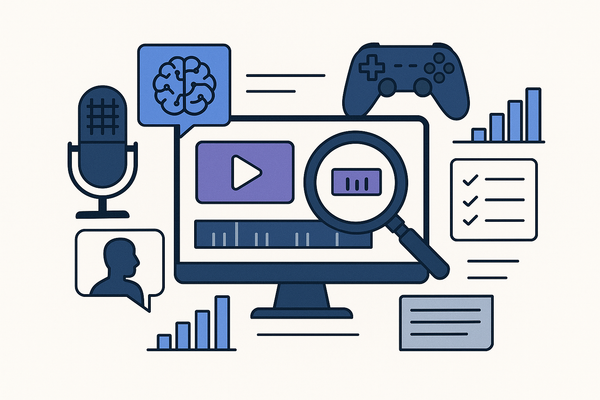
- Scan extended recordings (30 seconds up to 6 hours)
- Detect highlights via speech and speaker tracking
- Remove silent or filler segments
- Auto-reframe content for vertical formats (9:16)
- Add styled captions or subtitles
- Export all clips in a single batch
These tools matter because short-form content drives engagement on TikTok, Instagram Reels, and YouTube Shorts. By repurposing long-form videos, you reach new audiences and increase watch time.
Key components include:
- Highlight detection (speech, speaker tracking, viral scoring)
- Auto-reframing (object tracking, dynamic layouts)
- Caption generation (styled subtitles, OCR)
- Batch export (presets for social platforms)
Section 2: Key Features and Benefits: Speed, Accuracy, Scalability in AI Video Editing
Leading batch video clipping AI tools share core features that deliver speed, accuracy, and scalability. For a comparative review of top tools, see the best AI video repurposing tools.
Highlight Detection
- AI scans audio and video to find engaging moments, speaker changes, and pacing
- Works on big-data trends to pick high-impact clips
- Tools: StreamYard, Opus Clip, Vizard.ai
Auto-Reframing & Layouts
- Converts horizontal to vertical (9:16) automatically
- Uses object and face tracking to keep the subject centered
- Tools: Exemplary AI, Opus Clip
Captions & Enhancements
- Generates styled subtitles and on-screen text
- Inserts B-roll, emojis, and removes filler words
- Tools: Spikes Studio, VEED
Voice Guidance
- Mark key moments live with phrases like “Clip that”
- AI adds markers during the recording session
- Tool: StreamYard
Multi-Format Export
- Presets for TikTok, Instagram Reels, YouTube Shorts
- Built-in transitions and aspect ratios
- Tools: WayinVideo, Adobe Express
Benefits:
- Time savings: process hours of footage into clips in minutes
- Reduced manual effort: AI trims, polishes, and styles automatically
- Consistent clipping quality: uniform framing, branded captions, virality optimization
- Ease of integration: browser-based or API workflows to fit your stack
Section 3: How Does Batch Video Clipping AI Work? Workflow Automation in AI Analysis
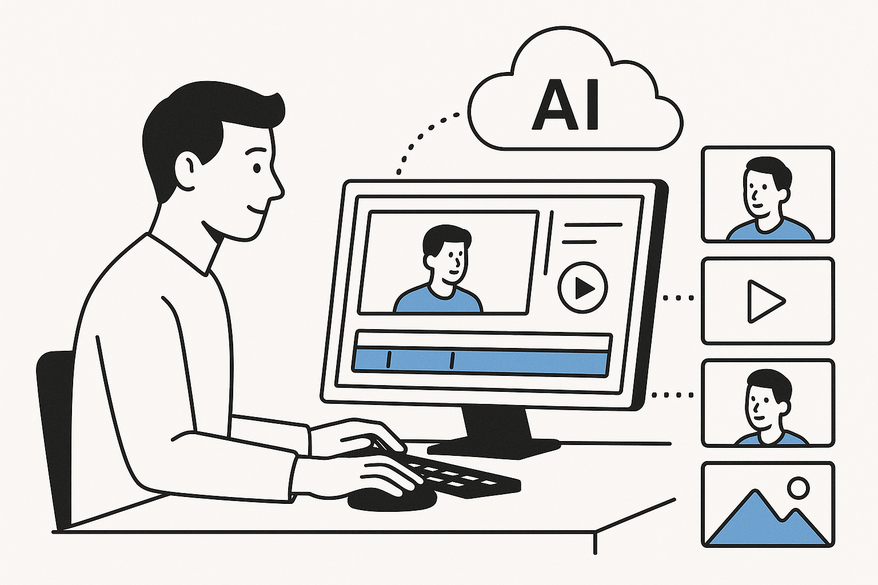
Batch video clipping AI follows a simple, four-step workflow:
- Upload or Record: Import existing videos (30s–6h) via file upload or record live in browser.
- AI Analysis: Transcription, speaker & sentiment analysis, highlight detection.
- Generate Batch: One-click batch creation with auto-reframing, captions, B-roll insertion, transitions.
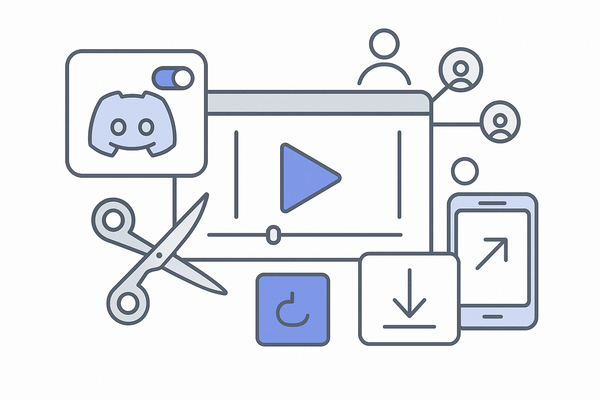
- Refine & Export: Tweak clip boundaries or captions, publish directly to social platforms or download.
Section 4: Use Cases and Success Stories for Batch Video Clipping AI and Content Repurposing
Batch video clipping AI solves real needs across industries:
- Podcasts: Convert 6-hour episodes into dozens of Shorts/Reels automatically.
- Marketing: Generate viral-worthy ad snippets from webinars with AI virality scoring.
- Gaming & Vlogs: Create multi-platform exports for dynamic gameplay and daily vlogging.
Section 5: Tool Comparison: AI Video Clipping Tools, Pricing, Free Trial
| Tool | Pros | Cons | Pricing |
|---|---|---|---|
| StreamYard | Built-in recording, “Clip that” voice markers, direct publish | Monthly plan limits | Free tier; from $20/mo |
| Opus Clip | ClipAnything, virality scoring, API support | Upload required | Free trial; from $15/mo |
| Vizard.ai | One-click clips, auto-reframe | Transcription-driven clips | Free clips; from $12/mo |
Section 6: Integration and Implementation: Deployment and Workflow of Batch Video Clipping AI
Step 1: Browser Setup vs API Integration – sign up for WayinVideo or embed API endpoints for programmatic batch jobs.
Step 2: Best Practices – start with small sample batches, use voice markers, tweak via text-based editors, respect rate limits.
Step 3: Overcoming Challenges – choose unlimited-batch tools, plan storage/CDN, monitor quality metrics.
Section 7: Call-to-Action: Sign Up for Free Trial and Live Demo of Batch Video Clipping AI
- Experience StreamYard’s AI Clips
- Test Opus Clip’s ClipAnything demo
- Explore an AI batch clip generator tutorial
Beyond these desktop and web solutions, mobile apps like Vidulk - AI Video Clipping App harness on-device intelligence to detect and export the best moments automatically, turning long videos or audio into ready-to-share clips in minutes.

Conclusion
Batch video clipping AI delivers speed, accuracy, and scalability in automated video editing. You save time, maintain consistent quality, and boost ROI by repurposing long-form content for social channels. The next step is simple: pick a tool, start a trial, and watch your workflow transform. Adopt batch video clipping AI now—turn your hours of footage into revenue-driving short clips today.
FAQ
- What video lengths are supported? Most tools handle 30-second clips up to 6-hour recordings.
- Can I customize clip boundaries? Yes, you can refine start/end points and edit captions before export.
- Do these tools require downloads? Many are browser-based, while APIs allow programmatic integration.
- Is there a free trial? Yes, StreamYard, Opus Clip, and Vizard.ai offer free tiers or trials.
- How do I choose the best tool? Evaluate based on volume, format needs, customization, and budget constraints.