
How AI Video Clipping Works: A Complete Guide to Automating Short-Form Content
Discover how AI video clipping works to transform long videos into engaging short-form content efficiently, saving time and boosting social media impact.

Estimated reading time: 8 minutes
Key Takeaways
- Automation: AI video clipping uses computer vision and NLP to detect high-engagement segments without manual scrubbing.
- Workflow: The pipeline involves data ingestion, AI analysis, engagement scoring, automated clipping, and export.
- Efficiency: Up to 80% time savings and consistent formatting across clips.
- Versatility: Ideal for podcasters, marketers, educators, and general content creators.
- Challenges & Future: Ensuring quality control, addressing ethical concerns, and exploring real-time and context-aware models.
Table of Contents
- Introduction
- Background & Context
- Technical Explanation
- Data Ingestion
- AI Analysis
- Algorithm Decision-Making
- Use Cases & Benefits
- Challenges & Future Developments
- Conclusion
- FAQ
Introduction
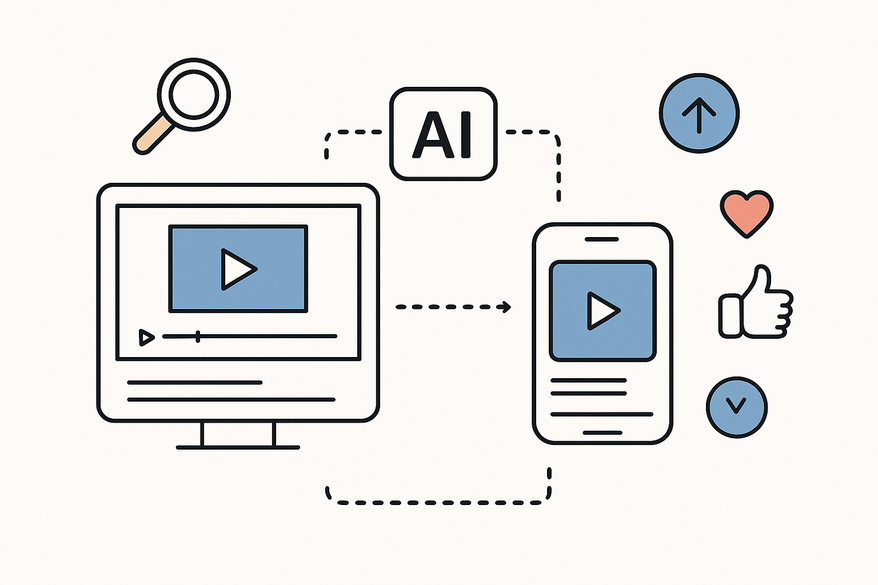
How AI video clipping works is the process of leveraging artificial intelligence to automatically scan long-form footage, identify compelling moments based on audio-visual cues, and produce short-form clips tailored for platforms like YouTube Shorts, Instagram Reels, or TikTok. Modern viewers favor bite-sized, mobile-first content—up to 85% watch without sound—and AI clipping meets this demand by repurposing hours of raw footage into ready-to-post snippets.
Platforms like AI Video Clip Maker and Ultimate AI Short Clip Maker showcase specialized tools that streamline each step of this workflow.
Background & Context
Artificial intelligence in video processing uses machine learning to analyze visuals, audio, and on-screen text—tasks that once required manual effort. These systems can detect faces, spot scene changes, transcribe speech, and even interpret emotions.
Traditional video clipping:
- Human editors watch hours of footage.
- They mark start and end points for highlights.
- Manual aspect-ratio adjustments and title addition.
- Exports take hours and rely on subjective judgment.
AI-powered clipping:
- Automated scanning of raw video files.
- Engagement prediction via computer vision and NLP.
- Automatic reframing from 16:9 to 9:16 vertical format.
- Auto-generated captions and sound normalization.
- Up to 80% time saved compared to manual editing.
By scaling production, cutting costs, and reducing subjectivity, AI clipping revolutionizes content repurposing.
Technical Explanation
Data Ingestion
- Upload raw footage to platforms like OpusClip or StreamYard.
- AI transcribes audio with speech-to-text models.
- Extract frames at regular intervals for visual analysis.
- Segment video into manageable chunks.
- Store metadata (timestamps, speaker IDs) for later stages.
Drag-and-drop interfaces or cloud links make ingestion seamless.
AI Analysis
Image Recognition & Scene Detection- Detect motion, faces, and scene transitions.
- Facial expression analysis spots laughter, smiles, or surprise.
- Scene change detection marks topic boundaries.
- Emotional peaks (silence or high pitch) flag highlights.
- Parse transcripts for keywords and hooks.
- Cluster topics via topic modeling.
- Sentiment analysis rates positivity or excitement.
- Virality scoring flags strong calls-to-action or memorable lines.
Multi-modal models fuse visual cues, speech patterns, and engagement metrics for precise clipping.
Algorithm Decision-Making
Engagement Scoring- Assign scores based on predicted views, likes, and shares.
- Weigh natural boundaries, emotional highs, and platform trends.
- Auto-trim top segments to user-defined lengths (e.g., 15–60 seconds).
- Convert aspect ratios (16:9 to 9:16), centering subjects.
- Add animated captions, lower-thirds, and branding.
- Dashboard shows suggested clips with thumbnails and scores.
- Creators can accept, refine, or reorder with a single click.
- Export final clips in platform-ready formats.
Use Cases & Benefits
Use Cases
- Entertainment & Content Creation: Podcasters create episode highlights; streamers share instant best-of clips.
- Marketing & Advertising: Brands turn webinars into 30-second ads; automated translation and dubbing.
- General Creators: YouTubers repurpose vlogs into Reels; educators craft quick lecture recaps.
Benefits
- Increased Efficiency: Produce 3–5 clips per hour with no extra staff.
- Reduced Manual Work: Auto-formatting frees editors for creative tasks.
- Improved Accuracy: Data-driven selection outperforms human guesswork; ensures consistent framing.
Challenges & Future Developments
Challenges
- Quality Control: AI may misframe shots or misinterpret humor.
- Ethical Considerations: Risk of sensational bias and deepfake misuse.
- Computational Requirements: Real-time analysis demands GPU clusters; high-res uploads slow ingestion.
Future Developments
- Context-aware models that grasp jokes and sarcasm.
- Real-time A/B testing to refine scoring dynamically.
- Hybrid human-AI workflows with minimal review steps.
- On-the-fly highlight reels during live streams or sports events.
Conclusion
AI video clipping combines data ingestion, multi-modal analysis, engagement scoring, and automated export to slash edit times, scale content production, and maximize social impact. Whether you opt for a cloud platform or an on-device app, you can transform hours of raw footage into viral-ready shorts in minutes. For creators seeking inspiration for their next viral short, check out our ultimate guide to short form video content ideas.
Find more in-depth comparisons in our roundup of Best AI Video Repurposing Tools: Vidulk vs Veed vs Descript Compared.
If you’re looking to quickly transform lengthy videos into viral-ready clips, consider trying Vidulk - AI Video Clipping App, which leverages on-device AI for high-speed processing and auto-generates thumbnails. For a detailed review of how this app serves podcasters, interviewers, and social media creators, see our Vidulk AI video clipping app review:

FAQ
What is AI video clipping?
AI video clipping is the automated process of scanning long-form video, detecting high-engagement moments using computer vision and NLP, and producing short, platform-optimized clips. For a step-by-step breakdown of how to turn long videos into short clips, see the complete AI workflow for turning long videos into short clips. If you're interested in how to use an AI reel clip generator to create short videos from long content, check out this guide on AI reel clip generators. For those interested in automating the process further, our ultimate guide to automating your video editing workflow with batch video clipping AI covers the tools and strategies for scaling up your content production. If you want to learn more about how AI can detect the most engaging moments in social media videos, see our article on AI clip detection transforming social media videos.
How accurate is AI clipping compared to manual editing?
Data-driven algorithms often outperform human guesswork in highlight selection, though manual review remains vital for subtle humor or context nuances.
Which platforms support AI video clipping?
Popular tools include OpusClip, StreamYard, Vidulk, and enterprise solutions that integrate with cloud storage and social media APIs.
Can I review and adjust clips before exporting?
Yes. Most platforms provide a dashboard where creators can preview, refine, reorder, and approve clips with a single click.



