Video Clip Templates AI: Revolutionize Your Edits and Boost Productivity
Discover how video clip templates AI streamline editing processes, enhance productivity, and deliver professional results effortlessly for creators of all levels.

Estimated reading time: 8 minutes
Key Takeaways
- AI-driven automation transforms raw footage into polished, social-ready clips in minutes.
- Prebuilt templates and customization let non-experts achieve pro-level results with drag-and-drop ease.
- Scalable workflows support bulk editing, consistent branding, and multi-platform delivery.
- Cost and time savings free up resources for content strategy and creative planning.
Table of Contents
- 1. What Are Video Clip Templates AI and How Do They Work?
- 2. Key Features of AI-Powered Video Clip Templates
- 3. Benefits and Use Cases
- 4. Where and How to Purchase Video Clip Templates AI
- 5. Tips for Choosing the Right Video Clip Templates AI
- 6. Success Stories/Case Studies
- 7. Call-to-Action and Next Steps
- 8. Conclusion
1. What Are Video Clip Templates AI and How Do They Work?
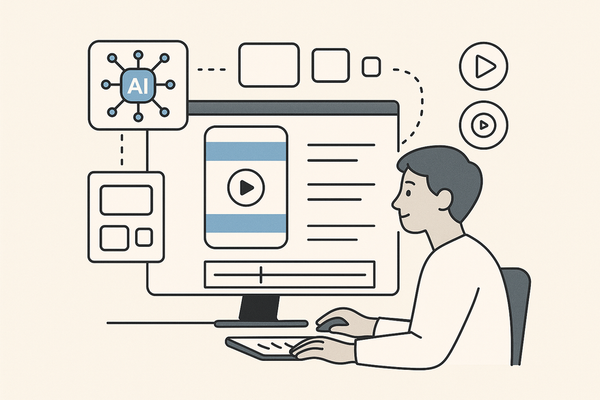
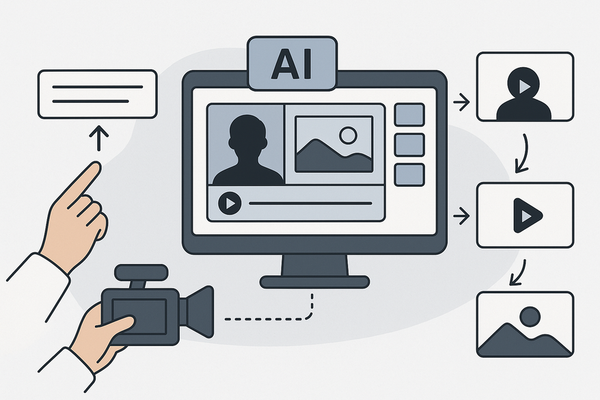
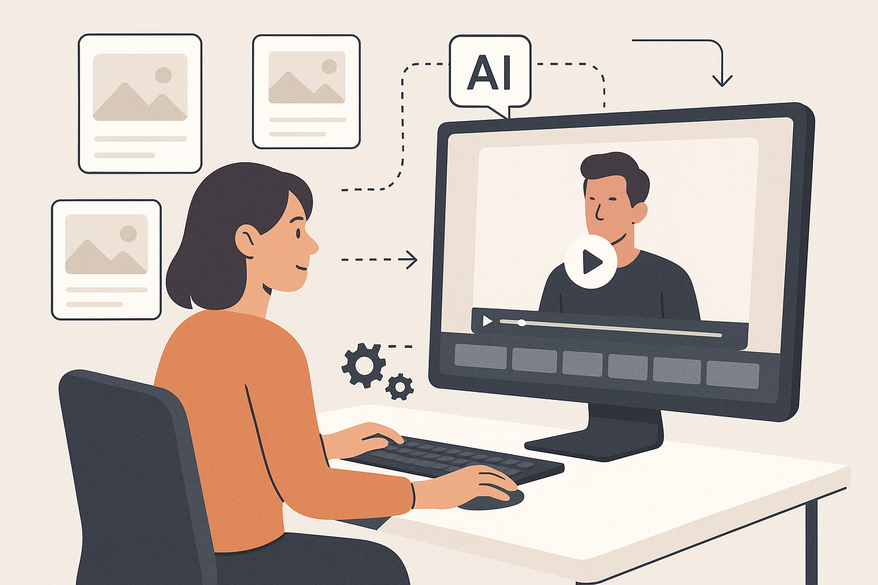
Video clip templates AI are intelligent frameworks powered by machine learning that analyze raw footage or text transcripts and automatically apply layouts, animations, captions, and effects. By detecting highlights and context, these templates produce “snackable” clips for social channels or full-length videos without manual editing.

AI Workflow Breakdown:
- Transcript Analysis
- Speech-to-text conversion extracts dialogue and timestamps.
- Keyword tagging pinpoints important moments.
- Context Recognition
- Identifies video purpose (tutorial, promo, interview).
- Ensures brand consistency via style guidelines.
- Automated Clipping
- Selects highlights based on tone, volume spikes, and engagement signals.
- Generates platform-specific aspect ratios for TikTok, Reels, and Shorts.
For a deeper look at how AI clip templates are generated from text prompts, see Vidulk’s AI clip template generator.
2. Key Features of AI-Powered Video Clip Templates
These smart templates combine advanced editing capabilities with user-friendly interfaces.
Customization
- Drag-and-drop assets: logos, images, and video clips.
- Brand styling: define color palettes, fonts, and watermarks.
- Text-based editing: update captions and lower thirds via transcript changes.
Ease of Use
- No editing expertise required—AI handles trimming, formatting, and animations.
- Prebuilt templates with auto-applied transitions and effects.
- Intuitive controls streamline advanced features for beginners.
Speed
- Produce polished videos in minutes from raw footage or text prompts.
- Typical turnaround: 2–5 minutes for one-minute clips, 5–10 minutes for longer formats.
Quality Improvements
- AI detects engaging moments—pauses, smiles, visual peaks.
- Automatic subject centering and background blur for focus.
- One-click filters and color grading for a cinematic look.
Explore how AI video clip makers streamline editing at scale on the Vidulk blog.
3. Benefits and Use Cases
Benefits
- Massive Time Savings
- Automate trimming, captioning, and formatting.
- Scale content production without extra staff.
- Pro-Level Results for Non-Experts
- Templates ensure consistent branding and quality.
- Edit outputs rival agency-level work.
- Data-Backed Engagement Uplift
- AI-powered thumbnails boost click-through rates by 38%.
- Short-form clips see 52% reach increases on TikTok and Reels.
Use Cases
- Social Media Marketing
- Auto-clip webinars into TikTok, Instagram Reels, and YouTube Shorts.
- Advertising Campaigns
- Generate brand-aligned promos from scripts or raw footage.
- Digital Content Creation
- Convert blog posts into narrated, multi-scene videos.
- Produce bulk explainer videos for courses or demos.
4. Where and How to Purchase Video Clip Templates AI
Follow these simple steps to get started:
- Sign Up Online – choose a subscription plan or one-time purchase.
- Access the Editor – open the platform’s drag-and-drop interface.
- Upload Content – import footage, audio, or text scripts.
- Apply AI Templates – select a design, adjust branding, and render.
- Export Final Video – download in MP4, MOV, or social-specific formats.
Top Platforms and Pricing
- Socialive – automated templates for recorded sessions; free enterprise trial.
- Canva – thousands of free and premium AI video templates; Pro plan €12.95/month.
- Pictory – web-based AI templates; free tier, paid from $19/month.
- Vizard.ai – AI clipping for social media; free clips, paid tiers from $15/month.
- InVideo AI – text-command video edits; free editor, plans from $10/month.
For batch editing strategies, visit the Vidulk guide.
5. Tips for Choosing the Right Video Clip Templates AI
Quality Criteria
- Look for polished transitions, animations, and filters.
- Ensure 1080p and 4K export support.
- Dynamic captions and interactive overlays boost engagement.
Versatility
- Multi-platform presets for TikTok, Instagram, YouTube, and LinkedIn.
- Adaptable layouts for different aspect ratios without quality loss.
Customer Support
- Tutorials, knowledge bases, and video walkthroughs.
- Community forums and expert-led webinars.
- Dedicated account managers for enterprise plans.
6. Success Stories/Case Studies
Socialive Case Study
- Teams cut edit time by 70% and maintained branding across 500+ videos monthly.
Pictory Milestone
- Over 10M videos produced; marketers report a 52% engagement boost on short-form content.
Vizard.ai Example
- Creators achieved a 45% average reach increase on Instagram Reels.
7. Call-to-Action and Next Steps
Start creating with AI-driven clip templates today—free trials available on top platforms:
8. Conclusion
Video clip templates AI deliver unmatched speed, quality, and scalability. By automating editing workflows with smart, machine learning–driven templates, you can produce professional content in minutes—regardless of skill level. Embrace these tools now to streamline production, amplify engagement, and stay ahead in the digital landscape.
FAQ
- What are video clip templates AI?
They are AI-powered frameworks that analyze raw footage or text to automatically generate and style video clips. - Do I need editing skills?
No—these platforms handle transcription, trimming, and effects so beginners can achieve pro-level results. - Which platforms offer free trials?
Most top providers like Pictory, Vizard.ai, and Canva AI offer limited free trials or free tiers. - Can I customize templates to match my brand?
Yes—drag-and-drop interfaces let you apply logos, color palettes, fonts, and watermarks. - How quickly can I produce a video?
Typically 2–5 minutes for short clips and up to 10 minutes for longer formats.