Revolutionize Your Workflow with Video Clip Scheduler AI
Discover how a video clip scheduler AI automates planning, editing, and posting to boost engagement, saving you hours and enhancing your content strategy.

Estimated reading time: 7 minutes
Key Takeaways
- Automates video clip selection, editing, and scheduling
- Reduces production time from hours to minutes
- Boosts engagement up to 300% with data-driven posting
- Enhances ROI with SEO-optimized metadata and cross-platform distribution
- Offers easy integration and analytics for continuous improvement
Table of Contents
- What Is a Video Clip Scheduler AI?
- Key Features and Benefits
- Use Cases and Success Stories
- Pricing, Trials, and Purchase Options
- Comparison with Traditional Scheduling
- Implementation and Integration
- Conclusion
What Is a Video Clip Scheduler AI?
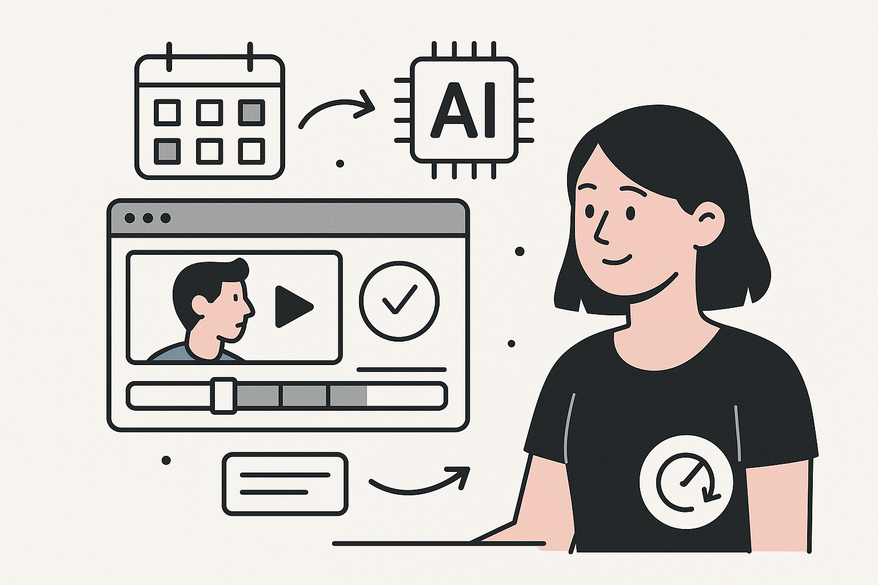
A video clip scheduler AI is an intelligent platform that uses machine learning (ML) to analyze long-form videos, identify high-engagement segments, and automate scheduling and posting. Think of it as a smart assistant that watches your footage, picks the best moments, adds captions/branding, and publishes at prime times.
- Machine Learning (ML): Systems that learn patterns from data without explicit programming. They spot recurring themes or visuals that drive views.
- Natural Language Processing (NLP): Analyzes video transcripts for keywords, sentiment, and calls-to-action. It finds the moments your audience will love.
- Predictive Analytics: Forecasts peak viewer activity times based on historical audience data. It figures out when your content will get the most eyes.
Layperson Analogy: Imagine having an assistant who reviews hours of footage, highlights the funniest or most moving moments, adds your logo and subtitles, then slots each clip into your social calendar at exactly the right hour. That’s a video clip scheduler AI in action.
Key Features and Benefits
A video clip scheduler AI brings four core features that transform workflows:
- Automated Scheduling
• Definition: Automatically plans and queues posts weeks in advance.
• Benefit: Cuts production from 10+ hours to 5 minutes per video. Source: How AI Improves YouTube Content Scheduling - Conflict Resolution
• Definition: AI prioritizes high-engagement clips, avoids overlapping posts, and dynamically adjusts your calendar. Source: AI for Scheduling - Content Analysis and Auto-Editing
• Definition: Detects viral segments, auto-edits with captions/B-roll/branding, and scores clip performance potential. Explore similar workflows in our post on AI Batch Clip Generator. - Optimal Posting Times
• Definition: Uses data-driven insights to schedule by platform-specific audience peaks. Source: Best Social Media Scheduling Tools
- Improved efficiency – reducing production time from 10+ hours to 5 minutes per video. Source: How AI Improves YouTube Content Scheduling
- Enhanced viewer engagement – up to 300% increases via smart clips. Source: The Benefits of Using AI Video Tools for Your Marketing Campaigns
- Higher ROI – SEO-optimized metadata and cross-platform distribution without extra costs. Source: How AI Improves YouTube Content Scheduling
Use Cases and Success Stories
YouTube Creators
• LongStories.ai users schedule weeks of Shorts, saving 20+ hours weekly and maintaining brand consistency. Source: How AI Improves YouTube Content Scheduling
Social Media Teams
• Cliptalk auto-posts to TikTok, Instagram, and LinkedIn at peak times, boosting reach and timeliness. Source: Benefits of Using AI for Video Editing
Marketing Campaigns
• OpusClip produces 10 viral clips per video, 75% faster production, 300% higher engagement. Source: The Benefits of Using AI Video Tools for Your Marketing Campaigns
Pricing, Trials, and Purchase Options
| Plan Name | Price | Features |
|---|---|---|
| Pro Storyteller | $49/month | Basic automation, scheduling |
| Master Storyteller | $199/month | Unlimited videos, API access |
Most platforms offer 7- or 14-day free trials to test auto-clipping and scheduling. Compare LongStories.ai, Cliptalk, and OpusClip side by side, and look for seasonal promos to lower entry costs.
Comparison with Traditional Scheduling
| Aspect | Manual Scheduling | Video Clip Scheduler AI |
|---|---|---|
| Production Time | 10+ hours per video | 5 minutes per video (How AI Improves YouTube Content Scheduling) |
| Scheduling Range | Days ahead | Weeks ahead (How AI Improves YouTube Content Scheduling) |
| Optimization | Manual research | AI-generated SEO & timing |
| Publishing | Manual uploads | Fully automated |
| Scalability | Limited by human effort | Batch processing, API integrations |
Implementation and Integration
- Sign Up & Brand Training
Upload sample videos to teach AI your brand style via UI prompts or API. Source: AI Video Clipping & Repurposing Guide 2025 - Connect Platforms
Link YouTube, TikTok, Instagram, and LinkedIn for auto-publishing and explore advanced workflows in our AI Clip Scheduling Tool guide. - Upload & Analyze Content
Feed long-form videos; AI generates, scores, and schedules clips. Source: Best Social Media Scheduling Tools - Monitor & Refine
Use built-in analytics dashboards to track performance and adjust settings. Source: AI Video Clipping & Repurposing Guide 2025
Many creators also use intuitive AI tools like Vidulk - AI Video Clipping App to streamline clip selection and scheduling workflows.
Conclusion
A video clip scheduler AI delivers massive time savings, boosts viewer engagement, and drives higher ROI. By automating clip selection, editing, and posting, you can scale content output while maintaining quality.
Ready to transform your workflow? Sign up for a free trial at LongStories.ai, request a Cliptalk demo, or explore OpusClip today. Automate your video scheduling and start saving hours now.
FAQ
- Can I integrate multiple social platforms? Yes, you can link YouTube, TikTok, Instagram, LinkedIn, and more for auto-publishing.
- Is there a free trial? Most platforms offer 7- or 14-day trials to test auto-clipping and scheduling before purchase.
- How much time will AI save? You can reduce production time from over 10 hours per video to around 5 minutes with automated workflows.