
AI Animated Sticker Generator for Video Clips: Transform Static Images into Motion Graphics
Discover how the AI animated sticker generator for video clips can elevate your content by turning static images into engaging motion graphics.

Estimated reading time: 8 minutes
Key Takeaways
- AI animated sticker generators turn static images into dynamic, looping animations.
- Leverage prompt-based customization and preset animations for quick results.
- Seamlessly integrate stickers into video editors to boost viewer engagement.
- Practical use cases include promotional ads, social reels, e-learning, and storytelling.
- Emerging trends point to multimodal AI, real-time browser edits, and hyper-personalization.
Table of Contents
- What Is an AI Animated Sticker Generator for Video Clips?
- Key Features and Benefits of AI Animated Sticker Generators
- How It Works: The Technology Behind the Generator
- Practical Applications and Use Cases
- Tips for Maximizing the Impact of Animated Stickers
- Future Trends in AI-Driven Video Editing
- Conclusion
- FAQ
What Is an AI Animated Sticker Generator for Video Clips?
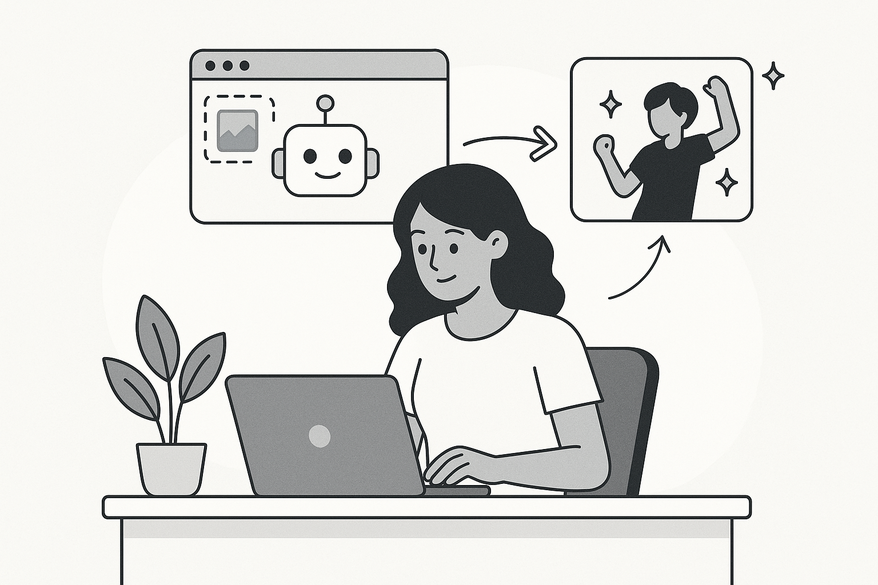
An AI animated sticker generator for video clips is a tool that harnesses artificial intelligence—using diffusion models and image-to-video algorithms—to transform still images into lively, looping animations. These stickers can be exported as MP4 or GIF files, ready to enhance any video project.

By turning logos, product shots, or avatars into motion graphics, you add personality and capture attention. Whether you’re crafting social media reels or educational videos, these AI-driven stickers streamline your workflow and elevate engagement.
Key Features and Benefits of AI Animated Sticker Generators
Here are the core capabilities that make these tools invaluable:
- Prompt-Based Customization
Describe motions like “jumping logo” or “sparkling star.”
Benefit: Instant control over style and action.
Example: Follow the Flixier AI Face to Sticker tutorial for a “waving cat” loop. - Preset & Keyframe Animations
Choose from built-in moves or refine timing with custom keyframes.
Benefit: Balance between speed and precision.
Example: In Flixier Editor, drag a preset and fine-tune keyframes to perfect the loop. - Negative Prompts
Exclude elements like “no background” or “no blur.”
Benefit: Cleaner results without manual masking.
Example: Utilize Pixlr AI Video Guide for refined sticker outputs. - Seamless Integration
Drag-and-drop stickers into any video editor timeline.
Benefit: Bypass complex import processes.
Example: Check the WeVideo AI overview to see instant clip integration.
How It Works: The Technology Behind the Generator
These platforms rely on advanced AI workflows:
- Input Processing
Upload a JPG or PNG and enter positive and negative prompts to set your desired effect. - AI Analysis
Diffusion models predict pixel movement while image-to-video pipelines map motion paths—explained in Colossyan AI Video Explained. - Asset Generation
Frame-by-frame creation yields smooth animations, forecasting changes like rotations or expressions. - Compilation & Export
The tool stitches frames into a seamless loop, outputting MP4 or GIF formats for easy sharing.
Practical Applications and Use Cases
Animated stickers stand out in multiple scenarios:
- Promotional Videos
Showcase products with 360° rotations.
Impact: 30% higher retention in e-commerce ads. - Social Media Reels
Add waving avatars or surprise reactions.
Impact: 3× more shares on Instagram. - Interactive Storytelling
Enhance faceless YouTube channels with emotive stickers.
Impact: +40% watch duration—inspired by Dzine AI animation tutorial. - Education & Onboarding
Liven up e-learning modules with avatar animations.
Impact: 2× view increase in WeVideo highlights.
Tips for Maximizing the Impact of Animated Stickers
- Creative Placement
Position near faces or text callouts for emphasis. - Style Matching
Align sticker design with your video’s tone (cartoon, minimal, etc.). - Easing & Timing
Use ease-in/out transitions and keep loops under 10 seconds. - Best Practices
Start with presets, refine with keyframes; limit stickers per clip to avoid clutter. - Pitfalls to Avoid
Avoid overuse and vague prompts that lead to AI hallucinations.
Future Trends in AI-Driven Video Editing
- Multimodal AI
Generate scenes combining text, image, and audio. - Real-Time Browser Edits
Preview animations instantly, like in Adobe Firefly. - Hyper-Personalization
Expect voice-triggered stickers and AR overlays by 2027.
As these tools mature, anticipate interactive AR features, longer loops, and deeper collaborative workflows.
Conclusion
An AI animated sticker generator makes it effortless to add dynamic loops, boosting engagement and saving edit time. From social storytellers to corporate marketers, anyone can leverage these stickers to make videos pop. Try an AI animated sticker generator for video clips today and transform your static assets into engaging motion graphics.
FAQ
- How long are generated stickers?
Most stickers run 3–10 seconds for seamless looping. - Are there free tiers?
Yes. Tools like Flixier and Pixlr offer free plans; premium unlocks advanced features. - Which file types are supported?
Inputs: PNG/JPG. Outputs: MP4/GIF. - Is it mobile compatible?
Web-based editors such as Flixier work on tablets and phones.



