
AI Animated Video Captions: Boost Accessibility, Engagement & SEO
Discover how AI animated video captions enhance accessibility, engagement, and SEO through dynamic text overlays and advanced ASR technology.

Estimated reading time: 8 minutes
Key Takeaways
- AI-powered captions synchronize animated text with audio for enhanced accessibility and engagement.
- Improved discoverability via indexable transcripts boosts SEO and content repurposing.
- Time and cost efficiency through automated speech recognition and preset animations.
- Versatile applications across education, marketing, streaming, and corporate communications.
- Emerging trends include live animations, context-aware styling, and personalized experiences.
Table of Contents
- Introduction
- 1. Understanding the Technology Behind AI Animated Video Captions
- 2. Benefits and Applications
- 3. Implementation Workflow
- 4. Tools and Software Options
- 5. Future Trends and Developments
- Conclusion
Introduction
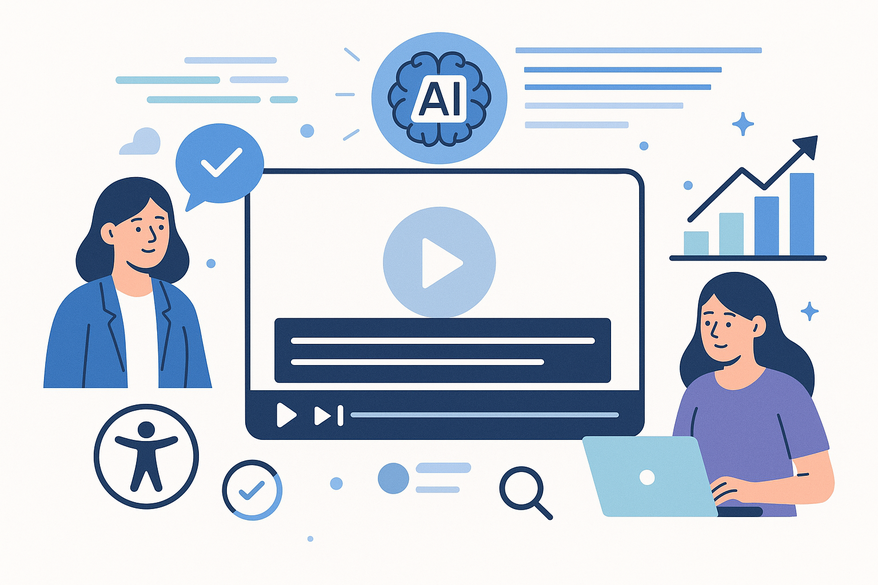
AI animated video captions are dynamic text overlays that combine automatic speech recognition (ASR) with per-word or per-phrase animation to synchronize text visually with audio. They transform static subtitles into moving, attention-grabbing elements that enhance accessibility, engagement, and discoverability.
Short-form platforms often auto-mute by default, and viewers scroll rapidly. Browsers and search engines rely on caption transcripts for indexing while accessibility ensures deaf or hard-of-hearing audiences can follow along. Engagement increases as moving text retains attention. Discoverability improves when platforms index captions.

This guide explains how AI animated video captions work, their benefits, implementation steps, tool comparisons, and future trends.
1. Understanding the Technology Behind AI Animated Video Captions
1.1 Core AI Components
- Automatic Speech Recognition (ASR)
ASR uses deep-learning models—often transformer-based—to convert spoken audio into raw text, handling accents, noise, and slang. - Natural Language Processing (NLP)
NLP refines transcripts by adding punctuation, capitalization, sentence boundaries, and context-driven styling. - Timing and Alignment
Word-level timestamps create precise start/end times for frame-perfect sync.
For insights on AI-driven caption translation, explore related resources.
1.2 Animation Engine Workflow
- Template-based Animation
Pre-defined keyframes control position, scale, opacity, and color for each word or phrase. - Rendering Methods
Formats like ASS/SSA burn in animations via FFmpeg or treat captions as timeline text layers in editors. - Customization and Presets
AI tools offer style presets—font, brand colors, outlines—to ensure consistency.
2. Benefits and Applications
2.1 Key Benefits
- Accessibility & Inclusion
Supports deaf and hard-of-hearing audiences with animated emphasis for clarity. See tools on accessible captioning. - Viewer Engagement & Watch Time
Animated captions sustain attention on muted short-form feeds. - SEO & Discoverability
Indexable transcripts fuel search visibility and content repurposing. - Cost & Speed
Automates subtitle creation in minutes versus hours manually. - Brand Consistency
Presets enforce a uniform look across all videos.
2.2 Industry Applications
- Education & E-Learning
Highlight key terms with color sweeps or fade-ins in lectures and tutorials. - Marketing & Social Media
Boost ad and demo completion rates with scale-pop hooks using tools like Captions and OpusClip. - Entertainment & Streaming
Add personality to reaction videos and live streams with dynamic color changes. - Corporate Communications
Ensure accessibility compliance in training modules and town halls.
3. Implementation Workflow
- Step 1: Define Goals
Choose priority—accessibility, engagement, SEO, or branding to guide style choices. - Step 2: Select an AI Captioning Platform
Options include Captions, OpusClip, and pipeline tools like VidNo. - Step 3: Upload/Import Video
Use direct uploads or import from YouTube, Drive, or Dropbox for cloud-based processing. - Step 4: Generate Captions
AI transcribes audio, adds punctuation, and timestamps at the word level. - Step 5: Choose Animation Style
Select presets such as fade-in, scale-pop, or color-sweep to match your content. - Step 6: Review & Edit
Proofread for proper nouns and adjust line breaks for readability. - Step 7: Apply Brand Styling
Set font, color palette, background bars, and outlines with high contrast. - Step 8: Export & Integrate
Burn in captions for social media or export SRT/VTT/ASS for toggleable captions. - Step 9: Test & Iterate
Verify on muted playback and gather viewer feedback to refine animations.
Many creators turn to Vidulk - AI Video Clipping App for rapid, on-device processing and precise timing across devices.
4. Tools and Software Options
4.1 All-in-One Editors
- Captions – iOS, Android, Mac, Web; auto-cuts and AI animation generator.
- OpusClip – One-click animated captions for short-form repurposing.
4.2 Pipeline-Oriented Tools
- VidNo – Uses Whisper for word-level timestamps and exports ASS/SSA via FFmpeg.
4.3 Additional Options
- Descript, VEED, Kapwing, Adobe Premiere/After Effects templates for pixel-perfect control.
5. Future Trends and Developments
- Context-Aware Styling
AI will detect emotion and adjust animations dynamically. - Live Animated Captions
Real-time word-by-word highlights for streaming events. - Integrating Generative Video & AI Actors
Unified pipelines where captions interact with AI-generated characters. - Personalized Experiences
Viewers customize font size, color, and motion preferences in real time. - Improved ASR Accuracy
Advanced models enhance noise, accent, and code-switching handling (IJCAI research).
Conclusion
AI animated video captions elevate your content by enhancing accessibility, boosting engagement, improving SEO, and saving on production time and cost. Start with a simple animated style, measure performance, and iterate to maximize impact in a competitive media landscape.
FAQ
What are AI animated video captions?
AI animated video captions are dynamic text overlays powered by ASR and NLP that sync word-level animations with audio to improve accessibility and engagement.
How can I integrate these captions into my existing workflow?
Choose an AI captioning platform, import your video, generate captions, apply animations, then export or burn them in. Review and iterate based on feedback.
Which platform should I start with?
For simplicity, try Captions or OpusClip. They offer one-click animated captions and live previews.



