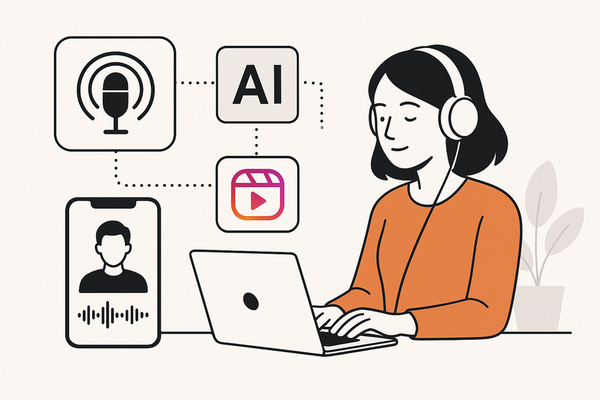
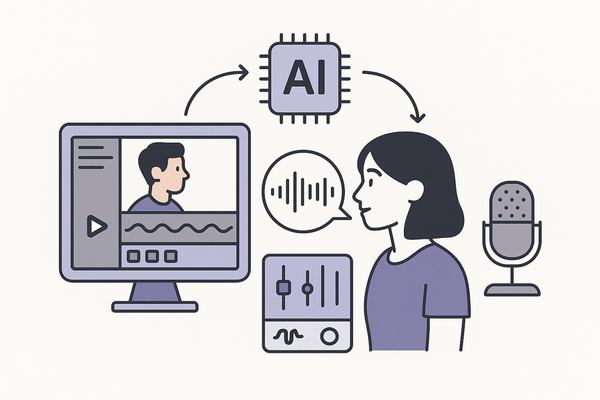
The Ultimate Guide to AI Video Upscaling Mobile: Enhance Smartphone Video Quality
Discover how AI video upscaling mobile enhances smartphone video quality using deep learning, with workflows, benefits, and future trends.


Estimated reading time: 8 minutes
Key Takeaways
- Deep learning super-resolution outperforms traditional interpolation for crisper visuals.
- On-device upscaling ensures privacy, offline access, and faster edits without a PC.
- Top mobile apps like Remini, UpRes, CapCut, and Canva serve diverse creator needs.
- Major challenges include processing speed, battery drain, file sizes, and watermark restrictions.
- Future trends point to native OS support, specialized AI models, and client-side streaming enhancements.
Table of Contents
- 1. What Is AI Video Upscaling Mobile?
- 2. Mobile Relevance
- 3. How AI Video Upscaling Works on Mobile
- 4. Benefits of AI Video Upscaling on Mobile
- 5. Popular Applications and Use Cases
- 6. Technical Challenges and Limitations
- 7. Future Trends and Innovations
- Conclusion
1. What Is AI Video Upscaling Mobile?
AI video upscaling mobile leverages neural networks on smartphones and tablets to boost resolution and clarity. By analyzing each frame, the algorithm:
- Detects edges, textures, and patterns
- Predicts and generates missing pixels using trained models
- Reconstructs finer details for sharp, natural-looking output
Contrast with traditional interpolation:
- Nearest-neighbor: duplicates pixels, leading to blockiness
- Bicubic: averages surrounding pixels, often causing blur
2. Mobile Relevance
With over 75% of video viewed on mobile devices, users demand on-device upscaling to overcome:
- Limited CPU/GPU performance, RAM, and storage on phones
- Need for quick fixes of legacy or social media clips without a PC
- Desire to save time and cost by upscaling instead of reshooting
Lightweight, quantized AI models enable pro-grade enhancement wherever you go.
3. How AI Video Upscaling Works on Mobile
Step-by-Step Workflow
- Import or record footage in the mobile app
- Select AI model (generic, face-focused, low-light) and target resolution (HD, FHD, 4K)
- Frame-by-frame analysis: deep networks detect visual features
- Reconstruction: missing details filled by inference
- Save enhanced video locally or to cloud storage
Key Optimization Techniques:
- Quantized, lightweight models (e.g., UpRes) to reduce compute
- Chunk streaming to manage memory limits
- Cloud vs. on-device trade-off for privacy and performance

4. Benefits of AI Video Upscaling on Mobile
- Enhanced Resolution & Clarity: Upscale to HD, FHD, or 4K with crisp details.
- Better Viewing & Gaming: Reduced pixelation and smoother textures.
- Efficiency for Creators: One-tap restoration and elimination of costly reshoots.
- Accessibility: Professional-grade tools without desktop software.
5. Popular Applications and Use Cases
Remini
Facial detail restoration in old or blurry videos (iOS, Android).
UpRes
Fully on-device 4K upscaling with no watermarks or subscriptions.
CapCut
Integrated editor plus AI module for HD, FHD, and 4K exports.
Canva
Browser-based upscaling with clarity, color vibrancy, and skin-tone modes.
Vivid Glam
iOS-exclusive with specialized facial enhancement models.
Real-World Scenarios:
- YouTuber upscaling vlogs to 4K in CapCut
- Family restoring 1990s tapes in Remini
- Marketing team creating vertical ads with UpRes
6. Technical Challenges and Limitations
- Processing Speed vs. Quality: Fast presets lower detail; premium modes take longer.
- File Size & Upload Limits: Free tiers often cap duration or MB size.
- Battery Drain: AI inference is power-hungry; best on charge or in background.
- Watermarks & Paywalls: Freemium models add marks; full features require subscriptions.
- Format Support: Many apps only accept MP4/MOV.
- Privacy & Connectivity: Cloud services risk data exposure and need online access.
7. Future Trends and Innovations
- On-Device AI Expansion: More apps adopting fully offline models.
- Advanced Super-Resolution Models: New releases like Seedance 2.0 for fewer artifacts.
- Native OS Integration: Potential built-in upscaling in camera/gallery apps.
- Specialized AI Models: Tailored for anime, low-light, or archival film restoration.
- Client-Side Streaming Upscaling: Lower bandwidth needs on video platforms.
Conclusion
AI video upscaling mobile transforms how we capture, enhance, and share video on handheld devices. By harnessing deep learning and on-device inference, creators achieve pro-level quality, streamline workflows, and enjoy privacy without desktop software.
FAQ
- Can my phone handle 4K upscaling? Modern flagship devices with neural-processing units can, though battery and storage may limit duration.
- Are there free options without watermarks? UpRes offers a free tier with no watermarks for short clips; otherwise, most apps apply limits.
- Is on-device upscaling better than cloud? On-device ensures privacy and offline use, while cloud services may offer faster servers and more powerful models.
- Which app is best for face-focused enhancement? Remini and Vivid Glam specialize in facial detail restoration.
- Will native OS support arrive soon? Industry trends suggest built-in upscaling could appear in upcoming iOS/Android updates.