
How to Use Podcast to Instagram Reels AI
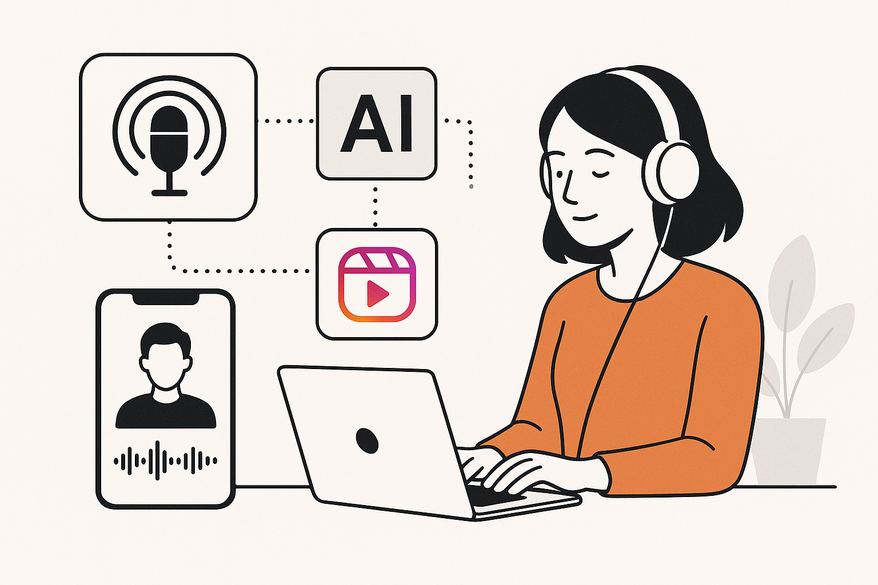
Learn how to use Podcast to Instagram Reels AI to effortlessly convert podcasts into Reels with an AI podcast reel generator, expanding your reach and engagement.

Estimated reading time: 8 minutes
Key Takeaways
- Automate podcast-to-Reels conversion in minutes.
- Highlight detection uncovers the most engaging moments.
- Vertical formatting and captions boost reach on Reels and TikTok.
- Scalable workflow for consistent, snackable content.
- Low technical barrier for podcasters without editing skills.
Table of Contents
- Section 1: What Is “Podcast to Instagram Reels AI”?
- Section 2: The Conversion Process
- Section 3: AI Podcast Reel Generator: Tools & Technologies
- Section 4: Benefits of Using AI for Conversion
- Section 5: Tips & Best Practices
- Conclusion & Next Steps
- FAQ
Section 1: What Is “Podcast to Instagram Reels AI”?
Definition
Podcast to Instagram Reels AI tools ingest a full podcast episode—audio or video—and automatically produce short, vertical clips formatted for Instagram Reels. They handle every stage in just a few steps:
- Ingest and transcribe: Upload MP3/MP4 or paste a link; the AI converts audio to text.
- Highlight detection and clip generation: The AI finds emotional peaks, key insights, and golden nuggets, then cuts 15–60 second clips.
- Export and format: Clips get vertical cropping, auto captions, templates, and branding, ready to publish.
High-level Functionality & Common Features
- Automatic highlight detection: Scans episodes to detect the most engaging segments.
- Clip generation (15–60 sec) with configurable duration.
- Vertical formatting for Reels/Shorts/TikTok: Auto-resizes and crops for mobile screens.
- Auto captions & subtitles: Generates on-screen text for accessibility and silent viewing.
- Basic editing & branding templates: Offers text overlays, brand colors, and simple layouts.
Section 2: The Conversion Process: How to Convert Podcast to Reels
Step 1: Upload or Import Your Podcast
Supported file types: MP3, MP4, WAV or YouTube link for video podcasts.
Step 2: AI Analysis & Highlight Detection
- Speech-to-text transcription: AI converts spoken words to text.
- NLP and emotional analysis: Algorithms detect peaks, key topics, and “golden nuggets.”
- Virality scoring: Some platforms assign scores to help you pick the best clips.

Step 3: Auto-Generate Clips
- Auto-cut into short, vertical segments (15–60 sec).
- Auto-add captions, basic layouts, and sound wave animations.
Step 4: Customize & Edit
- Manual trimming: Adjust in/out points to sharpen hooks.
- Text editing: Change captions, fonts, colors.
- B-roll insertion: Add stock video or images to support audio.
- Branding overlays: Insert logos and apply brand colors.
Step 5: Export & Publish
- Export settings: 9:16 aspect ratio, 1080×1920 resolution for Instagram Reels.
- Direct publish: Some tools post automatically. Otherwise, download and upload manually.
Section 3: AI Podcast Reel Generator: Tools & Technologies
An AI podcast reel generator is the engine that automates transcription, highlight detection, clip creation, formatting, and captioning in one workflow. It streamlines the steps above, so you focus on review and branding.
Popular Solutions
- Vizard.ai – Key-moment detection with trending design templates.
- OpusClip – Engaging segment analysis and short-clip creation.
- Exemplary.ai – Multi-clip generation with Virality Score and duration presets.
- Flowjin – Captioned clips with platform-specific copy and hashtag suggestions.
- Wideo – MP3-to-vertical promo videos with B-roll selection and tone analysis.
- Canva AI Reel Maker – AI-powered reel creation via text prompts, templates, and branding.
Section 4: Benefits of Using AI for Podcast to Instagram Reels Conversion
- Time-Saving & Scalability: Convert a 60-minute episode into 10+ ready-to-post clips in minutes.
- Enhanced Creativity & Production Value: AI surfaces unexpected insights and golden nuggets.
- Improved Engagement & Reach: Captioned, vertical clips outperform static posts on Reels and TikTok.
- Lower Technical Barrier: No-edit workflows mean anyone can produce professional clips.
Section 5: Tips & Best Practices
- Ideal Reel Length & Structure: Keep clips between 15–45 seconds. Hook in the first 3 seconds.
- Visual Engagement for Audio-Only Content: Use waveforms or motion graphics.
- Captions, Hooks & Hashtags: Always include legible captions. Use tools like Flowjin for auto-generated hashtags.
- Consistent Branding: Apply templates in Canva or Flowjin for a uniform look.
- Human Review Combined with AI: Vet AI-selected clips for context and tone.
- Content Strategy & Posting Rhythm: Generate 5–10 Reels per episode and schedule over weeks with analytics (see optimization tips).
Conclusion & Next Steps
Podcast to Instagram Reels AI tools let you convert podcast to reels quickly by automating transcription, highlight detection, clip creation, and formatting. An AI podcast reel generator such as Vizard, Exemplary, Wideo, OpusClip, or Flowjin can turn each episode into multiple social-ready clips. For advanced reel-making, check out our AI reel clip generator guide.
La elección de una camiseta deportiva suele depender del ajuste, el tejido y las preferencias personales de cada aficionado. Para ordenar la búsqueda, tienda de camisetas de Espana puede revisarse junto con las medidas y el tipo de ajuste preferido. Ese tipo de revisión es útil tanto para uso cotidiano como para conservar la prenda en buen estado.
Next Steps:
- Choose one AI tool and create 5–10 clips from a recent episode.
- Polish clips in a design tool like Canva.
- Schedule your Reels over 1–2 weeks, monitor performance, and tweak lengths, hooks, and visuals.
As you explore these AI-powered workflows, consider trying Vidulk for on-device AI clipping. Vidulk is a mobile app that helps content creators turn long videos and audio into viral clips using AI. Learn more at Vidulk - AI Video Clipping App.
FAQ
- What file formats are supported? MP3, MP4, WAV and YouTube links are all accepted for seamless uploads.
- How long does the conversion process take? Most tools process a full episode in a few minutes, generating multiple clips instantly.
- Can I edit the AI-generated clips? Yes—you can manually trim, adjust captions, insert B-roll, and apply branding overlays.
- Do I need advanced editing skills? No. These AI tools handle heavy lifting; you only need to review and fine-tune.
- How do I optimize reach? Use captions, hooks in the first 3 seconds, and platform-specific hashtags to boost engagement.



