
How to Create YouTube Shorts Automatically With AI
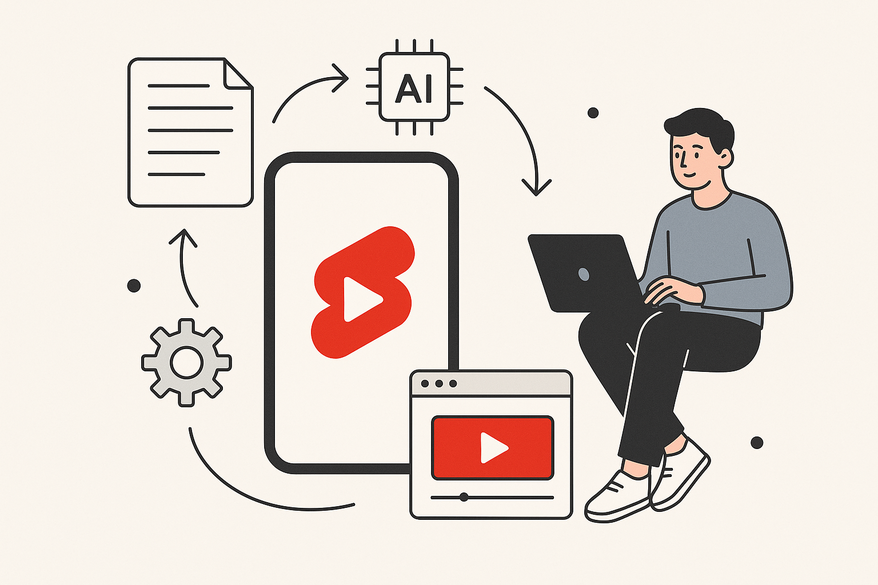
Learn to create YouTube Shorts automatically with AI, automating everything from script to upload, and boosting your channel's growth efficiently.

Estimated reading time: 10 minutes
Key Takeaways
- AI can automate every step of Shorts creation: ideation, scripting, editing, metadata, and scheduling.
- Workflows like Make.com + ChatGPT + Canva allow batch script generation and template-based editing.
- Automated metadata and scheduled uploads ensure consistency and scalability.
- Monitor performance metrics to refine AI prompts and maintain quality.
Table of Contents
- Understanding YouTube Shorts and AI
- How AI Automates the Process
- Step-by-Step Guide
- Advantages and Best Practices
- Tools, Resources & Future Trends
- Conclusion
- FAQ
Understanding YouTube Shorts and AI
YouTube Shorts are vertical, mobile-first videos up to 60 seconds, designed to drive discovery and engagement. By integrating AI-driven scriptwriting, auto-clipping, captioning, and prompt-based visuals, creators can:
- Generate concise, hook-driven scripts instantly.
- Auto-detect highlights from long-form footage.
- Add subtitles, transitions, and AI backgrounds seamlessly.
- Maintain a consistent publishing schedule at scale.
As viewership surges, AI workflows empower frequent, data-driven content releases without burnout.
How AI Automates the Process
AI-powered Shorts production typically follows three stages:
- Content Selection & Curation
- Auto-scan long-form videos for high-engagement segments.
- Use generative AI for trend and topic suggestions.
- Align ideas with trending hashtags and viewer interests.
- Script Generation & Editing
- Prompt language models to output scripts in a table (Hook, Body, CTA).
- Condense copy to fit 15–60 seconds.
- Ensure each script opens with a compelling hook.
- AI-Powered Video Editing & Assembly
- Auto-cut clips to match script beats, format to 9:16.
- Add captions, music, transitions, and thumbnails.
- Leverage in-app AI tools for backgrounds and visuals.
Mini Case Study: A creator used Make.com to connect ChatGPT, Canva, and the YouTube API. ChatGPT generated 1,000 scripts; Canva bulk-populated a 9:16 template; Make.com detected new files in Google Drive and scheduled uploads automatically.
Key references:
Step-by-Step Guide
Step 1: Define Niche & Format
- Choose a niche (e.g., finance tips, fitness hacks).
- Select a repeatable format, such as “3 tips in 30 seconds” or “Myth vs Fact.”
- Document brand guidelines: tone, on-screen style, and logo placement.
Step 2: Configure AI Script Generation
- Draft a prompt specifying role, audience, length, and structure.
- Request 5–10 scripts at once, formatted with columns for Hook, Body, CTA.
- Export scripts to Google Sheets or CSV for integration.
Reference: Make.com Scripts
Step 3: Prepare Video Templates
- Create a 9:16 template in an AI-enabled editor (e.g., Canva).
- Set placeholders for headlines, captions, and B-roll.
- Define text styles, durations, and color schemes.
Reference: Template Guide
Step 4: Automate Video Generation
Option A: Prompt-based Generation
Use AI to generate backgrounds or clips from text prompts, then combine with scripts and subtitles.
Option B: Long-form Repurposing
Upload full videos to an auto-clipping tool; AI detects highlights, cuts to 9:16, and adds captions.
References: Apple Education, YouTube Demo
Step 5: Auto-Populate Metadata
- Use AI to craft optimized titles, descriptions, and tags.
- Store metadata in a spreadsheet for automated retrieval.
References: YouTube Support, Metadata Guide
Step 6: Schedule & Upload via Automation
- Build a Make.com or Zapier workflow:
- Trigger: New file in a designated folder.
- Action: Read metadata → call YouTube API to upload and schedule.
- Include error handling and logs for failures.
Reference: Upload Workflow
Step 7: Monitor & Refine
- Track views, watch time, retention, and engagement metrics.
- Update AI prompts and templates based on performance.
References: YouTube Case Studies, Performance Guide
Advantages and Best Practices
Advantages
- Publish frequently without burnout.
- Repurpose long-form content into multiple Shorts.
- Scale experimentation with different hooks and formats.
- Ensure data-backed consistency and quality.
Best Practices for YouTube Algorithm
- Hook viewers within the first 1–2 seconds.
- Keep retention high with tight edits.
- Use targeted keywords and hashtags (#shorts).
- Blend trending formats with brand voice.
Quality Maintenance Tips
- Manually review initial automated batches.
- Maintain human oversight for tone and accuracy.
- Rotate prompts and templates to avoid repetition.
- Occasionally produce fully custom Shorts.
Tools, Resources & Future Trends
Tool Categories
- Script & Idea Generation: ChatGPT-style models.
- AI Video Creation: Prompt-based tools and Shorts generators.
- Long-form Repurposing: Auto-clippers and highlight detectors.
- Bulk Design: Canva bulk video templates.
- Scheduling/Uploading: Make.com, Zapier workflows.
- Native YouTube AI: “Backgrounds” and “Create video” features.
Learning Resources
- Make.com tutorials for ChatGPT + Canva + YouTube.
- YouTube Help Center on AI Shorts features.
- Creator case studies on AI automation.
- Online communities like the Make.com forum.
Future Trends
- End-to-end in-app AI video generation.
- Advanced highlight detection and auto-clipping.
- AI-driven analytics recommending next topics.
- Cross-platform short-form pipelines beyond YouTube.
Conclusion
By combining AI models, video tools, and automation platforms, creators can fully automate YouTube Shorts production—from brainstorming to scheduling—without sacrificing quality. This frees you to focus on strategy and community growth while your pipeline runs on autopilot.
Ready to streamline your Shorts workflow? Tools like Vidulk - AI Video Clipping App offer on-device AI transformations for turning long videos into optimized Shorts.
FAQ
How long does it take to set up an AI Shorts workflow?
Initial setup typically takes 1–2 days, including prompt crafting, template design, and automation tests. After that, batch production is near-instant.
Can I customize the AI scripts?
Yes. Prompt templates allow you to define tone, structure, and length. You can also refine generated scripts before video assembly.
What tools do I need?
Core tools include a language model (e.g., ChatGPT), a video editor with AI features (e.g., Canva), and an automation platform like Make.com or Zapier.
Will automated Shorts maintain quality?
With human oversight and prompt iteration, automated workflows can match or exceed manual quality—especially for scalable, template-driven formats.
How do I track performance?
Use YouTube Analytics or API integrations to monitor views, watch time, and engagement. Feed insights back into your AI prompts for continuous improvement.



