How to Extract Quotes from Video Automatically: Top AI Tools
Learn to extract quotes from video automatically with top AI tools. Boost efficiency and accuracy in content creation using AI quote extractor video tools.

Estimated reading time: 8 minutes
Key Takeaways
- Automated Efficiency: AI tools transcribe and detect key quotes, saving hours of manual work.
- Enhanced Accuracy: Speech recognition and NLP ensure precise, timestamped quotes.
- Feature-Rich Solutions: Batch processing, multilingual support, drag-and-drop interfaces, and API integrations.
- Scalable Workflows: From individual projects to enterprise pipelines, AI quote extraction adapts to all needs.
Table of Contents
- What Does It Mean to Extract Quotes from Video Automatically?
- How AI Powers Quote Extraction
- Key Features and Benefits
- Comparative Analysis of AI Tools
- Step-by-Step Guide to Using an AI-Based Video Quote Extraction Tool
- Use Cases and Applications
- Future Trends in AI-Driven Quote Extraction
- Conclusion
- FAQ
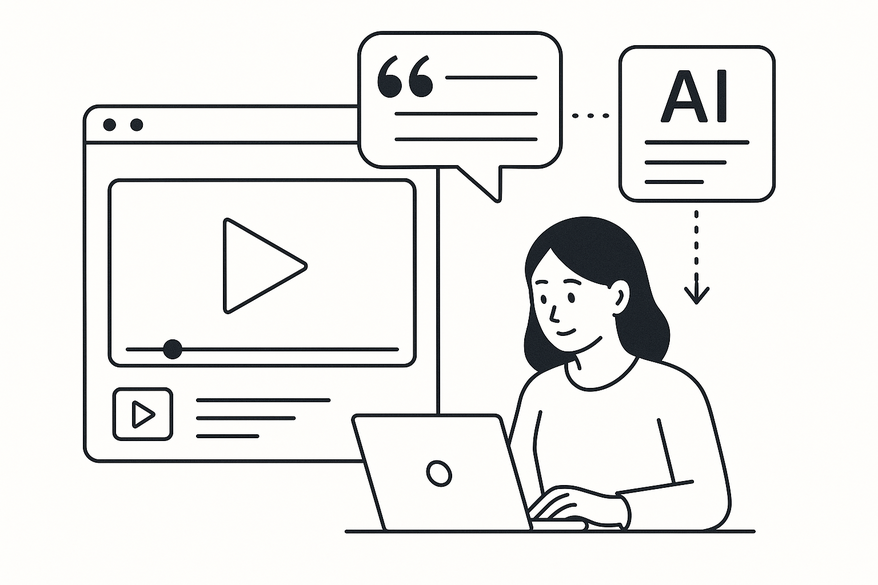
Extracting quotes from video automatically leverages AI to transcribe speech, identify impactful statements, and isolate them without manual effort. This approach transforms raw video content into shareable insights in minutes, not hours. For a seamless way to detect and clip key moments—including quotable statements—from your videos, check out Vidulk - AI Video Clipping App.

What Does It Mean to Extract Quotes from Video Automatically?
Extracting quotes from video automatically unfolds in three stages:
- Transcribe audio via speech-to-text AI.
- Use NLP to detect quotable phrases.
- Categorize and timestamp extracted quotes.
Purpose and Benefits
- Transforms interviews, webinars, or podcasts into bite-sized, shareable quotes.
- Speeds up content repurposing for social media, blogs, and reports.
- Ensures consistency and completeness, reducing missed key statements.
Manual vs. Automated Workflow
- Manual: watch full videos, transcribe verbatim, manually sift through transcripts.
- Automated: AI transcript generation plus built-in quote detection with thematic tagging.
“Manual extraction requires watching full videos…error-prone, especially with long interviews or podcasts.”
Source: Insight7 AI tools guide
Automated precision and completeness mean no more skimming through hours of footage. An AI quote extractor video pinpoints every key phrase and flags it for review, cutting sifting time dramatically.
How AI Powers Quote Extraction
Core AI Components
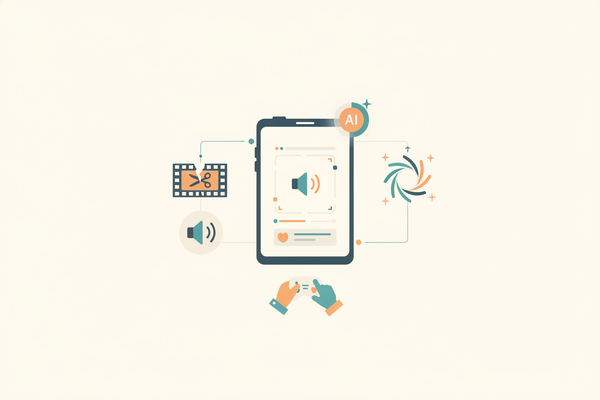
- Speech Recognition: converts spoken words into timestamped text.
- Natural Language Processing (NLP): identifies themes, sentiment, and contextually significant phrases.
Concrete Tool Examples
- Otter.ai for real-time transcription and organization.
- Descript for text-based video edits and quote highlighting.
Research shows AI leverages speech recognition combined with NLP to identify thematic quotes and summarize content. Learn more about how AI video clipping works.
Key Features and Benefits
- Accuracy
- LLM-enhanced transcription for low error rates.
- Multilingual support for global content.
- Speed
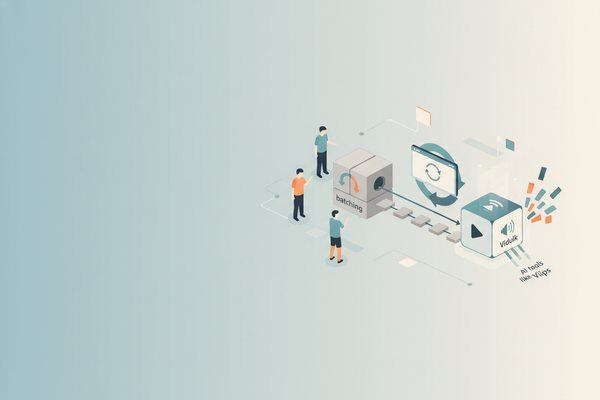
- Batch processing of multiple videos.
- Real-time live transcription for interviews.
- Ease-of-Use
- Drag-and-drop uploads.
- Intuitive dashboards with highlight tools.
- Scalability
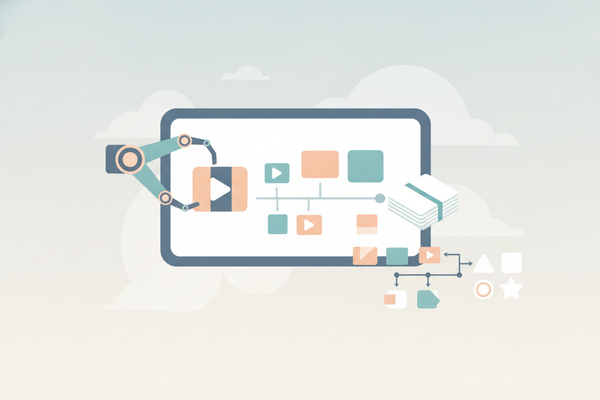
- API integrations for automated pipelines.
- Workflow automation for bulk projects.
Top AI tools offer high accuracy, speed, ease-of-use, and scalability. Free AI video clip maker tools can help you start without upfront costs: free AI video clip maker tools.
Comparative Analysis of AI Tools
Comparison Criteria
- Accuracy
- Pricing
- Integrations
- User-Friendliness
Tool Breakdown
- Otter.ai – Best for live transcription and meetings; freemium model.
- Sonix – Theme categorization and timestamped quotes; subscription-based.
- Descript – Text-based video editing and clip exports; freemium model.
- Trint – Collaboration workflows and integrations; subscription-based.
- Koncile.ai – API-driven quote extraction for custom apps; enterprise pricing.
Step-by-Step Guide to Using an AI-Based Video Quote Extraction Tool
- Upload Your Video – Drag-and-drop in Descript or Otter.ai.
- Auto-Transcribe – Let AI transcribe with high accuracy (e.g., Sonix).
- Extract Quotes – Use keyword search or AI theme filters to flag lines.
- Export Quotes – Download text, JSON, or video clips via API.
- Refine & Verify – Review flagged quotes, adjust timestamps, and correct misheard terms.
Tip: Clean audio and dialect-trained models reduce errors. You can also auto summarize your videos to get concise insights: auto summarize your videos.
Use Cases and Applications
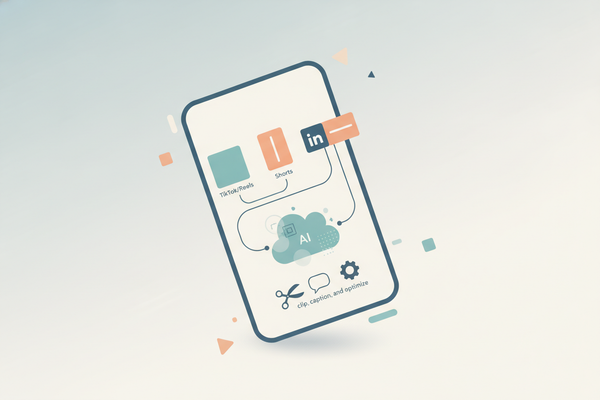
- Content Repurposing: extract soundbites for social reels.
- Research Quoting: categorize feedback by theme.
- Podcast Highlighting: auto-generate episode summaries.
- Lecture Summaries: pull key points for study guides.
Future Trends in AI-Driven Quote Extraction
- Multimodal AI combining video, audio, and text for context-aware quotes.
- Deeper platform integrations (e.g., Microsoft Power Automate + AI Builder).
- Personalized brand-tone adaptation for quotes.
Conclusion
Extract quotes from video automatically brings unmatched efficiency, accuracy, and scalability to content workflows. AI quote extractor video and video quote generator AI tools transform how you handle interviews, webinars, podcasts, and lectures—freeing you from manual sifting and letting you focus on creative strategy.
Next Steps:
- Try Otter.ai or Descript for a free trial.
- Explore API-driven workflows with Koncile.ai.
- Share your extraction success in the comments below!
FAQ
What accuracy can I expect from AI quote extraction tools?
Most AI tools achieve over 90% transcription accuracy, which improves further with clear audio and specialized language models.
Can these tools handle multiple languages?
Yes, many platforms support multilingual transcription and translation for global content workflows.
How do I integrate quote extraction into my existing pipeline?
Use API integrations to automate uploads, transcriptions, and exports, or connect with platforms like Zapier and Microsoft Power Automate.
Are there free options to get started?
Several tools, including Otter.ai and Descript, offer freemium plans with basic transcription and quote extraction features.
What formats can I export extracted quotes in?
You can usually download quotes as text files, JSON, or even short video clips depending on the tool’s export options.