Vidulk Supported Platforms: Complete Guide to Android, iOS & Desktop
Explore Vidulk supported platforms for Android, iOS, and desktop—learn about app availability, features, and troubleshooting for seamless video editing.

Estimated reading time: 7 minutes
Key Takeaways
- Vidulk offers a seamless, AI-driven video clipping experience across Android and iOS devices.
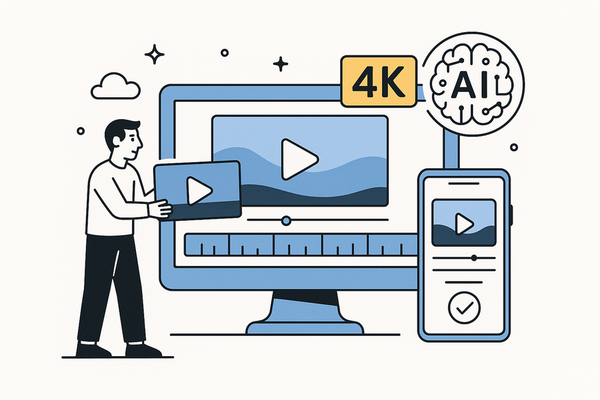
- Mobile apps support import, auto-detection, caption styling, and export up to 4K in multiple aspect ratios.
- Desktop compatibility is evolving—currently via Mac App Store or web browser access for now.
- Android and iOS each have unique workflows, with Android optimized for on-the-go editing and iOS for Apple ecosystem integration.
- Common troubleshooting tips cover app discovery, import errors, AI accuracy, caption export, and crashes.
Table of Contents
- Introduction
- What “Supported Platforms” Means for Vidulk
- Vidulk Android App Availability
- Vidulk iOS App
- Vidulk Desktop Compatibility
- Platform Comparison: Android vs iOS vs Desktop
- Troubleshooting Tips
- Conclusion & Key Takeaways
- Call to Action
Introduction
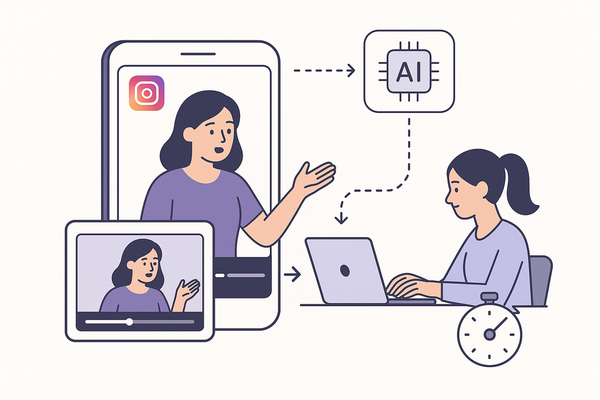
Vidulk supported platforms refer to the specific devices and operating systems on which Vidulk can be downloaded, installed, and used effectively. As a cross-device AI video clipping tool, Vidulk helps creators transform long-form videos and audio into social-ready clips with minimal effort. Whether you’re on your phone waiting for a meeting or at your desk planning a content calendar, Vidulk’s versatility ensures the same intelligent clipping workflow is available.
This guide is for anyone seeking an informational overview of where and how to use Vidulk. You’ll learn about Vidulk Android app availability, Vidulk iOS app features, and Vidulk desktop compatibility—so you can pick the platform that fits your routine and content strategy best. By the end, you’ll understand multi-platform experience, cross-device usability, and basic troubleshooting tips for a seamless video editing process.
What “Supported Platforms” Means for Vidulk
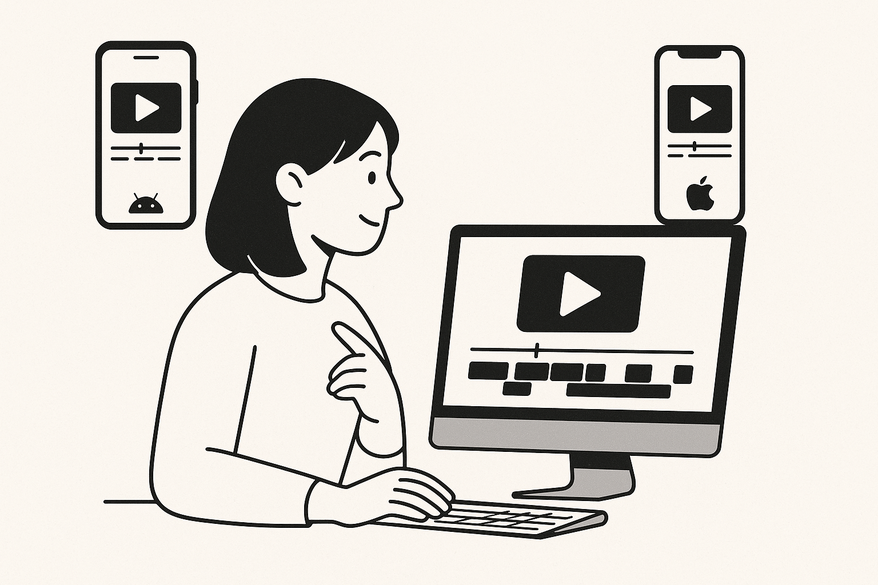
In Vidulk’s context, “supported platforms” include Android, iOS, and desktop environments. This multi-platform experience lets you review clips, edit captions, and export content from whichever device suits your workflow. The benefit of Vidulk’s cross-device AI video clipping is clear:
- Seamless clip review on phone, tablet, or computer
- Consistent AI-driven highlights across all devices
- Ability to pick up editing where you left off
- Flexibility to finalize and post from your preferred screen size
Understanding these platforms ensures you can maximize Vidulk’s versatility and maintain productivity no matter where you are.
Vidulk Android App Availability
Android App Highlights

What the Android App Does
The Vidulk Android app brings full AI-powered clipping to your mobile device. Core features include:
- Import long videos or audio files
- Paste links from supported social platforms
- AI-powered clip detection and ranking by virality
- Trim, reorder, or reject clips
- Add stylized captions (styles, fonts)
- Export in aspect ratios: 9:16, 1:1, 4:5, 16:9
- Export up to 4K resolution
- Full-length editing workflow
- AI-powered caption removal
How to Download on Android
- Open Google Play Store on your device
- Search for “Vidulk – AI Video Clipping”
- Tap Install
Direct link: Vidulk on Google Play
Android System Requirements
- Minimum OS: Android 8.0+ (recommended for best performance)
- Internet: Stable connection for AI processing
- Storage: Enough free space for media import/export
- Hardware: Use a relatively recent device for smooth AI clipping
Android-Specific Benefits
- True mobile-first workflow for on-the-go editing and publishing
- Instant social media exports directly from phone or tablet
- Manage and post social-ready clips anywhere, anytime
Vidulk iOS App
iOS App Highlights
What the iOS App Offers
- Import from camera roll or supported external links
- AI-powered clip detection and ranking by engagement
- Trim, reject, or reorder suggested clips
- Add and style captions with multiple fonts and animations
- Export in social-friendly formats: 9:16, 1:1, 4:5, 16:9
- Full-length editing workflow for extended cut refinement
- AI-powered removal of existing captions
iOS-Tailored Experience
- Integration with iOS camera roll and native share sheets
- Familiar tab-bar and gesture navigation for quick editing
- Tablet-friendly layout on iPad for a larger canvas
- App Store compatibility: iPhone, iPad, Mac, Vision, Watch, TV
How to Download on iOS
- Open Apple App Store
- Search “Vidulk – AI Video Clipping”
- Tap Get to install
Direct link: Vidulk on the App Store
Vidulk Desktop Compatibility
Desktop Overview
Current State of Desktop Support
- Android and iOS are the primary focus for Vidulk’s mobile apps
- Mac compatibility flag exists in the App Store but no clear native app details
- No official Windows or Linux standalone app documented
What This Likely Means
- Vidulk is primarily a mobile-first application
- Desktop use may occur via Mac App Store compatibility or a web interface
- Windows and Linux users likely rely on the web or await future releases
Installation & Requirements (Hypothetical)
- Mac users: Check Mac App Store for Vidulk
- Windows/Linux users: Try accessing Vidulk through Chrome, Edge, or Firefox if a web version exists
- System recommendations: Latest OS, stable internet, adequate RAM
Desktop-Only Features
- No desktop-exclusive tools officially confirmed
- Assume feature parity with mobile apps until dedicated desktop functionality is released
Platform Comparison: Android vs iOS vs Desktop
Pros & Cons Overview
| Platform | Pros | Cons |
|---|---|---|
| Android | Easy Play Store access; flexible hardware; on-the-go publishing | Unspecified detailed OS requirements; no official desktop version |
| iOS | Polished UX; camera-roll integration; iPad editing canvas | Desktop support unclear; assumed feature parity |
| Desktop | Larger screen for detailed review; potential multitasking | No confirmed Windows/Linux app; may rely on browser or Mac-only support |
Best Use Cases
- Android: Ideal for Google ecosystem creators and rapid mobile workflows
- iOS: Perfect for Apple ecosystem users and tablet-based editing
- Desktop: Best for in-depth review if Mac App Store or web interface is available
Conclusion & Key Takeaways
Vidulk supported platforms deliver a unified, AI-driven clipping experience across Android and iOS, with desktop compatibility still evolving. Android and iOS apps offer the full suite of AI-powered clip detection, trimming, caption styling, and export options in multiple aspect ratios up to 4K. Desktop users should monitor official channels for dedicated Windows, macOS, or web releases.
Choosing the platform that fits your workflow—on-the-move mobile editing or a larger desktop review—ensures you can clip, caption, and publish content quickly and effectively.
Call to Action
FAQ
Why Can’t I Find Vidulk in the App Store?
- Ensure the exact name: Vidulk – AI Video Clipping
- Check your region’s availability
- Verify your device meets compatibility rules
Import Errors
- Check file format and link permissions
- Grant Photos/Media access on mobile
- Confirm file integrity and size limits
Inaccurate AI Clip Detection
- Use clear, high-quality audio/video sources
- Shorten long-form content for better AI focus
- Manually adjust suggested clips as needed
Caption Export Problems
- Verify chosen caption style and animation
- Ensure sufficient device storage
- Match export aspect ratio to the intended platform
Platform Support Discrepancies
- Mobile apps (Android/iOS) are fully documented
- Desktop functionality is unconfirmed—consult official docs or support
App Crashes
- Restart the app and your device
- Update to the latest version
- Clear cache or reinstall if possible
- Contact support via your app store listing
New to Vidulk? Explore our Vidulk Tutorial for Beginners for a full walkthrough, and learn about our plans in Vidulk App Pricing Explained. For more on the core tool, visit Vidulk - AI Video Clipping App.