
Instagram Live Clip Generator AI: Auto Clip Your Way to Smarter Content Creation
Discover how Instagram Live clip generator AI transforms lengthy streams into shareable clips effortlessly. Save time with AI-driven automation for smarter content creation.

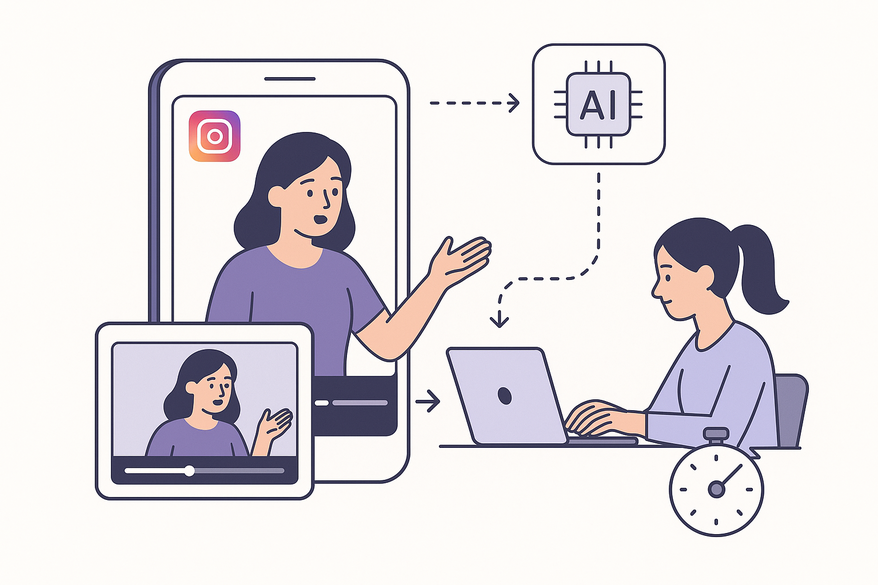
Estimated reading time: 8 minutes
Key Takeaways
- AI automation isolates high-engagement segments in Instagram Live streams.
- Batch exports of 15–60 second clips reduce editing time from hours to minutes.
- Core technologies include speech recognition, scene detection, and engagement analysis.
- A clear workflow: upload, analyze, review, edit, export, and track metrics.
- Benefits include consistency, scalability, and faster content repurposing.
Table of Contents
- Defining the Technology
- Manual vs. AI Editing
- How AI Transforms Instagram Live Clipping
- Step-by-Step Guide to Auto Clip Instagram Live Video
- Comparison and Benefits
- Use Cases and Practical Applications
- Future Developments in AI for Social Media Video
- Conclusion
Defining the Technology
An Instagram Live clip generator AI leverages algorithms such as speech recognition, scene detection, and engagement-signal analysis to isolate clips. It differs from traditional editing in both speed and scale.
- Scans audio for key words and quotes
- Detects visual shifts, smiles, and action
- Monitors chat and reaction spikes
- Exports clips in batch
Manual vs. AI Editing
- Manual editing
- A human watches the full stream
- Marks in/out points by hand
- Trims and exports one clip at a time
- AI editing
- Automated scanning of video and audio
- Algorithmic highlight selection
- Batch export of 15–60-second clips
How AI Transforms Instagram Live Clipping
AI Instagram Live clip maker tools rely on several core technologies:
- Speech recognition – Captures key quotes, topic shifts, Q&A exchanges
- Scene recognition – Detects visual transitions and high-motion segments
- Engagement cues – Flags laughter, chat spikes, reaction icons
- Highlight detection models – Trained on performance data to spot viral moments
- Video segmentation – Divides full streams into logical chapters for easier review
Benefits at a glance:
- Scans a 60-minute stream in minutes
- Flags top-performing 15–60-second clips automatically
- Reduces editing from hours to minutes
- Maintains consistent clip standards
These trends echo broader content-automation shifts, where AI accelerates video workflows and enhances output quality. For a deeper dive into how to turn long videos into short clips using AI, see the complete AI workflow for turning long videos into short clips.
Step-by-Step Guide to Auto Clip Instagram Live Video
- Upload or connect your Instagram Live recording
- Acceptable formats: MP4, MOV, or direct API links
- Connect via cloud library or platform integration
- Ensure file size under platform limit (e.g., 5 GB)
- Let AI analyze the content
- Analysis time: under 5 minutes for a 1 hour video
- ML checkpoints: speech, scene, engagement
- System flags potential clips with scores
- For live broadcasts, real-time clipping tools like AI live stream clip maker can flag moments as they happen
- Review suggested highlights
- UI screenshot below shows topic tag, duration, engagement score
- Use labels like “Top Question,” “Best Tip,” or “Funny Moment”
- Accept, reject, or combine clips

- Edit and customize clips
- Trim handles for intro/outro polish
- Add captions, subtitles, or stickers
- Insert branding overlays or logos
- Choose aspect-ratio presets (9:16 for Reels, 1:1 for feed)
- Export and publish
- Direct export options:
- Instagram Reels and Stories
- TikTok, YouTube Shorts
- Facebook Reels via API
- Save to local drive or cloud
- Direct export options:
- Track performance metrics
- Monitor views, watch time, engagement rate
- Use native analytics or integrated dashboards
- Refine future clips based on top metrics
To streamline this process on mobile, consider using Vidulk - AI Video Clipping App for on-device AI clipping and easy export to socials.
Comparison and Benefits
| Feature | AI-Powered Clipping | Manual Editing |
|---|---|---|
| Speed | Minutes | Hours |
| Consistency | Uniform | Varies by editor |
| Scalability | High | Limited |
| Creative control | Moderate–High | Very High |
| Cost | Cost-effective at scale | Higher per clip |
- Speed: Generate clips in minutes
- Consistency: Uniform format and style
- Ease of use: No advanced editing skills needed
- Strategic alignment: Multiple clips for campaigns
- Volume output: Turn 1 Live into 5+ clips
Limitations to consider:
- May miss subtle or brand-specific cues
- Human review needed for tone and nuance
- Privacy: ensure guest consent for clips
- Over-automation can dilute brand voice
Use Cases and Practical Applications
- Influencers – Q&A highlights tripled Reels output
- Ecommerce brands – Demo clips drove 20% lift in engagement
- Coaches/educators – Micro-learning clips boosted retention by 15%
- Agencies – Reduced edit time by 70% across 10+ accounts
- Event marketers – Curated highlights extended reach by days
Future Developments in AI for Social Media Video
- Real-time highlight clipping during live broadcasts
- Native platform integration with in-app AI tools
- Auto-formatting for multiple aspect ratios and platforms
- AI-generated captions, titles, and hashtags
- Emotion and context-aware highlight detection
Platforms like Instagram plan to expand AI creator features, and market forecasts predict rapid growth in AI video editing tools. These shifts will make it easier to auto clip Instagram Live video and integrate AI into one seamless workflow. If you're interested in creating short videos from long content for platforms like Reels, check out how to use an AI Reel Clip Generator to create short videos from long content.
Conclusion
Adopting an Instagram Live clip generator AI transforms your social media workflow. With AI tools, you can convert Instagram Live to clips AI-style in minutes, save editing time, and maintain consistent standards. Auto clip Instagram Live video workflows deliver higher volume, faster turnaround, and better strategic alignment. Combine AI efficiency with human oversight to ensure quality, brand voice, and privacy compliance. Ready to boost your content output? Try a free trial of a leading Instagram Live clip generator AI today, share your results, and integrate AI into your next live session.
FAQ
- What file formats are supported?
MP4 and MOV are the most common, and some platforms allow direct API links. - How accurate is the AI clipping?
Accuracy depends on the training data, but most tools flag high-engagement moments with over 85% precision. - Can I customize clip length?
Yes. You can typically set clip durations between 15 and 60 seconds before export. - Does it support real-time clipping?
Certain solutions offer live-stream integrations to flag and clip highlights as you broadcast. For YouTube creators, see how an AI YouTube Live Clip Maker can automate highlights with a YouTube Live clip generator. - Is my data secure and private?
Always review the platform’s privacy policy and ensure guest consent before generating and sharing clips.



