Fake Stream Chat: How to Create Engaging Clips with AI
Learn how to use fake stream chat overlays to make your video clips more engaging. Discover AI tools and strategies for viral content with Vidulk.

Estimated reading time: 8 min
Key Takeaways
- Fake stream chat overlays can boost video engagement and authenticity.
- AI tools make it easy to generate believable chat interactions for clips.
- Vidulk streamlines the editing process for creators looking to go viral.
- Best practices help you avoid pitfalls and maximize viewer retention.
Table of Contents
- Section 1: What Is a Fake Stream Chat?
- Section 2: Why Use Fake Stream Chat in Video Clips?
- Section 3: How to Create Fake Stream Chat Overlays with AI
- Section 4: Best Practices for Authentic-Looking Chat Clips
- Section 5: Tools and Apps for Stream Chat Effects
- Conclusion
- FAQ
Section 1: What Is a Fake Stream Chat?
Understanding the Concept
A fake stream chat is a simulated chat overlay designed to mimic the live chat experience seen on platforms like Twitch or YouTube during streams. These overlays display fictional comments, reactions, and usernames, creating the illusion of a lively audience.
- Replicates real-time engagement
- Shows messages from "viewers" alongside video content
- Widely used in highlight reels, meme edits, and short-form videos
Key Elements of Stream Chat Overlays
- Scrolling chat messages
- User avatars and usernames
- Emotes and reactions
- Customizable styles to match the platform aesthetic
Section 2: Why Use Fake Stream Chat in Video Clips?
Boosting Viewer Engagement
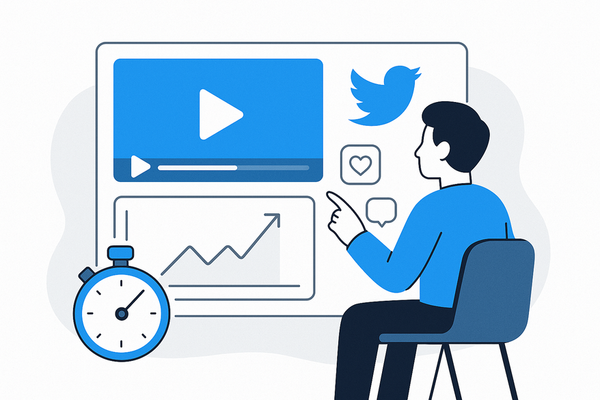
Fake stream chat overlays add a dynamic, social element to your clips. Viewers feel like they're part of a community, even if the clip isn't from a live broadcast.
- Increases authenticity: Feels like a real, interactive moment
- Enhances storytelling: Comments can amplify jokes, drama, or plot twists
- Drives virality: Engaged viewers are more likely to share
Popular Use Cases
- Turning podcasts or interviews into short, shareable moments
- Creating TikTok or Instagram Reels with added humor
- Highlighting reactions to dramatic or funny video segments
For more on how AI turns long videos into viral shorts, see AI Clip Generator: Transform Long Videos Into Viral Shorts.
Section 3: How to Create Fake Stream Chat Overlays with AI
Step 1: Import Your Source Video
Start by uploading your long-form content—such as a podcast, interview, or lecture—into an AI-powered editing tool. Vidulk makes this process seamless for mobile users.
Step 2: Use AI to Detect Key Moments
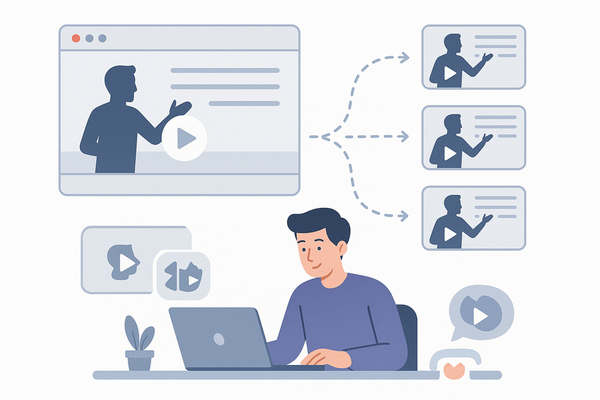
AI analyzes your video to identify highlight-worthy segments. This saves hours of manual scrubbing and ensures the chosen clips have high engagement potential.
Step 3: Generate and Customize Fake Stream Chat
- Select a chat overlay template or design your own
- Let AI auto-generate chat messages based on video context, or input your own for more control
- Customize usernames, avatars, and message speed to match your platform of choice
Step 4: Export and Share
Once satisfied, export your vertical, captioned clip—ready for TikTok, YouTube Shorts, or Instagram Reels. Vidulk handles captioning and formatting automatically.
Section 4: Best Practices for Authentic-Looking Chat Clips
Keep It Realistic
- Mix genuine-sounding comments with subtle emotes
- Avoid overloading with spammy or repetitive messages
- Use varied username formats and avatars for realism
Context Matters
Tailor the fake chat to match the mood and content of your clip. For comedic moments, add playful banter; for dramatic reveals, insert shocked or excited reactions.
Don’t Mislead the Audience
Clearly indicate that the chat is simulated if there's any risk of confusing viewers about the video’s origin.
Section 5: Tools and Apps for Stream Chat Effects
AI Video Clipping Apps
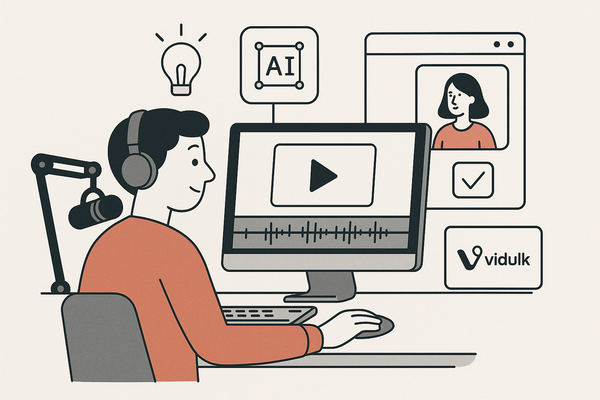
Vidulk stands out for its mobile-first workflow, making it simple to transform any long-form content into viral-ready clips with fake stream chat overlays and captions. Its AI Studio even lets you generate or enhance images for your video projects, all on-device.
Alternative Tools
- Desktop video editors (with manual chat overlay plugins)
- Online fake chat generators (for exporting chat graphics to layer in edits)
Choosing the Right Solution
For creators focused on speed and virality, AI-driven mobile apps like Vidulk offer the best mix of automation and creative control.
To explore more about integrating chat features into your content, check out how to integrate video chat API for seamless content creation.
Conclusion
Fake stream chat overlays can instantly make your video clips more engaging, relatable, and shareable. With AI-powered tools like Vidulk, adding authentic-looking chat to your highlights is easier than ever—helping you stand out in the crowded world of short-form content. Give it a try and see how your audience responds!
FAQ
Q: Is using fake stream chat overlays misleading?
A:
As long as you don’t claim the chat is real, and the context is entertainment or commentary, most audiences appreciate the added engagement. Transparency is key if there’s any chance of confusion.
Q: Can I customize the chat messages and usernames?
A:
Yes! Most AI tools, including Vidulk, allow for full customization of chat content, usernames, avatars, and styles.
Q: What platforms support uploading clips with fake chat overlays?
A:
TikTok, YouTube Shorts, and Instagram Reels all support these kinds of overlays, as long as the video meets their format requirements.
Q: Where can I learn more about creating viral video clips with AI?
A:
Read our guide How to Make AI Video Clips: A Step-by-Step Guide for detailed instructions and creative tips.