Short-Form Video Editing for Podcasters: The Ultimate Guide
Master short-form video editing for podcasters. Discover AI tools, workflow tips, and how Vidulk streamlines viral clip creation for your podcast content.

Estimated reading time: 8 min
Key Takeaways
- Short-form video editing for podcasters amplifies reach and engagement.
- AI tools like Vidulk automate the process, saving hours of manual work.
- Best practices include vertical formats, captions, and platform-tailored edits.
- Repurposing long-form audio/video into clips boosts discoverability.
Table of Contents
- Section 1: Why Short-Form Video Editing Matters for Podcasters
- Section 2: Essential Elements of Short-Form Video Clips
- Section 3: Leveraging AI for Efficient Podcast Video Editing
- Section 4: Workflow Tips for Podcasters
- Section 5: Maximizing Podcast Clip Performance on Social Media
- Conclusion
- FAQ
Section 1: Why Short-Form Video Editing Matters for Podcasters
The Power of Short-Form in Podcasting
Short-form video editing for podcasters isn’t just a trend—it’s a proven strategy for growing your show’s audience. Platforms like TikTok, Instagram Reels, and YouTube Shorts thrive on brief, engaging content. Podcasters can unlock new audiences by distilling their long-form episodes into bite-sized, shareable moments.
- Wider reach: Short clips drive discoverability across social networks.
- Higher engagement: Quick highlights entice viewers to listen to full episodes.
- Reusability: A single episode can yield dozens of viral-ready clips.
For more on transforming long videos into viral shorts, check out AI Clip Generator: Transform Long Videos Into Viral Shorts.
Section 2: Essential Elements of Short-Form Video Clips
What Makes a Clip Stand Out?
Effective short-form videos for podcasters share several traits that boost their impact:
- Vertical format: Optimized for mobile viewing and social feeds.
- Captivating hook: The opening seconds matter most—lead with a strong statement or question.
- Dynamic captions: On-screen text increases accessibility and retention.
- Clear branding: Subtle logos or podcast handles help viewers remember your show.
Technical Considerations
Keep these specs in mind for maximum compatibility:
- Aspect ratio: 9:16 (vertical)
- Duration: 15–60 seconds for most platforms
- High contrast captions for readability
Section 3: Leveraging AI for Efficient Podcast Video Editing
How AI Streamlines the Process
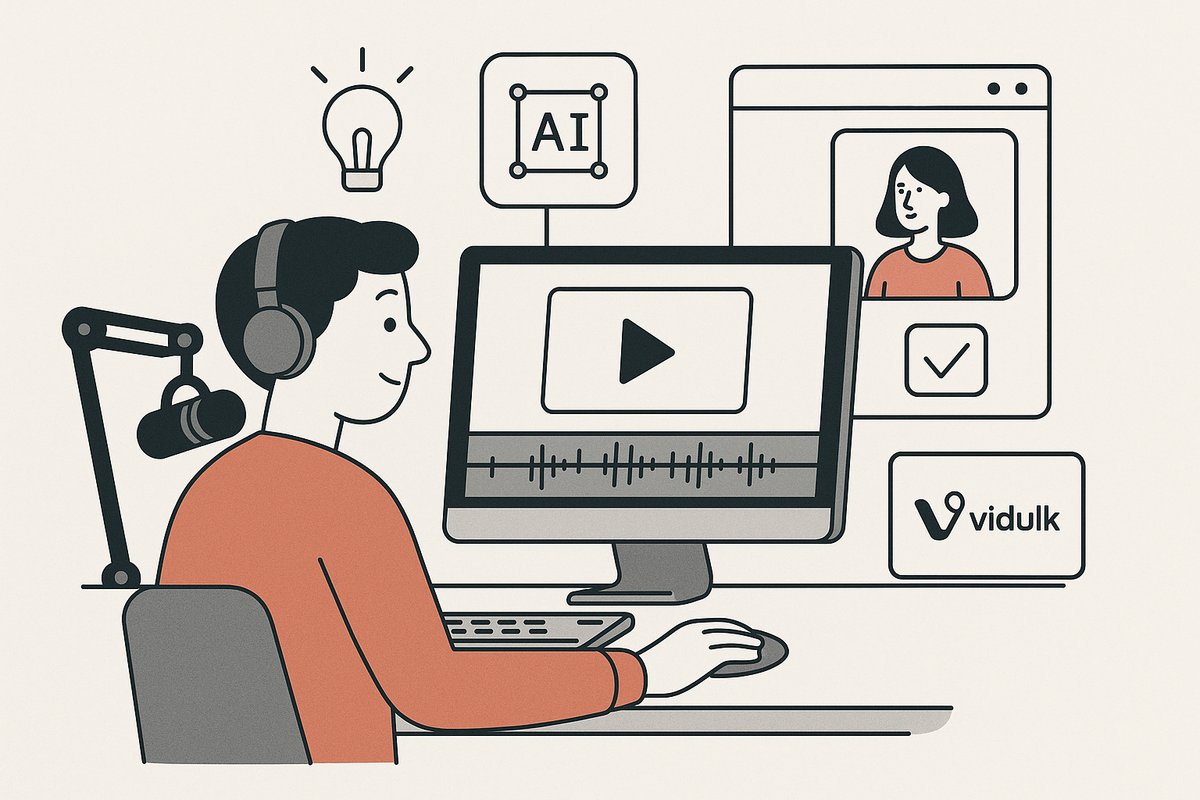
Traditional short-form video editing for podcasters is time-consuming: manual scrubbing, trimming, adding captions, and formatting for each platform. AI-powered solutions like Vidulk automate these steps:
- Clip detection: AI identifies highlight moments based on energy, keywords, or engagement cues.
- Automatic captioning: Speech-to-text generates precise, styled captions in seconds.
- Instant vertical format: AI crops and resizes your footage for TikTok and reels.
Vidulk’s AI Studio even enhances video and image quality in-app, offering a one-stop workflow for creators on the go.
Want a step-by-step guide to making AI video clips? Explore How to Make AI Video Clips: A Step-by-Step Guide.
Section 4: Workflow Tips for Podcasters
From Recording to Posting
Efficient short-form video editing for podcasters hinges on a streamlined workflow. Here’s how to get started:
- Batch export: After recording, export your audio/video in high quality.
- Upload to AI tool: Import your episode into Vidulk. Let the AI analyze and create multiple clips.
- Quick review: Preview suggested clips, make lightweight edits, and approve the best moments.
- Branding and call-to-action: Add your show name or episode tag; encourage viewers to subscribe or listen to the full podcast.
- Schedule posts: Use your preferred social media scheduler to distribute clips across platforms.
Repurposing Tips
Don’t stop at a single platform. Repurpose each clip for Instagram, YouTube Shorts, Facebook Reels, and even LinkedIn (for business podcasts). This multiplies your show’s exposure with minimal extra effort. If you want to learn more about how to post more content and grow your audience by repurposing, check out The Ultimate Repurposing Guide.
Section 5: Maximizing Podcast Clip Performance on Social Media
Optimization Strategies
Short-form video editing for podcasters is only half the battle—distribution and optimization are equally important. Consider these tips:
- Tailored captions: Use platform-specific hashtags and CTAs in your text overlays.
- Compelling thumbnails: Select a frame that instantly grabs attention.
- Consistent posting: Release new clips regularly to build momentum and audience expectation.
- Analyze performance: Track which clips perform best and refine your approach accordingly.
For more on effortlessly turning long videos into viral clips, see Video Clip Maker: Effortlessly Turn Long Videos into Viral Clips.
Conclusion
Short-form video editing for podcasters is a game-changing way to amplify your voice and attract new listeners. With AI-driven tools like Vidulk, you can automate the tedious parts, focus on content, and share your best moments everywhere your audience hangs out. Start experimenting with your next episode and watch your podcast’s reach grow.
FAQ
Q: How long should podcast short-form videos be?
A: The ideal length is 15–60 seconds for most platforms, with 30 seconds as a sweet spot for engagement.
Q: Do I need expensive software for short-form video editing as a podcaster?
A: No—AI-powered apps like Vidulk handle the heavy lifting on mobile, making pro-level editing accessible.
Q: How do I choose which moments to clip from my podcast episodes?
A: Look for high-energy, insightful, or funny segments. AI tools can surface highlights automatically based on voice cues and keywords. For more inspiration, explore short form video content ideas for creators.
Q: Can I add custom branding and captions to my podcast clips?
A: Yes, most AI video editing tools allow you to add logos, titles, and styled captions for a professional finish.