How to Make AI Video Clips: A Step-by-Step Guide
Learn how to make AI video clips easily and efficiently. Discover tools, workflows, and best practices for turning long videos into viral short clips.

Estimated reading time: 8 min
Key Takeaways
- AI video clipping saves content creators hours of manual editing.
- Automated tools like Vidulk turn long videos into shareable short clips.
- Best practices include choosing the right moments and optimizing for vertical formats.
- AI-generated captions increase engagement and accessibility.
Table of Contents
- Section 1: Why Use AI to Make Video Clips
- Section 2: Preparing Content for AI Clipping
- Section 3: How to Make AI Video Clips Step by Step
- Section 4: Optimizing AI Video Clips for Social Media
- Section 5: Advanced Tips & Best Practices
- Conclusion
- FAQ
Section 1: Why Use AI to Make Video Clips
AI Video Clipping: The Content Creator's Secret Weapon
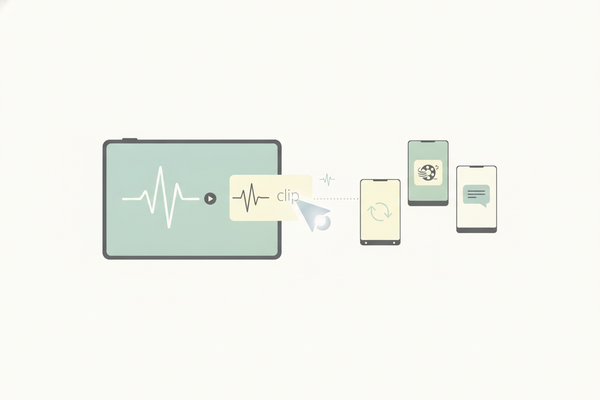
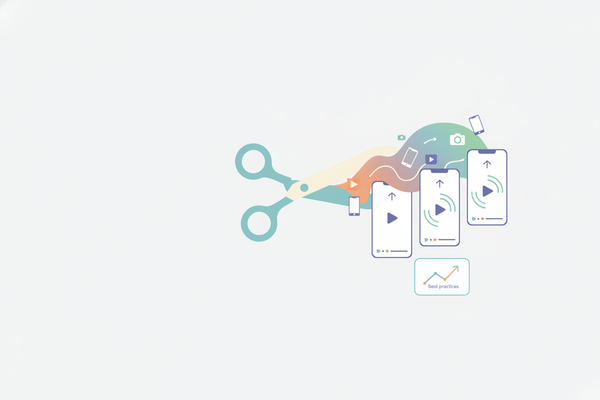
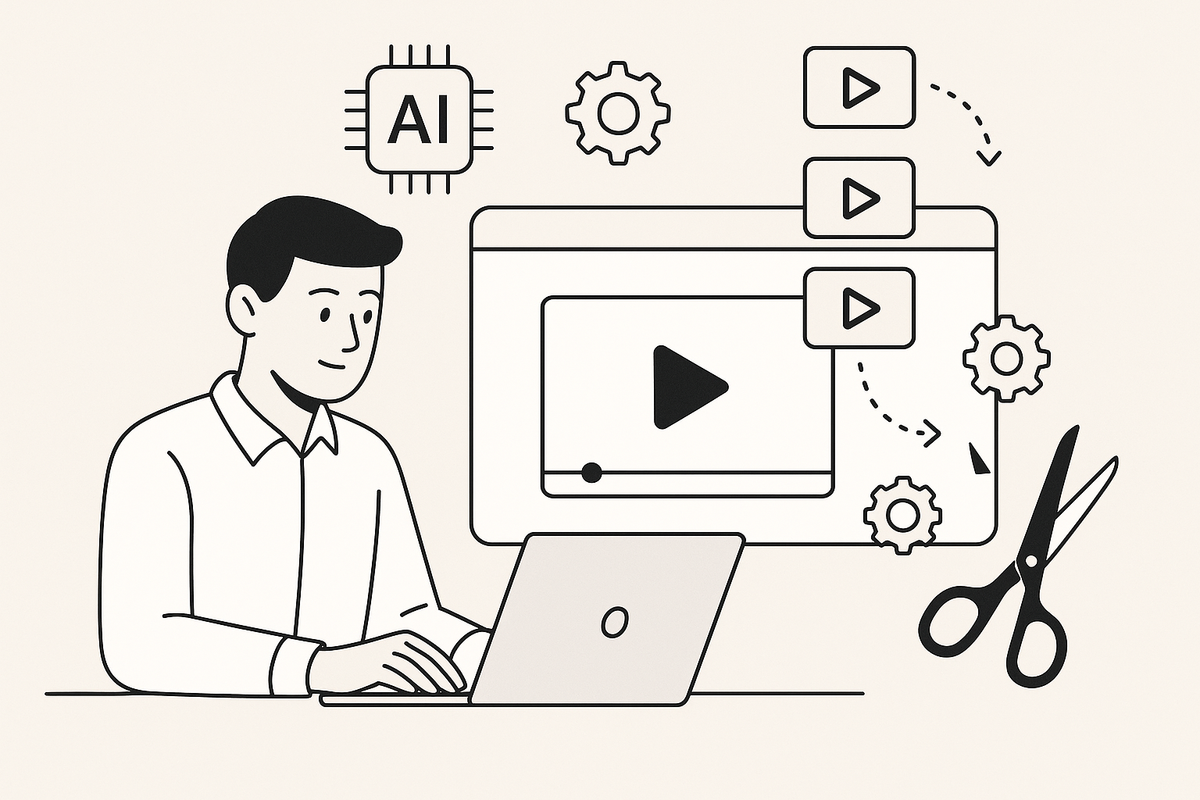
If you’ve ever tried to manually edit a podcast, webinar, or interview, you know how time-consuming it can be to find the best moments and produce engaging short clips. Learning how to make AI video clips can transform your workflow. Artificial intelligence tools like Vidulk analyze your long-form content, detect high-impact segments, and generate ready-to-share vertical videos in minutes.
- Save hours of manual editing per week.
- AI can spot viral moments that may be overlooked manually.
- Consistent formatting for all clips—ensures brand cohesion.
- Automatic captions improve accessibility and retention.
For a deeper dive into the technology behind these tools, see AI Video Tools for Creators: The Ultimate Guide to Clipping, Captions & More.
Section 2: Preparing Content for AI Clipping
Choosing and Uploading Your Source Material
Quality input yields quality output. Before you start, choose the highest quality version of your video or audio file. AI tools like Vidulk can process podcasts, interviews, lectures, and even livestream recordings. Supported formats typically include MP4, MOV, and MP3.
- Trim unnecessary silence or off-topic chatter from the original file.
- Ensure audio is clear—AI relies on good sound quality for accurate captioning.
- Have permissions to repurpose the content, especially if guests are involved.
Uploading to an AI Clipping App
Open your chosen AI video clipping app—Vidulk offers a streamlined upload process directly from your mobile device or cloud storage. Once uploaded, the AI begins analyzing content for moments with high engagement potential.
Section 3: How to Make AI Video Clips Step by Step
Getting Started with Vidulk
Vidulk is designed for simplicity and speed. Here’s a typical workflow:
- Step 1: Upload your video or audio file.
- Step 2: The AI scans for highlights, such as laughter, applause, or keyword spikes.
- Step 3: Review the suggested short clips. Each is formatted vertically and includes auto-generated captions.
- Step 4: Make quick edits if needed—adjust start/end points, tweak captions, or apply AI image enhancements in the built-in AI Studio.
- Step 5: Export your clips, ready for Instagram Reels, TikTok, or YouTube Shorts.
For a practical example, check out our in-depth guide on using an step-by-step guide on how to clip podcasts into shorts.
If you're looking for a comprehensive workflow on how to turn long videos into short clips using AI, our complete guide covers every step from upload to export.
Section 4: Optimizing AI Video Clips for Social Media
Vertical Format and Captions
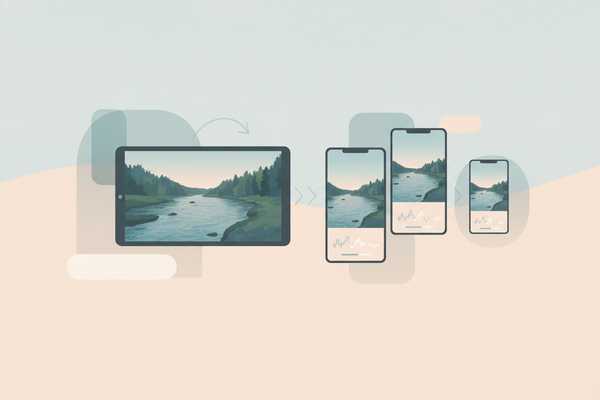
Social platforms favor vertical, visually dynamic content. Vidulk ensures output clips are mobile-optimized—vertical aspect ratio, bold captions, and clear visuals. Captions are essential: they boost watch time and make content accessible in sound-off environments.
- Keep clips between 15–60 seconds for best results on TikTok and Instagram.
- Use attention-grabbing openers—AI can help select these moments.
- Double-check auto-captions for accuracy, especially with technical terms or brand names.
Branding and Thumbnails
Use Vidulk’s AI Studio to add custom branding, enhance images, or generate compelling thumbnails. Branded clips are more likely to be recognized and shared.
Section 5: Advanced Tips & Best Practices
Fine-Tuning AI Selections
While AI does most of the heavy lifting, a quick human review ensures the best possible quality:
- Adjust clip length to match platform trends.
- Highlight memorable quotes or emotional moments.
- Experiment with different captions or call-to-actions.
Repurposing Across Channels
Once your AI clips are ready, schedule them across platforms. Consistent posting increases reach and engagement. Vidulk integrates with cloud storage for easy sharing and batch exporting.
Want to take your content further? Read about creating viral fake chat videos with AI in our post here.
Leveraging AI for Imagery
If your video lacks visuals, use the built-in AI Studio in Vidulk to generate or enhance images for your clips—perfect for audiograms or static podcast moments.
Ready to streamline your workflow? Try Vidulk and see how AI can revolutionize your video content creation process.
Conclusion
Learning how to make AI video clips is a game-changer for content creators. With tools like Vidulk, you can turn any long-form video or podcast into multiple engaging short clips, complete with captions and branding, in a fraction of the time traditional editing requires. Start optimizing your content strategy today and watch your reach grow. For podcasters specifically, our detailed step-by-step guide on how to clip podcasts into shorts can help you maximize your audience on social media.
FAQ
Q: Can AI really pick out the best video moments automatically?
A: Yes, AI tools use speech analytics and engagement cues (like tone, pauses, and keywords) to find highlights, though a quick review is always recommended.
Q: What formats do AI video clipping apps support?
A: Most support common formats like MP4, MOV, and MP3. Always check your app's documentation for specifics.
Q: Are captions generated automatically?
A: Yes, apps like Vidulk generate captions using speech recognition, which can be edited for accuracy before exporting.
Q: Can I use AI video clips on any social platform?
A: Absolutely! Clips optimized for vertical formats perform well on TikTok, Instagram Reels, and YouTube Shorts. For more on this, see our Automatic Short Video Creation for Reels: The 2024 AI Guide.