AI Clip Generator: Transform Long Videos Into Viral Shorts
Discover how an AI clip generator like Vidulk turns podcasts and interviews into shareable, captioned short videos in minutes. Boost content reach effortlessly.

Estimated reading time: 7 min
Key Takeaways
- An AI clip generator automates turning long videos into short, shareable clips.
- Tools like Vidulk save creators hours by detecting highlights and adding captions automatically.
- AI-powered video clipping boosts engagement and reach across social media platforms.
- Key features include auto-captioning, vertical formatting, and on-device image enhancement.
Table of Contents
- Section 1: What Is an AI Clip Generator?
- Section 2: Why Use AI for Video Clipping?
- Section 3: Core Features of AI Clip Generators
- Section 4: How Vidulk Streamlines Content Creation
- Section 5: Best Practices for Viral Short Clips
- Conclusion
- FAQ
Section 1: What Is an AI Clip Generator?
Definition and Purpose
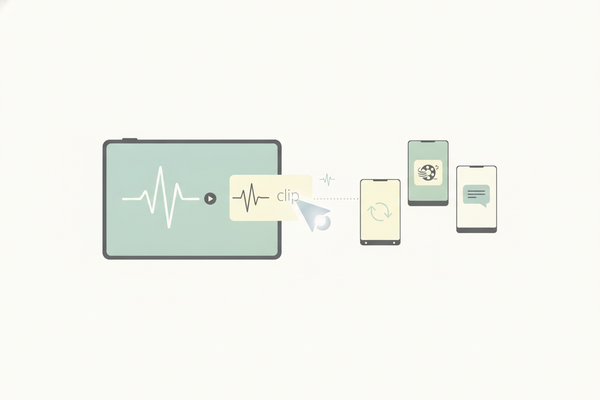
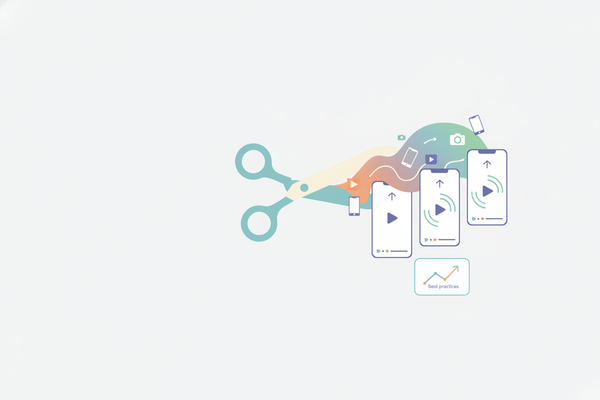
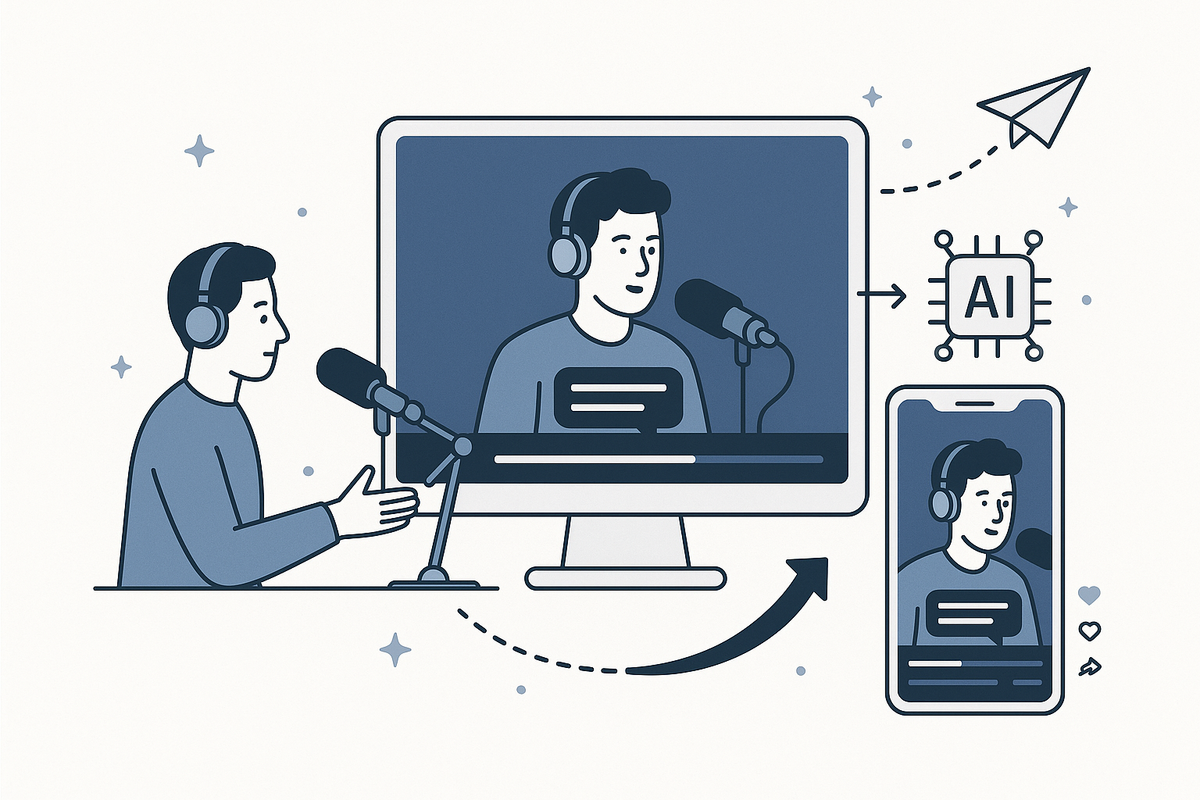
An AI clip generator is a tool that uses artificial intelligence to automatically extract the most engaging segments from longer videos or audio files. Instead of manually editing podcasts, interviews, or lectures, creators can rely on AI to identify highlights and transform them into short, social-ready clips.
- Automates video editing and highlight detection
- Supports a range of input formats: video, podcast, interviews, webinars
- Outputs short, vertical, captioned videos ideal for social media
Who Benefits?
Anyone producing long-form content can benefit from AI video clipping tools:
- Podcast hosts
- Social media managers
- Influencers and YouTubers
- Educators and lecturers
- Brand marketers
Section 2: Why Use AI for Video Clipping?
Time Savings and Efficiency
Manual video editing can take hours, especially when sifting through lengthy recordings. An AI clip generator like Vidulk rapidly scans content, detects key moments, and outputs ready-to-share clips in minutes. For a step-by-step breakdown, see how to turn long videos into short clips using AI. If you're interested in a comprehensive overview, check out this AI video clip generator guide.
- No technical editing skills required
- Batch processing of multiple videos
- Reduces post-production bottlenecks
Consistency and Quality
AI ensures a consistent approach to highlight selection. This reduces bias and human error, resulting in high-quality, relevant clips every time.
- Automatic addition of captions for accessibility and engagement
- Optimal formatting for platforms like TikTok, Instagram Reels, and YouTube Shorts
Section 3: Core Features of AI Clip Generators
Highlight Detection
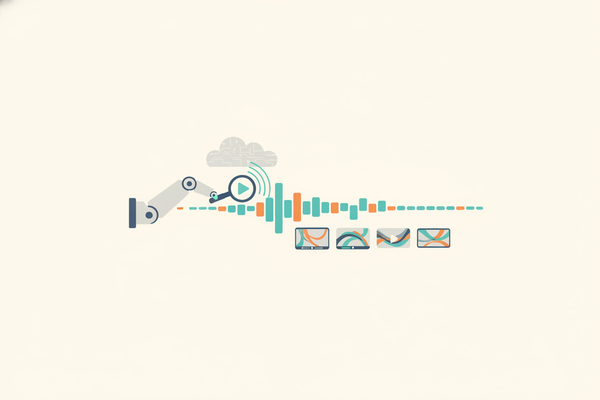
AI models analyze speech, tone, and context to identify the most compelling or share-worthy moments from your content. This can include:
- Emotionally charged statements
- Viral soundbites
- Key answers in interviews
- Audience reactions
Auto-Captioning and Formatting
Captions improve video accessibility and boost engagement, particularly on platforms where videos auto-play without sound. AI clip generators automatically transcribe speech, overlay captions, and format clips vertically for mobile viewing.
On-Device Enhancements
Some advanced tools, like Vidulk, offer additional features such as an AI Studio for generating and enhancing images directly on your device. This allows for creative branding and personalized content enhancements without extra software.
Section 4: How Vidulk Streamlines Content Creation
Seamless Upload and Processing
Vidulk is designed for ease of use. Simply upload your podcast, interview, or video, and the app’s AI engine gets to work—no need for complex timelines or manual editing. If you're looking for a dedicated clipping app to effortlessly turn long videos into viral clips, Vidulk offers a streamlined solution. You can also explore how video clip makers effortlessly turn long videos into viral clips for more options.
- Automatic highlight selection based on content analysis
- Instant generation of multiple short clips
- Built-in captioning and vertical formatting
AI Studio for Visual Enhancement
Vidulk’s AI Studio lets you generate unique images and enhance visuals on-device. This boosts the quality of your video thumbnails or adds branded overlays, all in one workflow.
Social-Optimized Outputs
All clips are formatted for maximum impact on TikTok, Instagram Reels, and YouTube Shorts. With Vidulk, creators can expand their reach and experiment with different content styles quickly.
Section 5: Best Practices for Viral Short Clips
Choose the Right Source Material
Start with high-quality, clear audio and engaging conversations. AI performs best when the source content is easy to analyze and rich in meaningful moments. For more on identifying the best moments to clip and turn long videos into viral shorts, consider these strategies. If you need inspiration, check out these short form video content ideas for creators. If you're interested in a detailed process, see this step-by-step guide on how to clip podcasts into shorts.
- Prioritize interviews with dynamic guests
- Use podcasts with strong narratives
- Lectures or webinars that include audience interaction
Optimize Captions and Visuals
Review auto-generated captions for accuracy. Enhance clips with branded visuals or overlays using tools like Vidulk’s AI Studio to make your content stand out in crowded social feeds.
Experiment and Analyze
Test different clip lengths and topics. Analyze viewer engagement to refine your content strategy and maximize reach on each platform.
Conclusion
AI clip generators are revolutionizing the way content creators repurpose long-form audio and video. By automating highlight detection, captioning, and formatting, tools like Vidulk empower creators to focus on producing great content—while AI handles the editing. Streamline your workflow and boost your reach with the power of AI-driven video clipping.
FAQ
Q: What types of videos work best with an AI clip generator?
A:
Podcasts, interviews, webinars, and lectures with clear audio and engaging content yield the best results. If you're specifically interested in how to create podcast clips for TikTok, see this step-by-step guide to podcast clips for TikTok.
Q: How accurate are AI-generated captions?
A:
Most AI clip generators offer high caption accuracy, but it’s always best to review and edit for perfect results.
Q: Can I use an AI clip generator for non-English content?
A:
Many tools support multiple languages, but check the app’s documentation for specifics on language support.
Q: Is Vidulk available for both video and audio files?
A:
Yes, Vidulk accepts both video and audio uploads, making it versatile for podcasters, educators, and content creators alike.