
Utilize Podcast to YouTube Shorts AI for Effective Audio Conversion
Learn how to use podcast to YouTube Shorts AI to convert podcast audio into engaging Shorts and YouTube clips, expanding your audience reach with minimal effort.

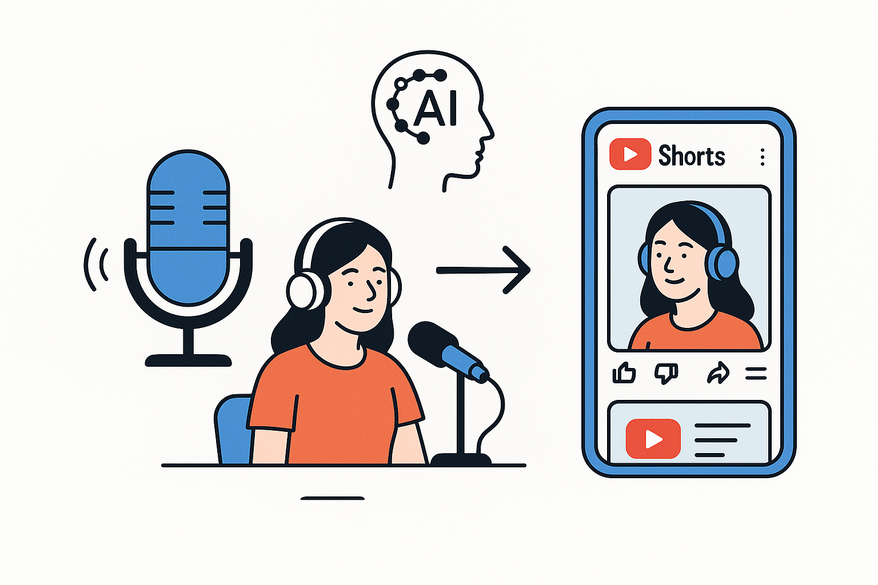
Estimated reading time: 8 minutes
Key Takeaways
- AI-driven workflows turn long-form episodes into bite-sized videos in minutes.
- Format knowledge (9:16 for Shorts, 16:9 for clips) is key to engagement.
- Automated transcription and highlight detection save up to 90% of editing time.
- Dynamic captions, visuals, and optimized titles boost viewership and retention.
Table of Contents
- Understanding the Formats
- The Role of AI in Repurposing
- Step-by-Step Conversion Guide
- Recommended Tools and Software
- Best Practices for Engagement
- Troubleshooting Common Challenges
- Conclusion
- FAQ
Understanding the Formats
Podcast format refers to long-form (30–120 minutes) audio content in MP3 or WAV, sometimes MP4 for video podcasts, consumed during commuting, workouts, or chores.
YouTube Shorts are vertical (9:16), ≤ 60 seconds (15–30 seconds ideal), delivered in a swipeable, algorithm-driven feed with billions of daily views.
Transformation potential lies in isolating high-impact hooks, tips, or emotional moments, trimming to snackable segments, and layering visuals, captions, and brand overlays.
The Role of AI in Repurposing
AI tools streamline repurposing by automating:
- Speech-to-text transcription for editable scripts.
- Highlight detection via volume spikes and keyword density.
- Vertical clip generation with captions, branding, and title suggestions.
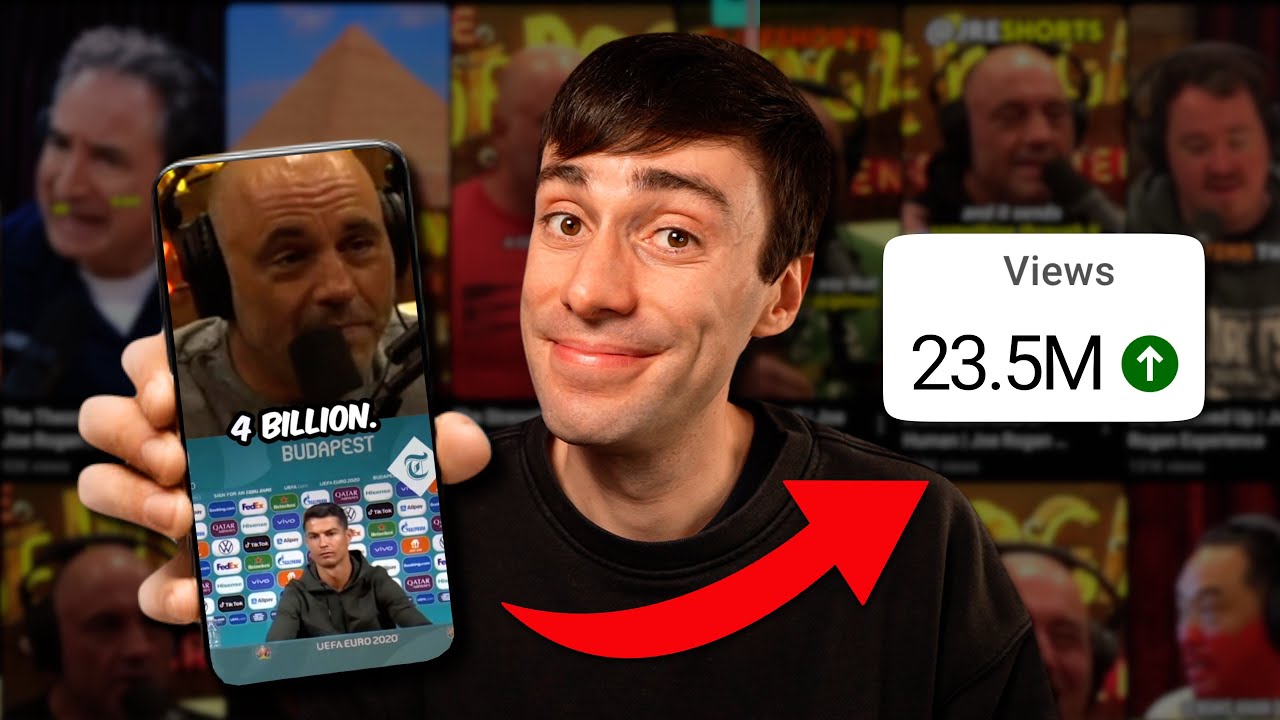
Learn how to use an AI podcast clip generator in action:
Step-by-Step Conversion Guide
Follow these workflows to convert podcast audio into Shorts and YouTube clips:
Selecting the Right Segments
- Define objectives: drive full-episode listens or highlight insights.
- Note timestamps for stories, tips, or surprises.
- Ensure each clip stands alone contextually.
Converting to YouTube Shorts
- Upload your audio/video to an AI tool.
- Let the AI transcribe and detect highlights.
- Set parameters: 9:16 aspect ratio, 30–60 seconds, subtitles, branding.
- Review for a strong 1–2 second hook and centered framing.
- Add visuals: animated captions, waveforms, or B-roll.
- Export at 1080×1920 MP4; upload with #shorts and podcast hashtags.
Converting to YouTube Clips
- Choose 1–10 minute segments that convey a complete idea.
- Use 16:9 aspect ratio for standard playback.
- Adjust pacing for longer content with natural breaks.
- Publish in “Highlights” playlists with end screens linking to full episodes.
Also see our full guide on how to turn podcast into clips.
Recommended Tools and Software
- Restream – AI Podcast to Shorts Converter: Automated highlight detection, captions, and overlays.
- Revid – AI Podcast Clip Generator: Stock footage, waveforms, batch exports.
- VEED – AI Clips Module: Combines automation with manual editing tools.
- Riverside – One-Click Clips Post-Recording: Multi-track recording and clipping.
- YouTube Native AI (upcoming): In-platform clip generation with AI visuals.
Best Practices for Engagement
Selecting Engaging Parts
- Open with bold claims or surprising stats.
- Focus on self-contained stories or tips.
- Show emotion: laughter, passion, or shock.
- Deliver clear, practical value.
Creative Enhancements
- High-contrast subtitles with keyword highlights.
- Split-screen layouts and relevant B-roll.
- Background music, voice EQ, and subtle compression.
Thumbnails, Titles & Descriptions
- Create curiosity-driven titles matching the hook.
- Write concise descriptions with episode links and niche hashtags.
- Design thumbnails with close-ups and bold text.
Troubleshooting Common Challenges
- Weak hooks: Manually adjust clip start to open with impact.
- Mobile formatting: Preview in 9:16, center subjects, enlarge text.
- Audio-only visuals: Add waveforms, AI backgrounds, or stock footage.
- Inconsistent branding: Use AI templates for unified colors and logos.
Conclusion
Repurposing long-form podcasts into YouTube Shorts and clips using AI empowers creators to scale their reach, increase engagement, and drive audiences back to full episodes. With tools like Restream, Revid, VEED, Riverside, and YouTube’s upcoming AI features, the process is faster and more efficient than ever. Start transforming your audio today and watch your podcast audience grow across platforms.
FAQ
What is the ideal length for YouTube Shorts?
Keep Shorts under 60 seconds, with 15–30 seconds often yielding the best engagement.
Which aspect ratios should I use?
Use 9:16 for Shorts and 16:9 for standard YouTube clips to ensure proper display.
Can AI tools handle both audio-only and video podcasts?
Yes—leading platforms transcribe, detect highlights, and add visuals for both formats.
How much editing time can AI save?
AI-driven workflows can reduce edit time by up to 80–90%, letting you publish more content faster.



