
How an AI Conference Video Highlight Generator Transforms Event Content
Discover how an AI conference video highlight generator transforms event content by automating clip creation for enhanced engagement and efficiency.

Estimated reading time: 5 minutes
Key Takeaways
- Automated Highlights: AI scans long-form conference footage to create concise, shareable clips.
- Advanced Tech: Combines computer vision, speech-to-text, NLP, and generative AI enhancements.
- Efficiency Gains: Cuts editing time from days to minutes, reducing costs and boosting engagement.
- Customizable Outputs: Branding overlays, captions, transitions, and multiple aspect ratios.
- Wide Adoption: Benefits organizers, educators, marketers, and content creators across use cases.
Table of Contents
- What Is an AI Conference Video Highlight Generator?
- The Need for AI Conference Video Highlight Generators
- How the AI Conference Video Highlight Generator Works
- Benefits for Different Stakeholders
- Use Cases & Real-World Examples
- Future Trends in AI-Powered Video Highlighting
- Conclusion
- FAQ
What Is an AI Conference Video Highlight Generator?
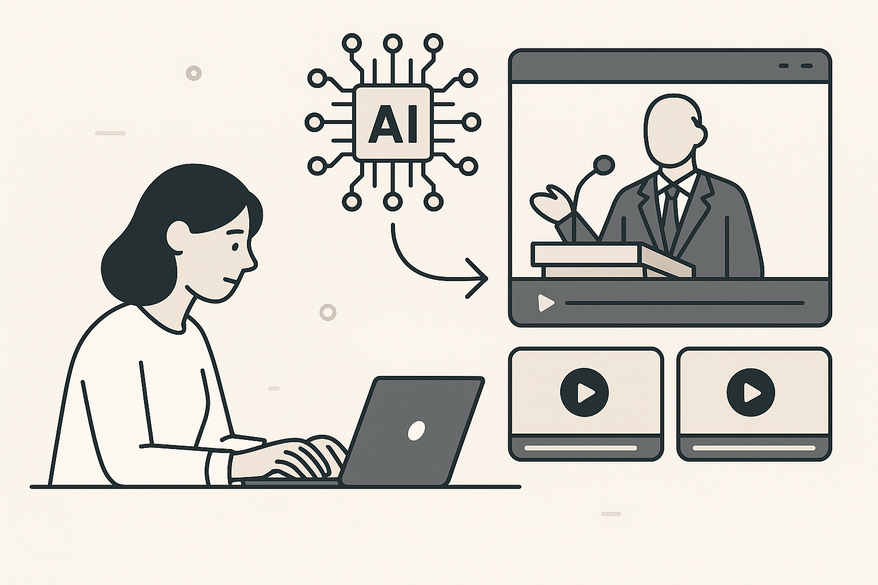
Definition: An AI conference video highlight generator is a software tool that leverages machine learning to automatically scan long-form footage—keynotes, panels, Q&As—and produce concise, engaging clips ready for sharing. Explore how video highlight generators use AI to automatically identify and create captivating highlights.
Technology Breakdown
- Automatic scene detection via computer vision.
- Speech-to-text and natural language processing for topic and speaker identification.
- Generative AI enhancements like subtitles, transitions, and music.
The Need for AI Conference Video Highlight Generators
Manual Editing Challenges
- Time drain: Scrubbing hours of footage to remove filler words and pauses.
- Costly labor: High editing fees and staffing requirements.
AI-Driven Benefits
- Speed: Generate highlight clips in minutes instead of days.
- Precision: Data-driven selection of high-engagement moments.
- Budget friendly: Automation frees teams to focus on strategy.
How the AI Conference Video Highlight Generator Works
Step 1: Upload Content
- Accepts video files, URLs, slides, photos, and audio.
- Browser-based drag-and-drop—no software install.
Step 2: AI Analysis & Generation
- User prompt examples: “30-second keynote highlights” or “show Q&A moments.”
- Computer vision detects scene changes and energy peaks.
- Speech recognition and NLP tag key topics and speakers.
- Auto-edit features add captions, transitions, music, and adjust aspect ratios.

Step 3: Customize & Export
- Preview clips and tweak trim points.
- Add branding overlays, subtitles, or custom text.
- Export in platform-ready formats: Reels, Shorts, LinkedIn videos.
Benefits for Different Stakeholders
Conference Organizers
- Rapid recaps keep attendees engaged.
- Bite-sized moments spark buzz for future events.
Content Creators & Educators
- Convert workshops and lectures into micro-learning clips.
- Auto-generated subtitles improve comprehension and reach.
Marketers & Social Media Managers
- Platform-optimized videos with perfect pacing and music.
- Drive viral engagement with data-backed edits.
Learn how AI video clip maker transforms long videos into engaging short-form content.
Use Cases & Real-World Examples
- Event Recaps: Auto-create highlight reels with photos, keynote clips, and panel moments.
- Webinars & Live Streams: Remove filler to craft snappy promo clips for emails and social ads.
- Educational Content: Generate 15–120 second teasers to boost learner retention.
- Viral Social Shorts: Automatically cut sessions into YouTube Shorts and TikToks.
Discover the power of an AI webinar clip generator to turn seminars into short, shareable highlights.
Future Trends in AI-Powered Video Highlighting
- Multimodal AI Reels: Combine video, audio, slides, and chat data for personalized recaps.
- Real-Time Live Highlights: Instant clip generation for same-day social sharing.
- AR/VR Integration: Immersive virtual highlight environments and 360° experiences.
- Predictive Analytics: Forecast engaging segments before events conclude.
Conclusion
AI conference video highlight generators automate the extraction of key moments, delivering efficiency, accuracy, and scalability for organizers, creators, and marketers. By leveraging machine learning, speech recognition, and generative AI, these tools reduce editing time from days to minutes and ensure data-driven selection of the most engaging clips. Explore tools like Kapwing, Mootion, HeyGen—and consider Vidulk - AI Video Clipping App to generate your first highlight in minutes!
FAQ
- What is an AI conference video highlight generator?
It’s a tool that uses AI to analyze long event footage and automatically produce concise, engaging highlight clips. - How fast can it produce highlight clips?
Typically within minutes, transforming a process that once took days. - What formats and customizations are available?
You can add branding overlays, subtitles, choose aspect ratios, and export for platforms like Reels, Shorts, and LinkedIn.



