AI Video Tone Adjustment Explained: A Practical Guide
AI video tone adjustment explained: Learn how AI tools refine video mood, color, and style for creators. Discover workflow tips and best practices.

Estimated reading time: 7 min
Key Takeaways
- AI video tone adjustment explained: It automates fine-tuning mood, color, and style in videos.
- Modern AI tools make professional-quality tone correction accessible for all creators.
- Proper tone adjustment boosts engagement and brand consistency.
- Vidulk leverages AI to streamline the editing process, including tone optimization.
Table of Contents
- Section 1: What Is AI Video Tone Adjustment?
- Section 2: How AI Detects and Adjusts Video Tone
- Section 3: Benefits for Content Creators
- Section 4: Best Practices for AI-Powered Tone Adjustment
- Section 5: AI Video Tone Adjustment in Vidulk
- Conclusion
- FAQ
Section 1: What Is AI Video Tone Adjustment?
Defining Video Tone Adjustment
AI video tone adjustment refers to the process of automatically analyzing and modifying a video's mood, color palette, lighting, and emotional style using artificial intelligence. This ensures visual consistency, aligns with brand identity, and enhances viewer engagement.
Traditional vs. AI-Powered Tone Correction
- Traditional editing requires manual color grading, lighting tweaks, and mood adjustments.
- AI tools automate these steps, using deep learning to interpret and enhance video tone with minimal user input.
Where Tone Adjustment Matters
- Social media clips and viral shorts
- Podcasts and interviews
- Educational content and lectures
- Brand marketing videos
Section 2: How AI Detects and Adjusts Video Tone
AI Video Tone Analysis Explained
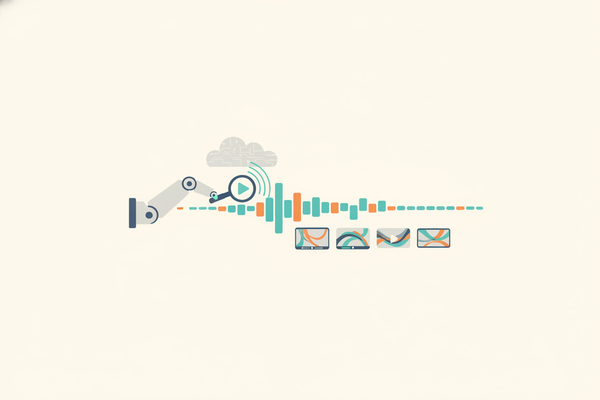
AI models use computer vision to scan footage for color balance, brightness, contrast, and emotional cues. Algorithms identify inconsistencies or areas that can be improved for a desired atmosphere—whether it's warm and inviting, crisp and professional, or dramatic and bold.
Techniques Used in AI Tone Adjustment
- Color grading: AI tools recognize and adjust color schemes to match preset moods (e.g., cinematic, vibrant, neutral).
- Scene detection: AI splits footage into scenes and applies unique tone adjustments based on content.
- Facial and mood analysis: AI reads facial expressions and context to suggest fitting tone enhancements.
- Noise reduction and clarity: AI cleans up visual artifacts for a polished look.
Automation in Workflow
Automated tone adjustment reduces manual effort, allowing creators to focus on storytelling. For a deeper dive into AI-driven workflows, see our post on AI video clip generator transformation.
Section 3: Benefits for Content Creators
Enhanced Consistency and Branding
Consistent tone across clips builds a recognizable brand style. AI-powered tools ensure each video—regardless of lighting or recording device—matches your aesthetic goals.
Faster Editing, Higher Output
- AI drastically reduces the time spent on technical edits.
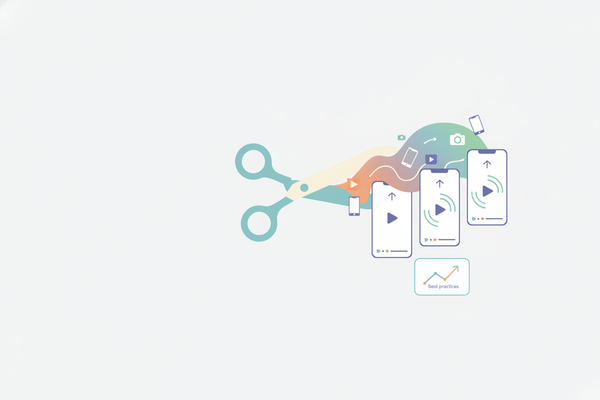
- Enables rapid production of short, shareable clips for platforms like TikTok, Instagram, and YouTube Shorts.
- Automatic captioning and formatting further accelerate workflows—see how Vidulk streamlines this process.
Accessibility for All Skill Levels
Even beginners can achieve professional results without advanced editing knowledge, making AI video tone adjustment a game-changer for solo creators and small teams.
Section 4: Best Practices for AI-Powered Tone Adjustment
Start With Quality Source Material
- Good lighting and clear audio help AI models make better adjustments.
- High-resolution uploads are preferred for optimal results.
Review and Refine
- Always review AI suggestions; most platforms let you tweak color and tone further if needed.
- Compare before-and-after versions to ensure your message aligns with the intended mood.
Build a Brand Tone Template
- Many AI tools let you save tone presets—use these for consistent branding across all videos.
- Update presets as your visual style evolves.
Leverage AI for Repurposing Content
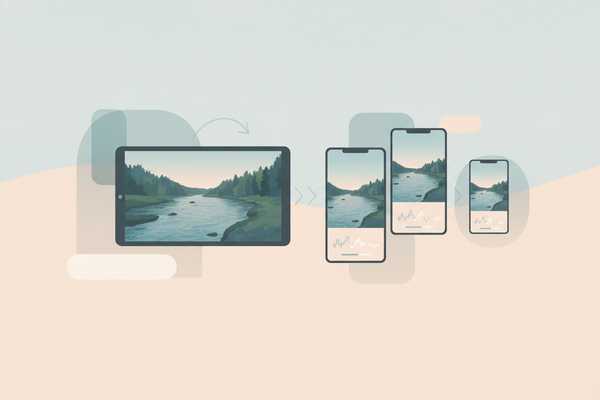
Use AI video tone adjustment to adapt long-form content (like podcasts or interviews) into vibrant, platform-ready clips. Vidulk excels at this, helping you turn hours of footage into high-impact shorts quickly.
Section 5: AI Video Tone Adjustment in Vidulk
Vidulk’s AI Workflow
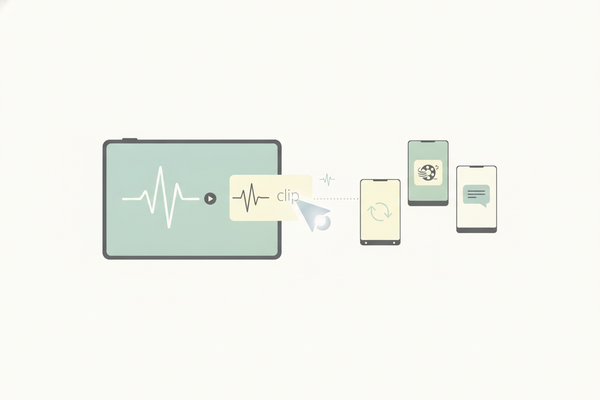
Vidulk’s mobile app integrates AI video tone adjustment directly into its clipping process. When you upload a podcast, interview, or lecture, Vidulk’s AI not only finds the best moments but also fine-tunes the tone—ensuring every short is visually appealing and ready to go viral.
AI Studio for Enhanced Customization
- Generate and enhance images on-device for custom video thumbnails or overlays.
- Apply AI-driven enhancements to video tone with intuitive controls—no editing expertise required.
For more on transforming long videos into viral shorts with AI, explore our guide on AI clip generators.
Conclusion
AI video tone adjustment explained: it’s an essential tool for modern content creators, enabling fast, consistent, and professional-looking videos without the steep learning curve. Whether you’re producing social clips, marketing material, or educational content, integrating AI-powered tone correction—like that in Vidulk—can boost your output and audience impact.
FAQ
Q: What is AI video tone adjustment?
A: It’s the use of artificial intelligence to automatically analyze and enhance a video’s mood, color, and style for visual consistency and engagement.
Q: How does AI know what tone to apply?
A: AI models are trained on vast datasets to recognize emotional and visual cues, applying tone adjustments that fit the content’s context and desired outcome.
Q: Can I override AI adjustments?
A: Yes, most AI editing tools—including Vidulk—let you fine-tune or revert changes as needed for full creative control.
Q: Is AI tone adjustment only for professionals?
A: No, it’s designed for all creators. Even beginners can achieve polished results with minimal effort.
Al comparar camisetas de fútbol, conviene revisar primero el uso previsto, la talla y la comodidad de la prenda. Quienes comparan alternativas pueden usar tienda de camisetas del Liverpool como punto de partida para observar tipos de camiseta y detalles básicos. La decisión final resulta más clara cuando se comparan datos concretos y no solo la apariencia general.