Offline AI Video Editor: Effortless Video Clipping with AI
Discover the best offline AI video editor for creators. Instantly turn long videos into viral clips with AI-powered editing on your device. Learn how it works.

Estimated reading time: 7 min
Key Takeaways
- Offline AI video editors allow you to edit videos without an internet connection.
- AI-powered tools automate clipping, captioning, and vertical formatting.
- Apps like Vidulk streamline the process for creators, saving hours of manual work.
- Offline editing boosts privacy, reliability, and creative flexibility.
- AI video editors are ideal for podcasts, interviews, lectures, and long-form content.
Table of Contents
- Section 1: What Is an Offline AI Video Editor?
- Section 2: Key Benefits of Editing Offline with AI
- Section 3: How Offline AI Video Editors Work
- Section 4: Use Cases and Workflow for Creators
- Section 5: Choosing the Right Offline AI Video Editor
- Conclusion
- FAQ
Section 1: What Is an Offline AI Video Editor?
Defining Offline AI Video Editors
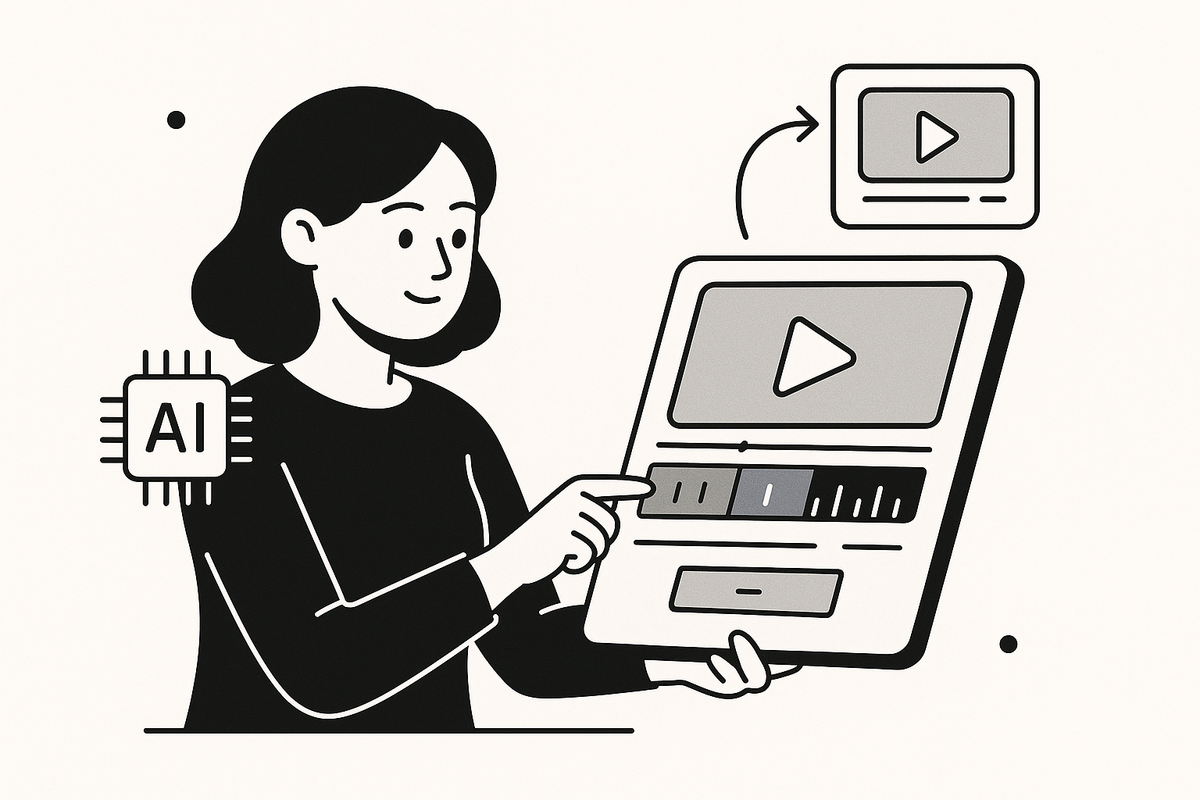
An offline AI video editor is a software application that uses artificial intelligence to automate video editing tasks—such as clipping, captioning, and formatting—while running entirely on your device, with no need for an internet connection. This contrasts with cloud-based AI editors, which require uploading your files to remote servers. Offline AI editors are growing in popularity among creators seeking privacy, speed, and control.
How AI Transforms Video Editing
- Clip selection: AI analyzes your video, identifying impactful moments for highlights.
- Automatic captions: Speech recognition generates accurate captions on the fly.
- Format conversion: Instantly create vertical, share-ready clips for social media.
Why Offline Matters
Editing offline offers three main advantages: privacy (your files never leave your device), speed (no upload/download lag), and reliability (no dependence on internet access). For many content creators, these factors are crucial.
Section 2: Key Benefits of Editing Offline with AI
Privacy & Security
With an offline AI video editor like Vidulk, your long-form podcasts, interviews, and lectures remain on your device. This is ideal for sensitive content, NDA-protected interviews, or client work requiring confidentiality.
Faster Editing, No Uploads Needed
- No waiting for uploads: Work with large video files instantly.
- Immediate previews: See AI-generated clips and captions in real time.
- Batch processing: Quickly process multiple videos on your own hardware.
Creative Flexibility
Offline AI video editors let you experiment, undo, and reprocess clips as needed—without worrying about cloud storage limits or bandwidth.
To dive deeper into how AI selects the best video moments, check out our guide on transforming long videos into viral shorts with AI.
Section 3: How Offline AI Video Editors Work
Step 1: Import Your Video or Audio
Open the editor and import your podcast, interview, or any long-form content. Offline AI editors support a wide range of formats and can handle large files without internet limitations.
Step 2: AI Analysis & Clip Generation
- Speech-to-text: The AI transcribes spoken content locally, preserving privacy.
- Highlight detection: Algorithms identify engaging moments, speaker changes, or emotional peaks.
- Automatic split: The tool generates short, vertical clips ready for social sharing.
Step 3: Captioning, Formatting, and Export
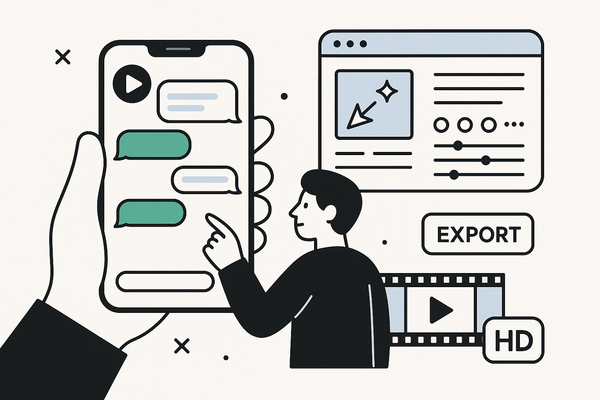
AI automatically adds captions and adapts the video format (e.g., 9:16 for TikTok or Instagram Reels). Preview, adjust, and export your clips—all without leaving the app or needing Wi-Fi.
For a step-by-step walkthrough, see How to Make AI Video Clips: A Step-by-Step Guide.
Section 4: Use Cases and Workflow for Creators
Ideal Scenarios for Offline AI Editing
- Traveling or working in areas with unreliable internet access
- Handling confidential interviews or pre-release content
- Batch editing multiple podcasts or lectures for quick turnaround
- Creating viral social clips from long-form content on the go
Streamlined Workflow with Vidulk
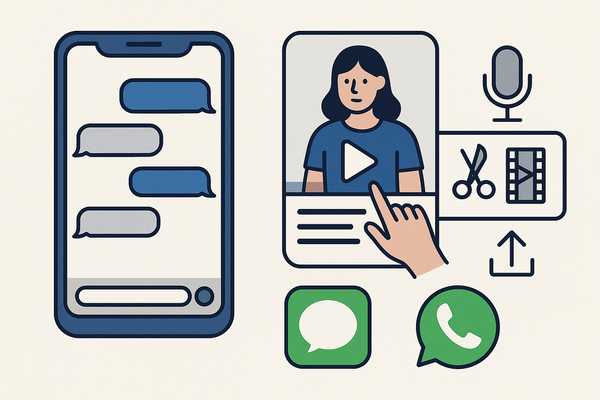
Vidulk’s mobile app is a prime example of an offline AI video editor. Simply paste your video or audio, and AI handles the rest—finding the best moments, creating vertical clips, and adding captions. The built-in AI Studio lets you enhance visuals and generate images directly on your device, keeping the entire process private and efficient.
Section 5: Choosing the Right Offline AI Video Editor
Essential Features to Look For
- True offline processing: Ensure AI runs fully on your device.
- Automatic clip detection: Saves hours of manual sifting.
- Captioning and formatting: One-click social-ready outputs.
- Batch support: Process multiple videos efficiently.
Why Vidulk Stands Out
Vidulk is designed for creators needing fast, secure, and automated video clipping. Its AI-driven approach means you get more viral-ready content in less time—without ever uploading your files to the cloud. Give it a try at Vidulk and see the difference true offline AI editing makes.
Conclusion
Offline AI video editors are transforming content creation by combining the speed and intelligence of AI with the privacy and reliability of local processing. Whether you’re repurposing podcasts, lectures, or interviews, tools like Vidulk make it effortless to generate impactful, shareable video clips—anytime, anywhere. Experience the future of AI video editing by trying Vidulk on your device today.
FAQ
Q: What makes an offline AI video editor different from cloud-based tools?
A: Offline AI editors process your videos locally, so you don't need to upload files or rely on an internet connection. This protects your privacy and speeds up editing.
Q: Can AI really select the best moments from long videos automatically?
A: Yes. AI uses speech recognition and pattern analysis to detect highlights, emotional peaks, and key phrases, making clip selection fast and accurate.
Q: Is Vidulk available for both video and audio editing offline?
A: Yes. Vidulk processes both video and audio (like podcasts), generating viral-ready clips with captions, all while running on your device.
Q: Where can I learn more about automating video clipping with AI?
La elección de una camiseta deportiva suele depender del ajuste, el tejido y las preferencias personales de cada aficionado. Al evaluar distintas posibilidades, tienda de camisetas del Manchester City permite centrar la revisión en información práctica de la prenda. Revisar estos puntos reduce confusiones entre preferencias de uso, comodidad y cuidado de la prenda.
A: Explore our post on the AI video clip generator to see how AI can transform your editing workflow.