
Best Moments to Clip: How to Turn Long Videos Into Viral Shorts
Discover the best moments to clip from podcasts, streams, and YouTube videos. Learn how to create viral shorts with AI video clipping tools like Vidulk.

Estimated reading time: 10 min
Key Takeaways
- Clip-worthy moments include hooks, punchlines, emotional peaks, and surprising facts.
- Use transcripts, keyword scanning, and audience cues to spot viral segments.
- Shorts should be vertical, fast-paced, and have strong captions for TikTok, Reels, and YouTube Shorts.
- AI tools like Vidulk can automate finding and editing the best moments to clip.
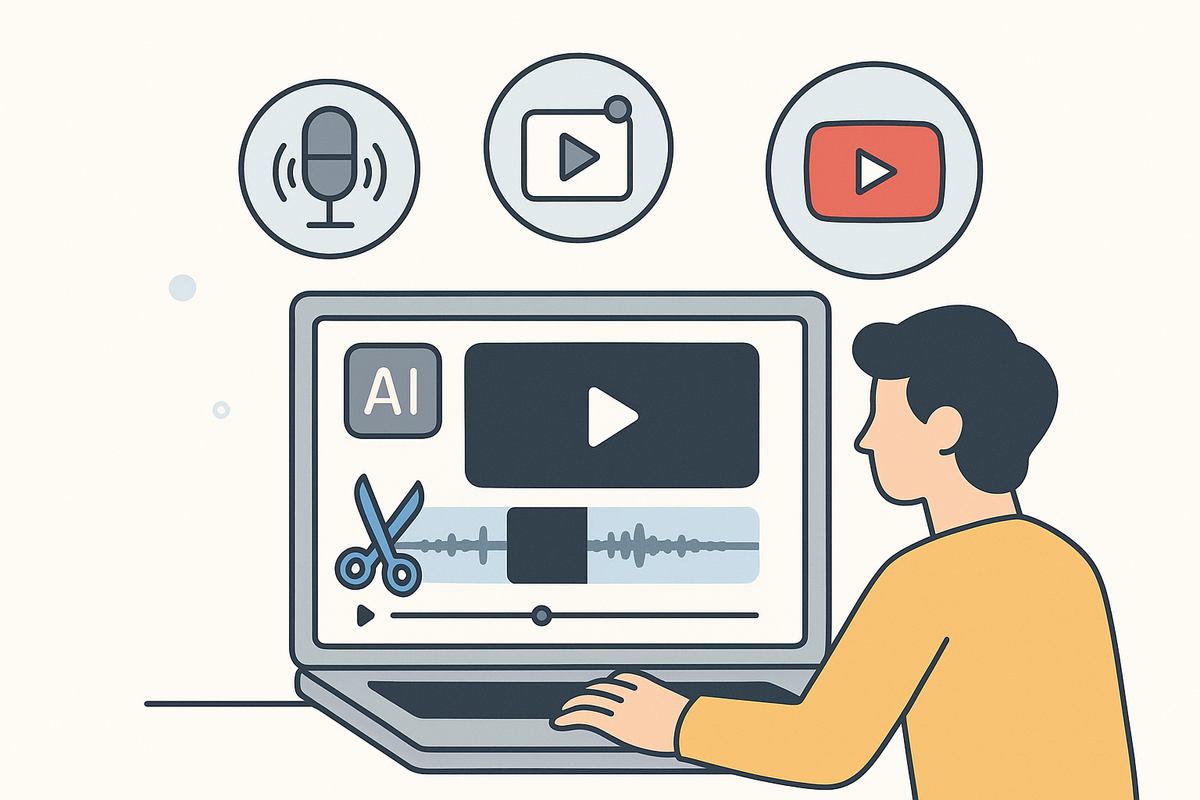
Repurposing long-form content into viral short clips is the fastest way to grow on TikTok, YouTube Shorts, and Instagram Reels. But how do you spot the best moments to clip from a podcast, livestream, or YouTube video? This guide breaks down the workflow, from picking out viral-worthy hooks and punchlines to cropping and captioning your clips. Whether you’re a podcaster, streamer, or marketer, you’ll learn how to use both manual and AI-powered workflows (like Vidulk) to maximize your content’s reach.
1. Hooks and Punchlines: Clip the Attention-Grabbers
The best moments to clip almost always start with a strong hook or end with a punchline. Hooks are statements or questions that grab viewers in the very first seconds—think, “You won’t believe what happened next,” or “Here’s the one thing everyone gets wrong about investing.” Punchlines, on the other hand, deliver the payoff, surprise, or laugh that makes a clip memorable.
Look for these in your video or podcast:
- Bold statements or hot takes (“AI will replace half of all jobs by 2030”)
- Witty or unexpected jokes
- Memorable questions (“What’s the most dangerous thing you’ve ever done?”)
These moments often work as self-contained stories, perfect for Shorts or Reels.
2. Emotional Peaks and Relatable Struggles
Emotion drives engagement. Scenes where the speaker laughs, cries, gets angry, or shares a vulnerable story are prime for clipping. Relatable struggles—like failing in business or overcoming fear—invite viewers to connect personally and share.
Examples of emotional high points to look for:
- Personal breakthroughs or confessions (“I almost gave up, but then...”)
- Big laughs, especially in group podcasts or interviews
- Moments of surprise, awe, or shock
These segments often spark comments and shares, making them some of the best moments to clip for viral potential.
3. Surprising Statements and ‘Did You Know’ Facts
Viewers love to learn something new or be astonished. Clips that include “Did you know?” facts, surprising statistics, or counterintuitive insights are highly shareable. In educational or business podcasts, these moments position you as an authority and make your content discoverable.
Watch for:
- Unexpected facts (“Most people brush their teeth incorrectly!”)
- Contradictory advice or myths busted
- Expert tips condensed into a single takeaway
Use transcripts or keyword search to quickly scan for phrases like “actually,” “surprisingly,” or “the truth is.”
4. High-Energy, High-Engagement Segments
Energy level is a secret weapon for virality. Segments where the speaker’s tone shifts—speaking faster, louder, or with more excitement—are likely to hold attention. Laughter, audience applause, or sound effects signal high engagement moments in streams or live podcasts.
How to spot them:
- Look for waveform spikes in your editing software (louder = more energy)
- Notice changes in body language, facial expression, or hand gestures
- Use AI tools like Video Clip Maker: Effortlessly Turn Long Videos into Viral Clips to auto-detect these shifts and suggest clips

Clips with visible energy translate best on platforms with short attention spans.
5. Standalone Ideas and Context-Free Quotes
The best moments to clip are those that make sense to new viewers without any background knowledge. Look for segments where an idea, joke, or story stands alone—no setup required. These are perfect for viewers who scroll without watching the full video or podcast.
To find them:
- Scan for “mic drop” statements or bold claims
- Highlight single-question/single-answer exchanges from interviews
- Clip stories with a clear beginning and end within 30-60 seconds
If you’re not sure, ask: Would someone enjoy this clip without knowing who I am?
6. Questions, Payoff Lines, and Audience Reactions
Questions spark curiosity, while payoff lines deliver the “aha!” moment. Audience reactions (laughter, applause, or live chat spikes) also signal viral potential. These moments are easy to identify in transcripts—search for question marks, exclamation points, or timestamps with increased engagement.
Workflow to spot these:
- Use transcript search for “?” or “!”
- Check analytics for watch-time spikes (viewers rewinding or rewatching)
- Mark live chat peaks or comment surges in streams
Clips featuring an audience’s visible reaction often perform well because they validate the content’s entertainment value.
7. Controversy and Transformation Moments
Nothing drives shares like controversy or transformation. Clips where a guest challenges the host, debates a hot topic, or shares a before-and-after story are highly engaging. These moments invite debate in the comments and provoke emotional responses.
Look for:
- Arguments or disagreements (“That’s just wrong, here’s why…”)
- Stories of change (“I lost 100 pounds in a year”)
- Unexpected twists or reveals
Use these judiciously—they can boost reach, but also spark heated discussion.
8. Best Clip Length and Structure for Shorts
Platform algorithms reward fast-paced, vertical clips that hook viewers in the first three seconds. Aim for:
- Length: 15-45 seconds (TikTok, Reels, Shorts sweet spot)
- Strong opening line or visual
- Clear ending, punchline, or call to action
Use vertical (9:16) crop and add captions—both features are automated in Vidulk and similar AI video clipping apps. For a step-by-step workflow, see the ultimate step-by-step guide to cut a video into Shorts for actionable tips and best practices.
9. Using Transcripts and Keyword Scanning
Speed up the search for the best moments to clip by using transcripts and keyword search. AI tools can highlight timestamps where keywords or phrases occur, making it easy to find strong quotes, bold claims, and payoff lines.
Steps to follow:
- Transcribe your long video or podcast (many AI tools do this automatically)
- Search for high-impact words: “secret,” “mistake,” “never,” “always,” “why,” “how”
- Mark timestamps for review and extraction
Vidulk’s AI Studio can automate much of this, letting you upload a podcast or YouTube video and instantly see suggested viral clips. If you're working specifically with podcasts, you might find this step-by-step guide on how to clip podcasts into Shorts especially useful. For TikTok creators, see this step-by-step guide to creating podcast clips for TikTok for platform-specific strategies.
10. Workflow: How to Cut a Video into Shorts with AI
The fastest way to turn a stream or long YouTube video into clips is a blend of manual review and AI automation. Here’s a typical workflow:
- Upload or paste your content into Vidulk (supports podcasts, lectures, interviews, and streams)
- Let AI detect high-engagement, clip-worthy moments automatically
- Review, trim, and fine-tune selected clips (crop to vertical, adjust captions, add branding)
- Export directly for TikTok, Instagram, or YouTube Shorts
For a full tutorial, check out Clipping App: Effortlessly Turn Long Videos Into Viral Clips or learn how to transform long videos into viral Shorts with an AI Clip Generator. You can also explore how to transform long videos with AI using an advanced video clip generator for even more automation and efficiency.
11. Optimize Clips: Captions, Branding, and Fast Pacing
To maximize reach, every clip should be optimized for mobile and social platforms:
- Captions: Add bold, readable subtitles—customize font and style for your brand
- Branding: Insert your logo or handle subtly in the corner
- Pacing: Cut out filler words and pauses for a snappy flow
- Format: Always crop to vertical (9:16) for Shorts, Reels, TikTok
Vidulk’s editing suite makes these steps seamless, helping your clips look professional and ready to post instantly. For a full suite of solutions, check out the ultimate guide to AI video tools for creators covering clipping, captions, and more.
12. Choose Clips Based on Platform Goals and Audience Intent
Not every moment works on every platform. Match your clips to your strategy:
- Growth: Use viral hooks, controversy, and ‘Did you know?’ facts
- Lead generation: Clip expert tips or actionable advice
- Community: Share emotional, relatable, or behind-the-scenes moments
When repurposing podcasts, webinars, or livestreams, ask: Does this clip serve my audience’s intent—entertainment, education, or inspiration?
Conclusion
Finding the best moments to clip is both art and science. Focus on hooks, emotional peaks, and standalone ideas that grab attention fast. Use transcripts, engagement signals, and AI video clipping tools like Vidulk to speed up your workflow and ensure your content stands out. Ready to repurpose your long-form videos into viral shorts? Let Vidulk’s AI do the heavy lifting and take your content to the next level.
FAQ
Q: What are the best moments to clip from a video?
A:
Look for hooks, emotional peaks, punchlines, surprising facts, and standalone stories. These segments grab attention and work well as Shorts, Reels, or TikTok clips.
Q: How do I find the most engaging part of a long video?
A:
Scan for tone shifts, audience reactions, or spikes in energy. Use transcripts and keyword search to locate bold claims and key takeaways. AI tools like Vidulk can automate this process.
Q: What makes a moment clip-worthy or viral?
A:
Clip-worthy moments are high in emotion, surprise, or entertainment. Viral clips often feature controversy, transformation, or relatable struggles. They make sense out of context and are easy to share.
Q: How long should a clipped video be for TikTok, Reels, or Shorts?
A:
Ideal length is 15-45 seconds. Make sure to hook viewers in the first three seconds and end with a punchline or strong payoff.
Q: How do I clip moments that make sense without context?
A:
Choose segments that are self-contained: a single joke, story, or quote that doesn’t require background knowledge. These clips work best for new or casual viewers.
Q: What is the best way to find good clips from a livestream or podcast?
A:
Combine manual review with AI video clipping tools. Look for high-energy moments, audience engagement, and timestamp spikes. For a streamlined workflow, try uploading your content to Vidulk and reviewing its automatic clip suggestions.
Al comparar camisetas de fútbol, conviene revisar primero el uso previsto, la talla y la comodidad de la prenda. Una referencia como camisetas del Real Madrid online puede servir para revisar opciones generales sin depender de una sola característica. Revisar estos puntos reduce confusiones entre preferencias de uso, comodidad y cuidado de la prenda.



