Video Clip Maker: Effortlessly Turn Long Videos into Viral Clips
Discover the best video clip maker to transform podcasts and interviews into viral, shareable clips using AI. Fast, efficient, and easy for creators.

Estimated reading time: 7 min
Key Takeaways
- A video clip maker automates the process of turning long videos into short, shareable clips.
- AI-powered apps like Vidulk save creators hours of manual editing.
- Captions, vertical format, and viral moments are crucial for engagement.
- Choosing the right tool boosts productivity and social media reach.
Table of Contents
- Section 1: What Is a Video Clip Maker?
- Section 2: Why Creators Need AI Video Clip Makers
- Section 3: Essential Features of a Modern Video Clip Maker
- Section 4: How Vidulk Streamlines Video Clipping
- Section 5: Tips for Maximizing Engagement with Your Clips
- Conclusion
- FAQ
Section 1: What Is a Video Clip Maker?
Understanding the Basics
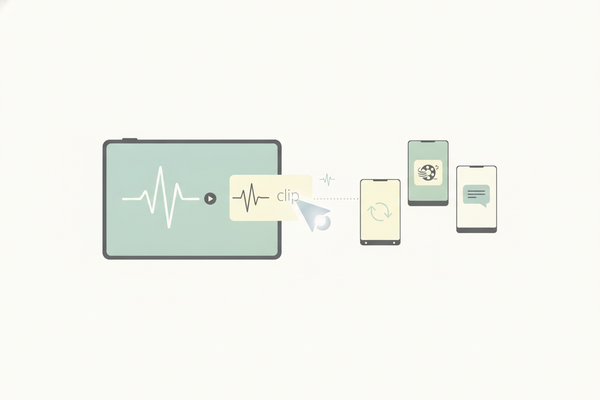
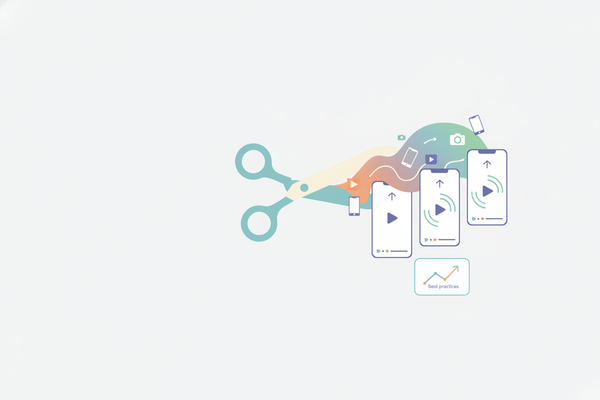
A video clip maker is a tool that allows creators to cut, edit, and format long videos into shorter, bite-sized clips. These clips are optimized for platforms like Instagram Reels, TikTok, YouTube Shorts, and more.
- Traditionally, this process required manual selection and editing.
- Modern AI-powered tools automate the selection of key moments.
- Clip makers often add captions, transitions, and branding automatically.
Who Uses Video Clip Makers?
They are widely used by:
- Podcasters who want to share highlights on social media.
- Interviewers looking to promote key soundbites.
- Streamers and lecturers who want to repurpose long-form content.
Section 2: Why Creators Need AI Video Clip Makers
The Challenge of Manual Editing
Cutting long videos into engaging clips can be tedious and time-consuming. It requires:
- Scrubbing through hours of footage to find highlights
- Precisely trimming sections
- Adding captions and resizing for vertical formats
This can take several hours for a single episode or video.
AI to the Rescue
AI video clip makers like Vidulk solve these problems by:
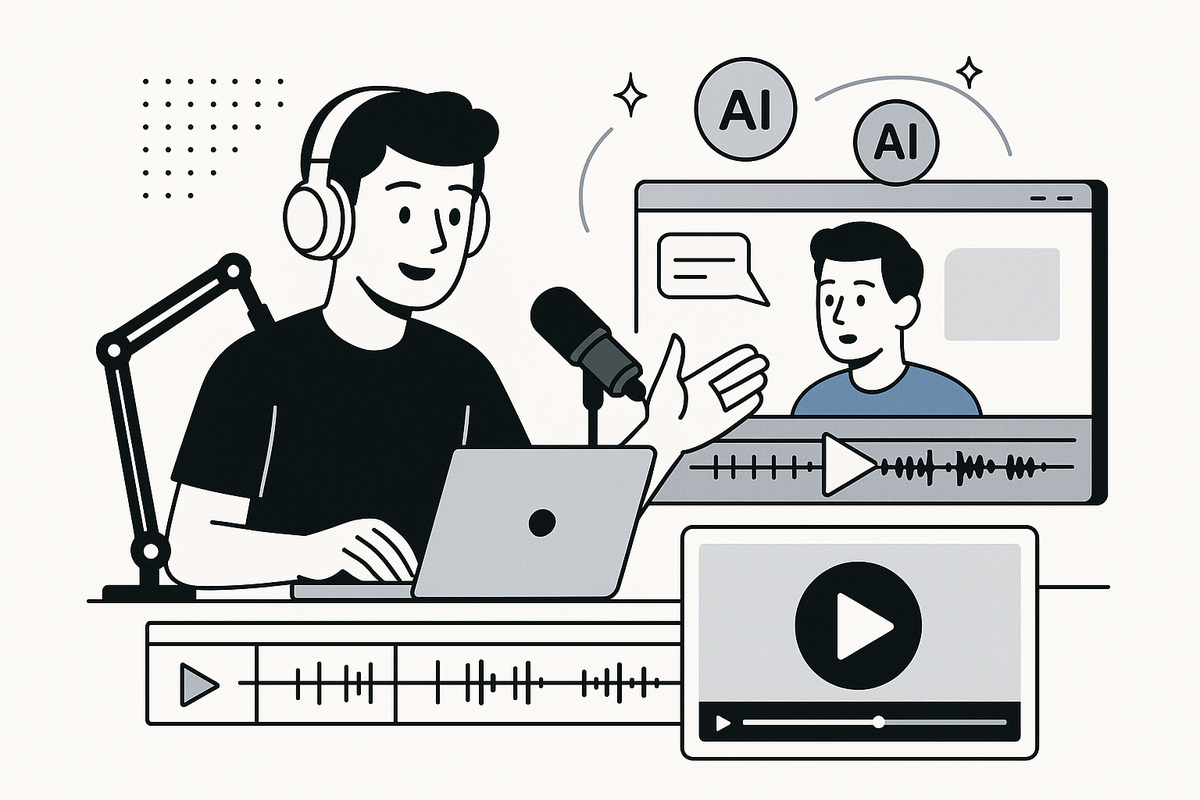
- Automatically detecting the best moments in podcasts, interviews, or lectures
- Creating vertical, captioned clips ready for social media
- Reducing editing time from hours to minutes
For a deeper dive into automated clipping, see how AI clip generators transform long videos into viral shorts. If you're looking for a solution that can transform long videos to short clips automatically, there are dedicated AI video clip makers designed for this purpose.
Section 3: Essential Features of a Modern Video Clip Maker
Must-Have Capabilities
The best video clip makers offer more than just basic trimming. Look for these features:
- AI highlight detection: Finds the most engaging moments automatically
- Automatic captioning: Adds accurate captions to boost accessibility and engagement
- Vertical & square export: Formats clips for Instagram, TikTok, and YouTube Shorts
- On-device processing: Keeps your content private and speeds up editing
- Studio tools: Generate images or enhance content, as found in Vidulk’s AI Studio
Speed and Simplicity
Time is precious for content creators. The right clip maker will:
- Minimize the number of steps to create and export a clip
- Offer intuitive interfaces, especially in mobile apps
- Allow instant sharing to social platforms
For those seeking an even more streamlined approach, consider using a clipping app that effortlessly turns long videos into viral clips for maximum efficiency.
Section 4: How Vidulk Streamlines Video Clipping
From Raw Footage to Viral Clips in Minutes
Vidulk is a mobile app designed to make video clipping effortless. Here’s how it stands out as a video clip maker:
- Paste any long video, podcast, or audio file directly in the app
- AI scans the content and automatically selects the most engaging moments
- Clips are generated in vertical, captioned formats—ready for Instagram Reels or TikTok
- On-device AI Studio lets you enhance images and create custom visuals
With Vidulk, creators can produce multiple viral clips from a single podcast episode or interview in a fraction of the usual time. If you want a detailed review of how this app works for podcasts, interviews, and social media, check out our Vidulk AI video clipping app review.
Integrations with Content Workflows
Vidulk supports seamless export and sharing, making it easy to fit into your existing content strategy. If you’re interested in the broader AI video clip generator landscape, explore the benefits of AI-powered video clip generators. For creators looking to instantly turn long videos into viral clips, an AI clip maker can be a game changer.
Section 5: Tips for Maximizing Engagement with Your Clips
Optimizing for Social Media
To get the most from your video clips:
- Start with a hook: Make the first 3 seconds attention-grabbing
- Keep it short: Aim for 30-60 seconds per clip
- Use captions: Many viewers watch without sound
- Add branding: Incorporate your logo or watermark
- Export in the right aspect ratio: Vertical (9:16) for TikTok/Reels, square (1:1) for Instagram feed
Repurposing Content Across Channels
One long-form video can yield dozens of short clips. Share them across different platforms to expand your reach and engagement. For further ideas on using AI to create dynamic video content, you might enjoy our guide on creating viral clips with AI-powered fake chat videos. If you want to learn the complete process, check out how to turn long videos into short clips with a complete AI workflow. For more tips on identifying the best moments to clip and how to turn long videos into viral shorts, see our guide to finding the best moments to clip. To dive deeper into the full range of AI video tools for creators, see the ultimate guide to clipping, captions, and more.
Conclusion
A powerful video clip maker can dramatically improve your content workflow, letting you focus on creativity instead of tedious editing. AI tools like Vidulk make it effortless to transform any podcast or interview into engaging, viral clips ready to post. Save time, increase reach, and keep your audience hooked—start experimenting with AI video clipping tools today.
FAQ
Q: What is a video clip maker?
A video clip maker is a tool or app that helps you cut, edit, and format short clips from long videos, often with features like captions and automatic highlight detection.
Q: How does AI improve video clip makers?
AI-powered clip makers can automatically detect key moments, add captions, and format clips for different social platforms, saving creators significant time.
Q: Can I use Vidulk for audio-only content?
Yes, Vidulk lets you upload podcasts or audio, and its AI will generate video clips with captions and visuals.
Q: Are video clip makers suitable for beginners?
Absolutely. Modern apps like Vidulk are designed to be intuitive and user-friendly, requiring no advanced editing skills.